72-Hour Amazon Review Monitoring Checklist After a Traffic Spike
When traffic jumps, review risk usually shows up before the weekly reporting deck does. A sale event, ad push, creator mention, or deal spike can drive a new wave of orders fast, but the real question is what those new buyers are about to say. If complaints start clustering around packaging, expectation mismatch, sizing, setup, or quality, waiting a week to notice is too late.
This 72-hour Amazon review monitoring checklist is built for operators who need to decide what to watch, how often to check it, and what to do when a signal moves. The goal is not to read every review one by one. The goal is to spot the patterns that deserve action before they spread across ratings, support tickets, listing performance, and repeat objections.
Why the first 72 hours matter
The first post-spike review wave is usually small enough to act on, but large enough to expose the problem. That makes the first three days the best window to catch:
- early rating drift on one ASIN or one variation
- packaging or damage complaints that repeat too quickly
- buyer-language patterns that reveal expectation mismatch
- setup or usage confusion that support will soon inherit
- objections that point to a listing, product, or fulfillment problem
Many teams monitor sales, TACoS, and conversion immediately after a campaign. Fewer teams run the same discipline on customer feedback. That gap is where preventable catalog risk starts.
Put the right ASINs on the watchlist first
Do not monitor the entire catalog the same way. Start with the products most likely to turn one bad signal into a bigger operational problem:
- ASINs that received the largest traffic spike.
- High-revenue products where even a small rating slip matters.
- Variations with recent listing, image, pricing, or packaging changes.
- Products tied to promo, influencer, or coupon traffic that may attract a different buyer mix.
- ASINs that already had fragile sentiment before the spike.
If you run sibling products in the same category, keep one stable benchmark ASIN nearby. That helps you separate a product-specific problem from a category-wide complaint pattern.
What to check in the first 0-24 hours
The first day is about detecting immediate friction, not drawing final conclusions.
1. New review count and star-rating movement
Check whether the volume increase is accompanied by a visible shift in average rating, low-star share, or variation-level sentiment. A small drop is not proof of failure, but it is a reason to look deeper.
2. First mentions of packaging, damage, or missing parts
These signals often surface early in a review spike. If buyers keep repeating that a product arrived damaged, looked different than expected, or was missing a key component, that usually belongs with operations or fulfillment before it belongs in a long debate.
3. “Not as expected” language
This phrase matters because it often points to a mismatch between the listing promise and the delivered experience. Before you change price, ask whether the wrong buyer is clicking because of the copy, images, or ad framing.
4. Support overlap
If support is already seeing the same language that appears in reviews, route the issue fast. Repeated review objections usually become repeated ticket categories next.
What to check in the 24-48 hour window
The second day is where one-off noise starts becoming a theme.
Look for complaint acceleration
One damaged-unit complaint is a data point. Five complaints using similar language is an operating signal. Group the new negatives by theme:
- packaging or shipping damage
- misleading size or fit expectations
- confusing setup or onboarding
- durability or quality concerns
- feature disappointment
- missing compatibility details
Your job here is not to overreact to one review. It is to detect whether multiple buyers are describing the same failure in different words.
Compare against sibling or competitor ASINs
If your product alone is collecting the same complaint while similar products are not, that is a product-specific escalation. If the whole category is seeing the same issue, the next move may be different. A competitor comparison is also useful when the issue is messaging, because buyer frustration often reveals where another listing set expectations more clearly.
Audit recent listing changes
If a spike followed a creative refresh, bullet rewrite, discount, or new traffic source, compare the review language against that change. Sometimes the fastest fix is not a product change. It is correcting what the listing promised.
What to check in the 48-72 hour window
By day three, you should be deciding what gets shipped into work, not just collecting observations.
1. Rating-drop severity
Determine whether the shift is isolated to one ASIN, one variation, one traffic source window, or one complaint type. This tells you whether to contain the issue or escalate broadly.
2. Repeat-objection priority
Rank recurring complaints by business impact:
| Signal | What it usually means | First owner |
|---|---|---|
| Rating drop on one variation | product or expectation issue | marketplace owner |
| Packaging and damage repeats | fulfillment or prep problem | ops owner |
| “Not as expected” language | listing or ad mismatch | growth or listing owner |
| Setup confusion repeats | missing instructions or support gap | support owner |
| Same complaint across products | systemic issue | product or category lead |
3. Action backlog status
By the end of the 72-hour window, every important signal should already be attached to one of four workstreams:
- listing update
- support macro or FAQ update
- ops or packaging escalation
- product or variation investigation
If the feedback is still sitting in a spreadsheet, the monitoring workflow is incomplete.
How to monitor negative reviews without reading them one by one
Negative reviews still matter, but “read every one manually” does not scale once traffic jumps. A better amazon review monitoring workflow should help you answer:
- What complaints are repeating?
- Which phrases appear across multiple reviews?
- Is the issue new or already known?
- Which ASINs are drifting fastest?
- Which owner needs to act?
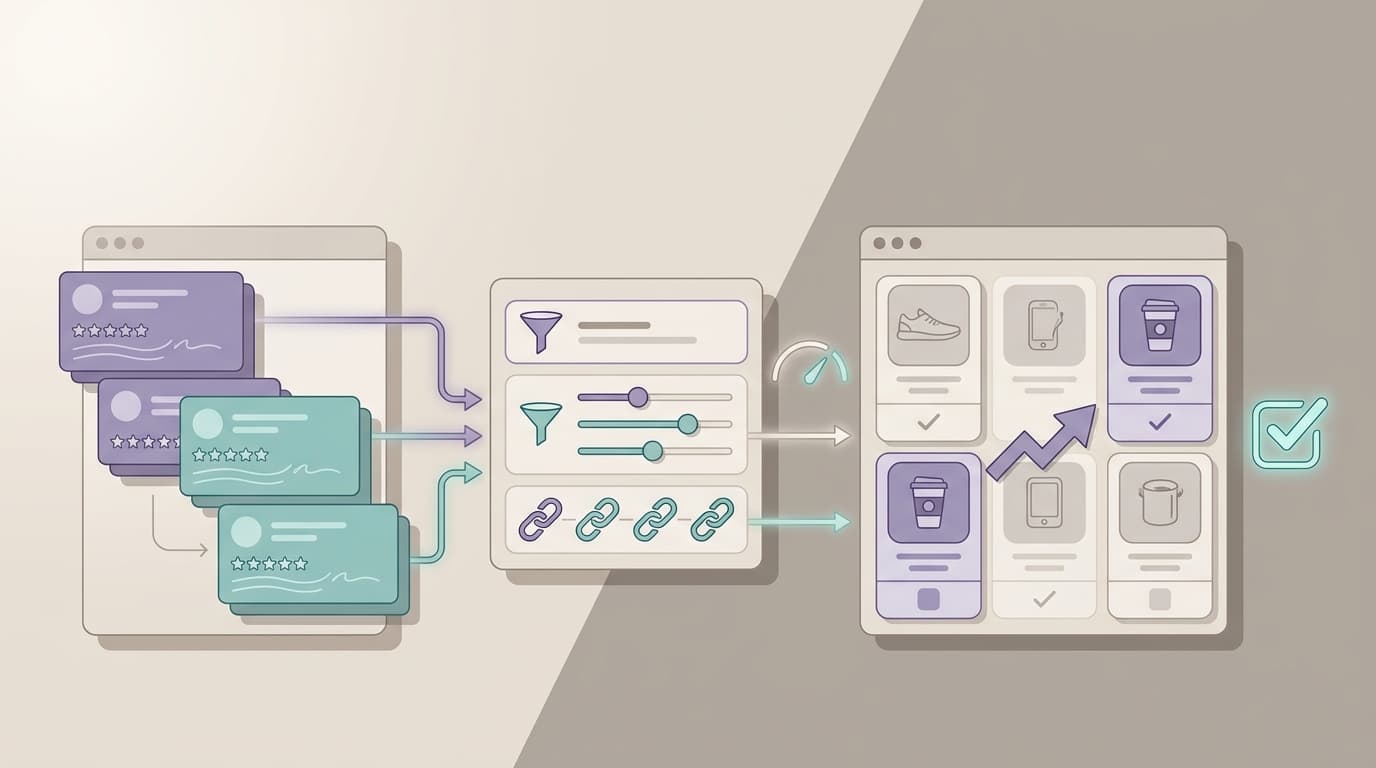
That is why a monitoring workflow should show both counts and language. A star average alone tells you something changed. The verbatim patterns tell you what to do next.
Common mistakes after a traffic spike
Waiting for more data when the theme is already obvious
Teams often delay action because the sample size still feels small. If five different buyers use the same complaint language in the first two days, that is already enough to route work.
Treating review monitoring like reputation monitoring
This is not mainly about looking good. It is about deciding whether to change packaging, bullets, images, FAQs, or product assumptions before the issue spreads.
Changing price before checking buyer expectation
If the problem is that the listing attracts the wrong buyer, price is usually not the first fix.
Ignoring support-language overlap
When review complaints and support tickets match, you have enough evidence to update macros, help content, or onboarding guidance immediately.
What a good amazon review monitoring workflow should show your team
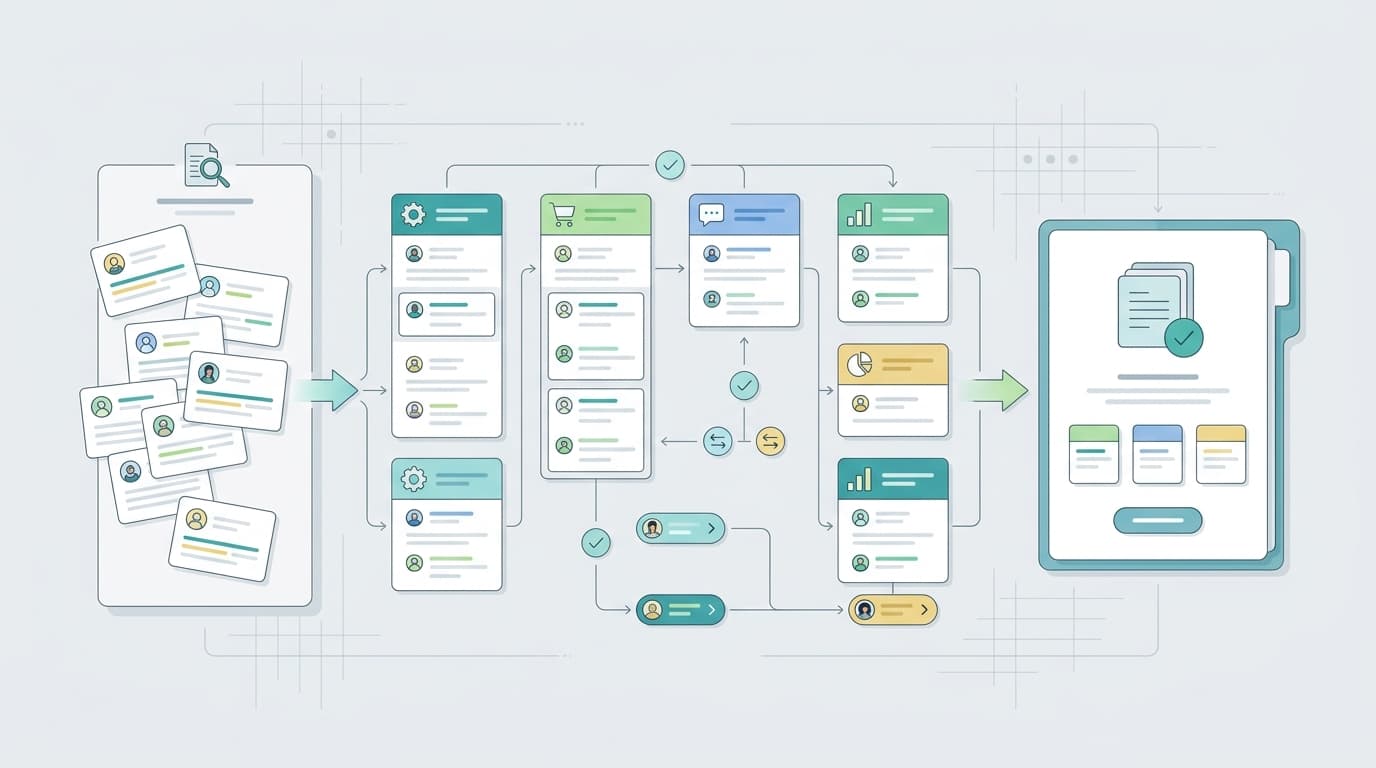
A strong workflow does more than collect reviews. It should help the team move from feedback to action by showing:
- ASIN-level review volume changes
- star-rating movement over the spike window
- complaint themes grouped by repetition
- verbatim examples that show buyer language clearly
- comparison across variations, sibling ASINs, or competitors
- a clean handoff from signal to owner
VOC.AI positions its review-analysis workflow around turning customer reviews into product direction, buyer language, and market-ready decisions. Its product, feature, and resource pages also connect review intelligence to product research, competitor analysis, market insight, and broader customer-feedback workflows. That makes it a good fit for teams that want monitoring to end in action instead of reporting.
If you want a broader workflow foundation first, see What Is Amazon Review Monitoring? or How to Analyze Amazon Reviews Using AI. If you already need a tool path, start with VOC Analysis and review the live pricing options.
As of Friday, July 17, 2026, the live pricing page describes a Free plan with 2,000 credits for 3 days, says paid personal plans start at $29 per month, and says team annual plans start at $599 per year. That gives smaller operators a low-friction way to test a monitoring workflow before rolling it into a larger team process.
The 72-hour checklist to keep
Use this as the compact version your team can actually follow:
| Window | Check | Why it matters | Likely owner |
|---|---|---|---|
| 0-24 hours | review count and low-star shift | catches immediate post-spike dissatisfaction | marketplace |
| 0-24 hours | packaging and damage mentions | surfaces fulfillment risk early | ops |
| 0-24 hours | support-language overlap | confirms issue spread across channels | support |
| 24-48 hours | repeated complaint themes | separates noise from pattern | analyst or CX |
| 24-48 hours | sibling or competitor comparison | isolates product-specific risk | product or strategy |
| 24-48 hours | recent listing-change audit | tests whether promise mismatch is driving complaints | growth |
| 48-72 hours | severity by ASIN or variation | determines scope of escalation | marketplace lead |
| 48-72 hours | routed action backlog | ensures monitoring turns into work | team lead |
Final takeaway
The best time to monitor reviews is not after the dashboard turns red. It is immediately after a traffic spike, while the complaint pattern is still small enough to contain. If you can catch rating drift, packaging failures, and repeat objections in the first 72 hours, you can usually route the problem before it becomes a deeper conversion, support, or catalog issue.
Start with the ASINs that matter most this week. Watch the language, not just the stars. And make sure every alert ends with an owner and a next move.