Your product has a 4.2-star average. That number tells you almost nothing actionable.
What you actually need to know: which specific product dimensions are driving dissatisfaction, how severe that dissatisfaction is relative to your competitors, and whether the customers expressing it are in your target segment or outside it. Star ratings aggregate all of this into a single number and lose the signal in the averaging.
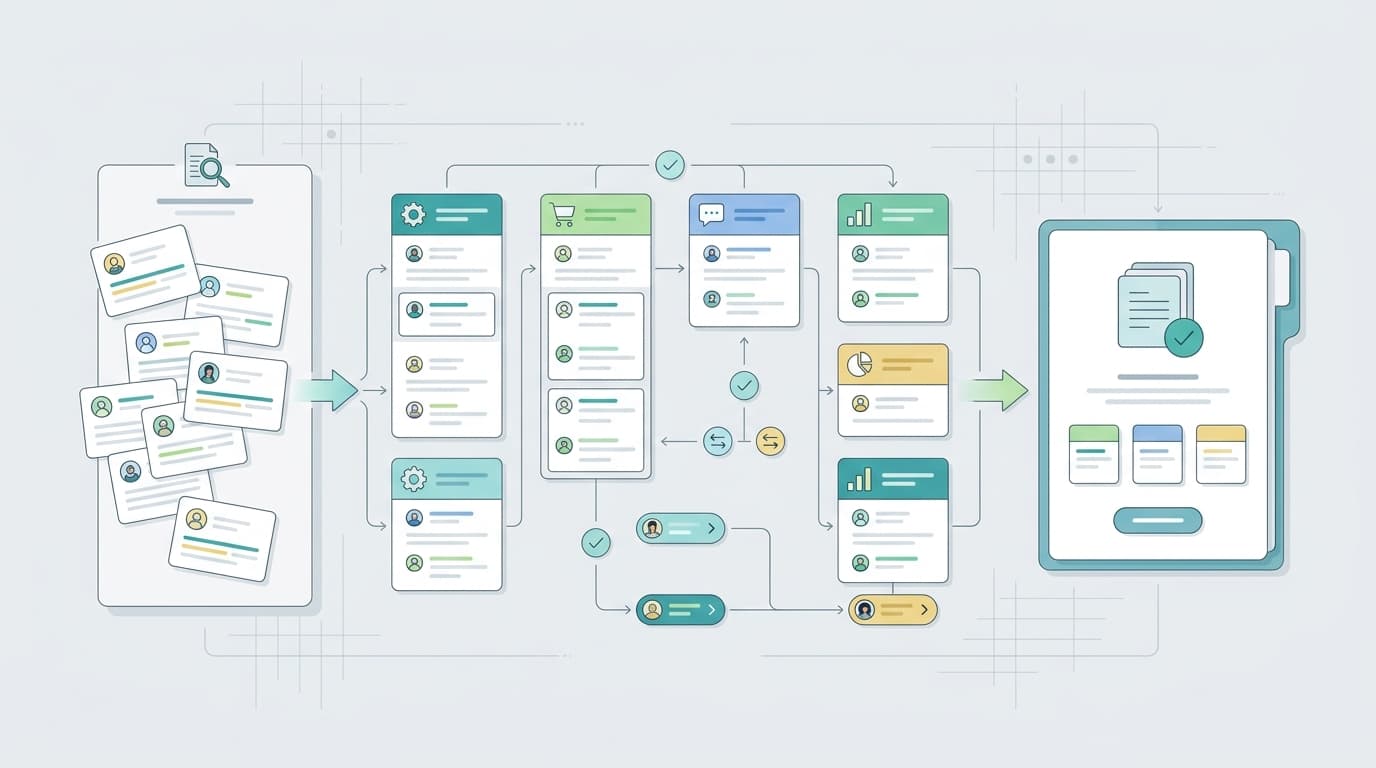
Amazon review sentiment analysis is the process of extracting the emotional valence — positive, negative, or neutral — from review text, at the level of specific product dimensions rather than the review as a whole. Done properly, it transforms thousands of individual customer opinions into a structured view of where your product wins, where it fails, and what competitors are failing at that you could fix.
This guide explains how sentiment analysis works on Amazon reviews, what the main approaches are, where they break down, and how to apply the output to actual business decisions.
TL;DR
Concept | What It Means |
What it is | Extracting positive/negative/neutral tone from Amazon review text at the dimension level |
Why star ratings aren't enough | A single number hides which aspects of a product drive satisfaction or dissatisfaction |
Three analysis approaches | Manual reading (small scale) / keyword-based (medium) / AI semantic (large scale) |
Best tool for sellers | VOC AI — semantic analysis across 2B+ reviews, category-level benchmarking |
What to do with results | Prioritize product fixes, rewrite listing copy, find competitor gaps |
What Sentiment Analysis Means in the Context of Amazon Reviews
"Sentiment analysis" has a specific technical meaning that's often simplified into something less useful: "is this review positive or negative?" That binary classification produces a 5-star average — which you already have.
The more useful version is aspect-based sentiment analysis: for each product dimension customers mention (battery life, assembly, customer service, packaging, value), what percentage of mentions express positive versus negative sentiment?
The difference is significant. A product with a 4.0-star average might have: - 90% positive sentiment on ease of use - 72% negative sentiment on durability - Mixed sentiment on value
If you were making product decisions based on the star rating alone, you'd miss that durability is a serious problem while ease of use is a genuine competitive strength worth emphasizing in your listing. Aspect-based sentiment surfaces the differentiation within the aggregate.
How Amazon Review Sentiment Analysis Works
Approach 1: Manual Sentiment Tagging
The baseline approach. Read each review, assign a sentiment score to each dimension mentioned: - "+1" for positive mention - "-1" for negative mention - "0" for neutral/mixed
Tally by dimension. This works for small sets (50–200 reviews) and gives reliable results if your categorization scheme is consistent. The problems are speed, fatigue-driven inconsistency at scale, and the difficulty of handling a review that's positive about one dimension but negative about another within the same sentence.
Best for: Quick validation of a specific hypothesis, or a deep-dive on a single low-review-count ASIN.
Approach 2: Keyword-Based Sentiment Filtering
Build lists of positive and negative keywords per dimension ("great battery life," "battery died," "lasts forever," "battery issue") and use these to filter reviews. Excel's COUNTIF or a basic Python script can count matches across a large review set.
This scales better — you can process thousands of reviews in minutes — but it's brittle. It misses negation ("the battery life is not good"), irony ("wow great quality for something that broke in a week"), and any phrasing not on your keyword list. For high-frequency, predictable product categories, it works reasonably well. For anything with creative customer language, you'll miss a lot of signal.
Best for: Initial screening in well-understood categories where the complaint vocabulary is predictable.
Approach 3: AI/ML Semantic Sentiment Analysis
Modern NLP models — from VADER (lexicon-based, open source) to fine-tuned BERT models to LLM-powered tools — can read review text and output sentiment scores per dimension without keyword lists. They handle negation, idiom, and complex sentences.
For Amazon sellers, the practical choice isn't whether to build a custom model (few sellers have that capacity) but which pre-built tool delivers the most useful output. The key evaluators:
VADER (open source): Sentiment scores at the review level. Doesn't do aspect-level analysis natively. Good for hobbyist-level projects; limited for competitive benchmarking.
Python + BERT/transformers (custom pipeline): Full control, but requires NLP engineering to build and maintain. Not viable for most sellers; viable for technical teams at aggregators or large brands.
AMZScout AI Review Analyzer: Single-ASIN pros/cons extraction for sellers at the $19.99/month level. Decent output for product research on specific ASINs; lacks competitive benchmarking at category scale.
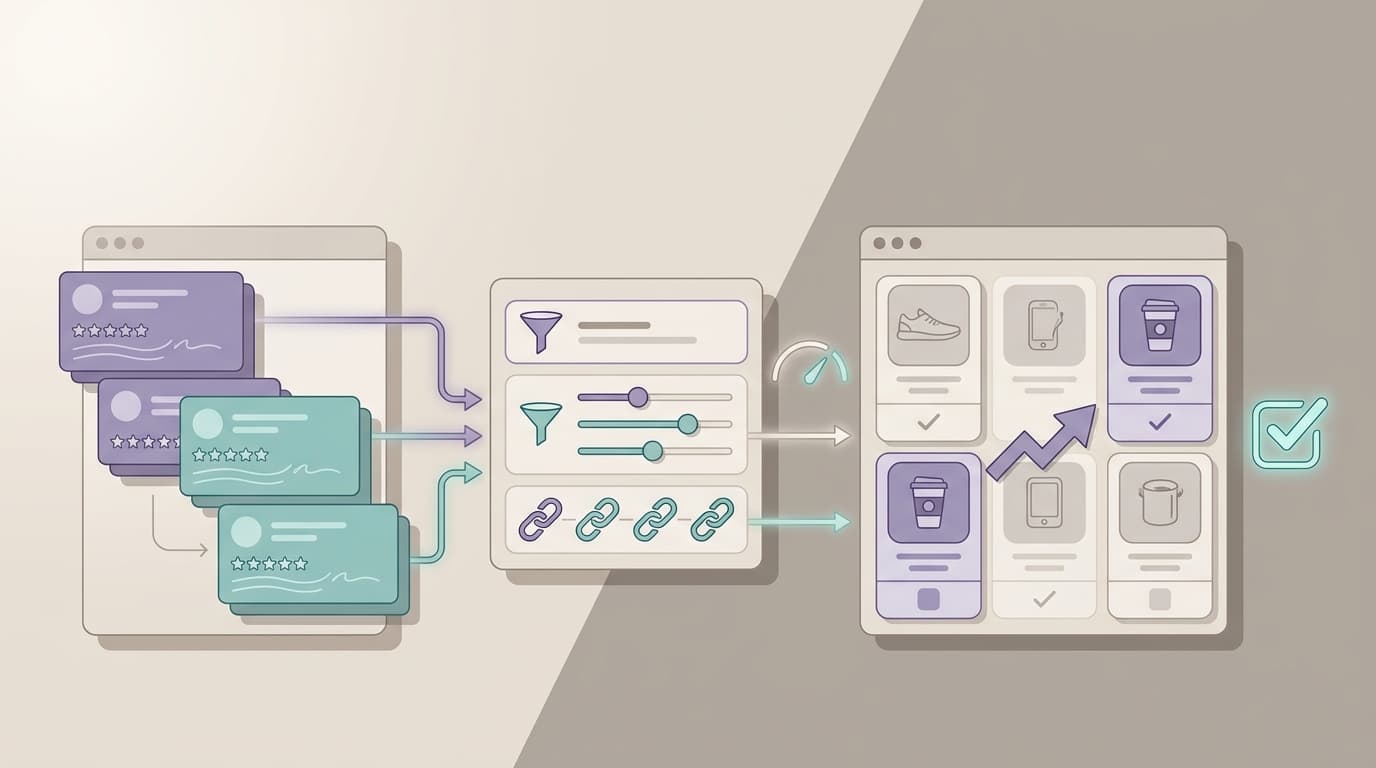
VOC AI: Semantic-level analysis across its full 2B+ review dataset. Rather than running keyword matching, VOC AI groups semantically equivalent customer expressions into unified insight clusters — "the handle snapped," "handle broke within a week," and "cheap handle" resolve to the same underlying product defect. The result is a percentage: what share of review mentions across your ASIN (and your top competitors) express this specific product failure. That's a different output than a list of themes — it's a quantified signal that's directly comparable across ASINs.
This matters for competitive benchmarking. If 24% of your competitor's reviews express negative sentiment about packaging versus 6% of yours, that's a measurable advantage — and a feature worth surfacing in your listing.
How to Run Amazon Review Sentiment Analysis as a Seller
Step 1: Pick your analysis target
Decide whether you're analyzing: - Your own ASIN — to identify your product's weak points and listing opportunities - A competitor's ASIN — to find their vulnerabilities and position against them - An entire subcategory — to map the landscape of unmet needs before product development or optimization decisions
The target determines which tool is appropriate and what the output should look like.
Step 2: Define the dimensions you care about
For physical products, the standard dimensions are: quality/durability, ease of use/assembly, size/fit, packaging, value for price, customer service, and match to listing description. Add category-specific dimensions as needed (e.g., "noise level" for kitchen appliances, "suction" for vacuums, "fit accuracy" for apparel).
Define dimensions before you start analyzing — not during, or you'll anchor to what you've already seen.
Step 3: Collect and process reviews
At scale, use a tool rather than manual reading. Run the sentiment analysis at aspect level — you want sentiment scores per dimension, not just a positive/negative split on the whole review.
If you're using VOC AI, this step is essentially automated: input the ASIN or set of ASINs, and the platform returns pre-built sentiment breakdowns by insight cluster, with percentage of reviews expressing each sentiment per cluster.
If you're using a Python pipeline, you'll need to: 1. Collect reviews via an approved data source (or use pre-indexed data) 2. Extract dimensions using your predefined list 3. Apply an aspect-level sentiment classifier (HuggingFace has several pre-trained options) 4. Aggregate results by dimension and count
Step 4: Build the sentiment map
Create a table: rows = product dimensions, columns = ASINs being analyzed (yours + top competitors). Fill each cell with: - % of mentions that are positive - % that are negative - % neutral/mixed
This becomes the basis for both competitive positioning and product decisions.
Step 5: Interpret the output correctly
A few patterns to watch for:
High negative sentiment + high mention frequency = critical fix: If 60% of reviews mention packaging and 70% of those are negative, that's a shipping or presentation problem affecting a large share of customers. Fix it before scaling ad spend.
Low negative sentiment + low mention frequency = optimization opportunity: If durability is rarely mentioned and mostly positive when it is, that's a latent advantage worth surfacing in listing copy. Most customers aren't actively evaluating it, which means it's not a conversion driver yet — but making it visible could be.
High negative sentiment across all competitors in a category = market gap: If every top-10 listing has 40%+ negative sentiment on, say, "instruction clarity," there's a differentiation opportunity for whoever writes genuinely clear assembly instructions. This is the type of signal that drives new product development decisions.
Negative sentiment on your listing but positive on the product = expectation mismatch: If customers consistently express disappointment about size but the product meets spec, your photos or dimensions description may be misleading. The fix is listing copy, not product engineering.
What to Do With Sentiment Analysis Results
Review sentiment data is only valuable when it informs a specific decision. The common output-to-action mappings:
Negative sentiment on durability → QC brief: Document the specific failure modes in the reviews (e.g., "hinge snapping at 3–4 months") and translate them into your supplier's quality control checklist. Verify that your manufacturer's existing QC process doesn't currently test for this failure mode.
Positive sentiment that's underrepresented in your listing: If 35% of 5-star reviews mention "lightweight" but your listing doesn't feature this prominently, you're leaving a conversion driver on the table. Revise your bullet points to include the language customers are using.
Negative sentiment concentrated in unverified reviews: Check whether high negative sentiment is coming primarily from verified or unverified purchases. If a competitor's negative reviews cluster in unverified purchases, it may indicate review manipulation — which is worth monitoring via an alert system rather than acting on as product signal.
Consistent negative sentiment on competitors but not on you: This is your competitive differentiation narrative. If you've solved a problem competitors haven't, that difference should be explicit in your copy — not just implied.
Tools for Amazon Review Sentiment Analysis
Tool | Approach | Review Depth | Cross-ASIN | Price |
Semantic AI (2B+ reviews) | Deep | ✓ (category level) | Free / $99–$299/mo | |
AI pros/cons extraction | Moderate | ✗ | $19.99/mo | |
Python + VADER/BERT | DIY | Variable | ✓ (with data source) | Free (time cost) |
Suite-embedded AI | Shallow-moderate | ✗ | Requires Diamond $279/mo | |
Aspect-based, 30+ platforms | Deep | ✓ (cross-platform) | Free / $49–$359/mo |
For most Amazon sellers who aren't running a custom ML pipeline, VOC AI and AMZScout represent the two practical entry points. AMZScout is cheaper and faster to start with for single-ASIN research; VOC AI provides the depth needed for competitive benchmarking and category-level opportunity identification.
FAQ
What is Amazon review sentiment analysis? It's the process of extracting positive, negative, or neutral tone from Amazon review text at the level of specific product dimensions — quality, ease of use, packaging, and so on. The goal is to quantify how customers feel about each aspect of a product, not just the overall star rating.
Is sentiment analysis the same as reading reviews? No. Reading reviews is qualitative and limited by human attention and recall. Sentiment analysis applies consistent scoring criteria across the full review set, making results comparable across ASINs and trackable over time. At scale, automated sentiment analysis is the only way to process thousands of reviews without selection bias.
Can I run sentiment analysis on competitors' reviews? Yes. Amazon reviews are publicly available, and analyzing competitor reviews is standard competitive research. What's prohibited is manipulating reviews — creating, incentivizing, or removing them. Reading and analyzing existing public reviews is not a TOS violation.
How accurate is AI-based sentiment analysis on Amazon reviews? It depends on the model and the category. Lexicon-based tools like VADER perform well on direct, clear language but struggle with sarcasm, negation, and domain-specific vocabulary. Fine-tuned BERT models typically achieve 85–92% accuracy on sentiment classification benchmarks. For sellers, the practical accuracy of a tool like VOC AI is generally sufficient for decision-making — the goal is directional insight, not scientific precision.
What's the best free tool for Amazon review sentiment analysis? For basic review reading and manual tagging: no tool, just a spreadsheet. For automated sentiment scoring with some depth: AMZScout has a limited free option. For the most comprehensive free-tier access on a seller-grade tool, VOC AI's free plan allows limited review analysis. Python + VADER is free if you have the technical setup and a data source.