Amazon Review Analysis API Use Cases for Seller and Agency Workflows
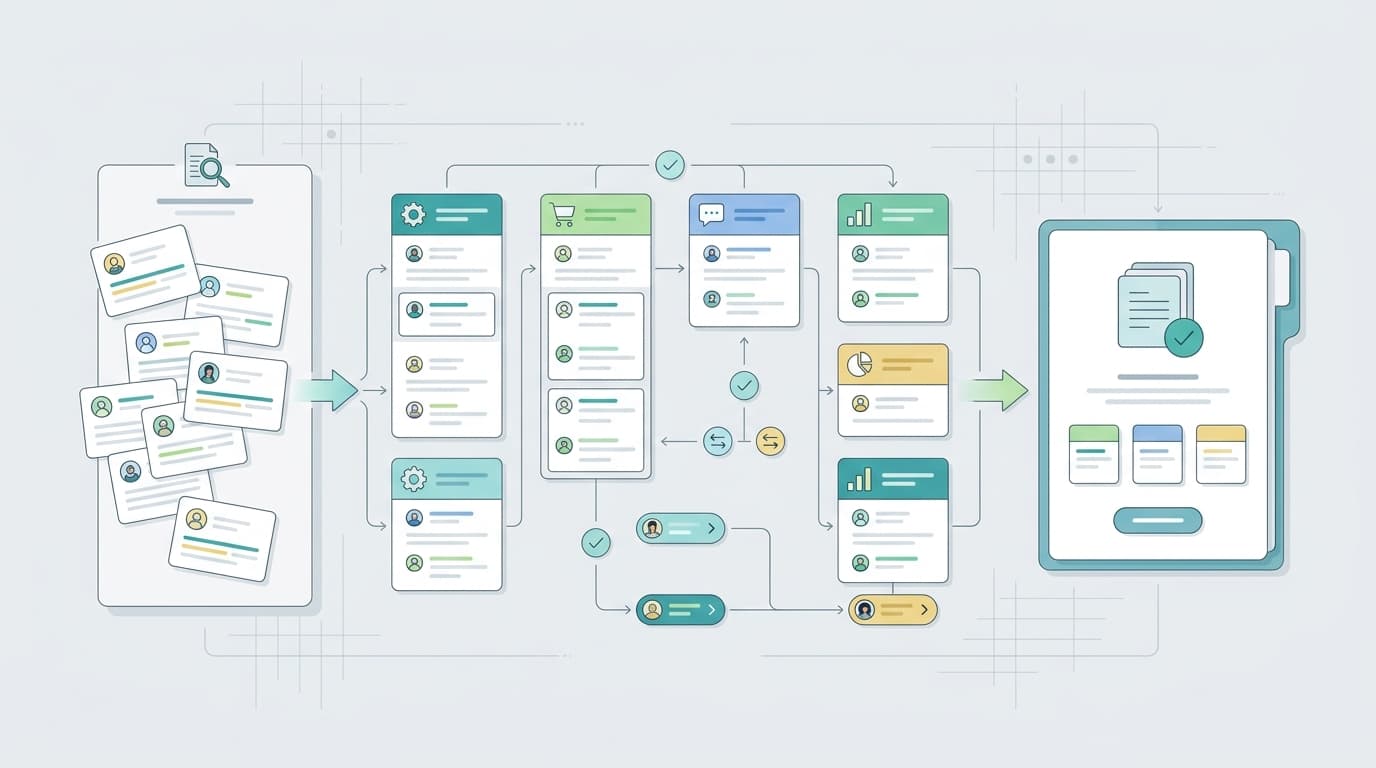
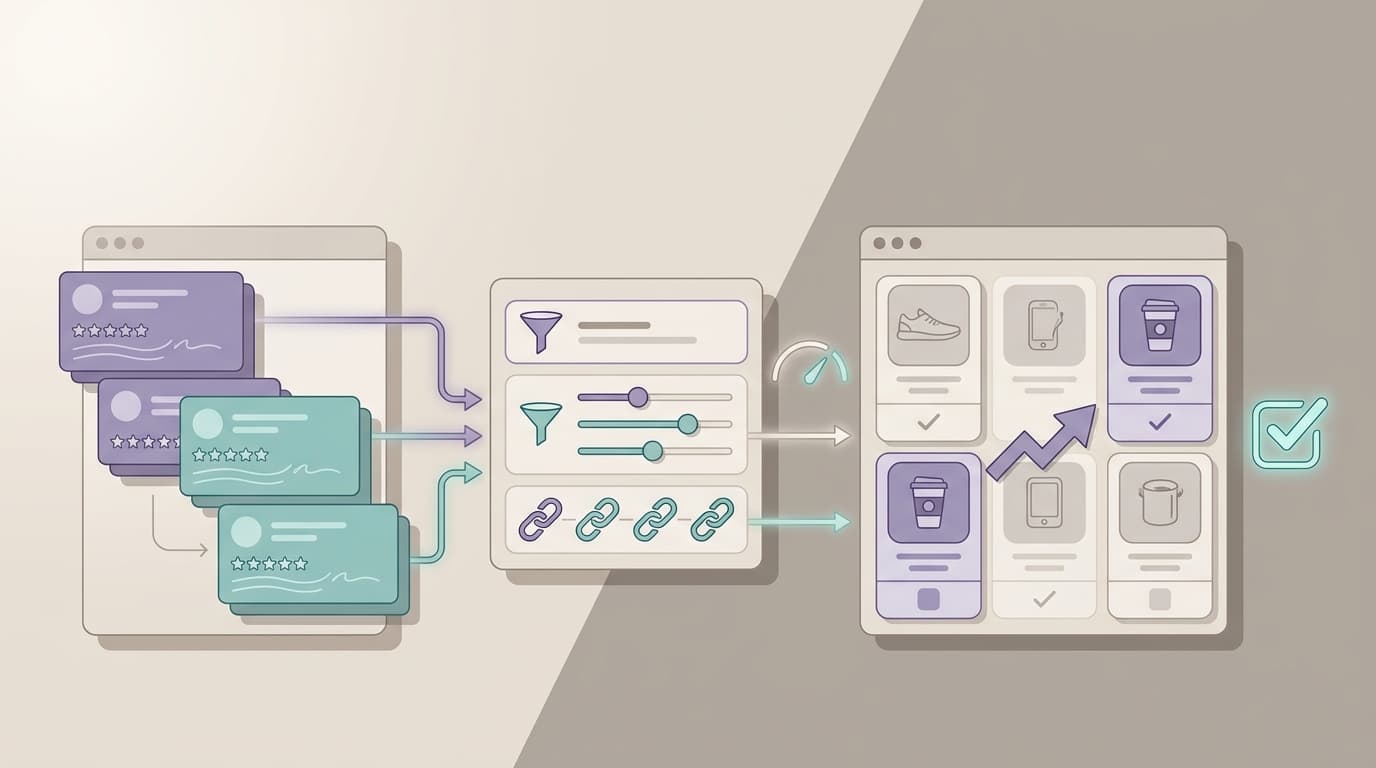
An amazon review analysis api is most useful when it does more than return raw comments. The real value comes from turning review, keyword, sales, and listing data into repeatable seller and agency workflows that save time, preserve evidence, and make reporting less manual.
For most teams, the problem is not access alone. The problem is what happens after access. Review data needs to move into dashboards, client updates, AI agents, alerting, and decision packets without losing product context or forcing someone to rebuild the same report every week.
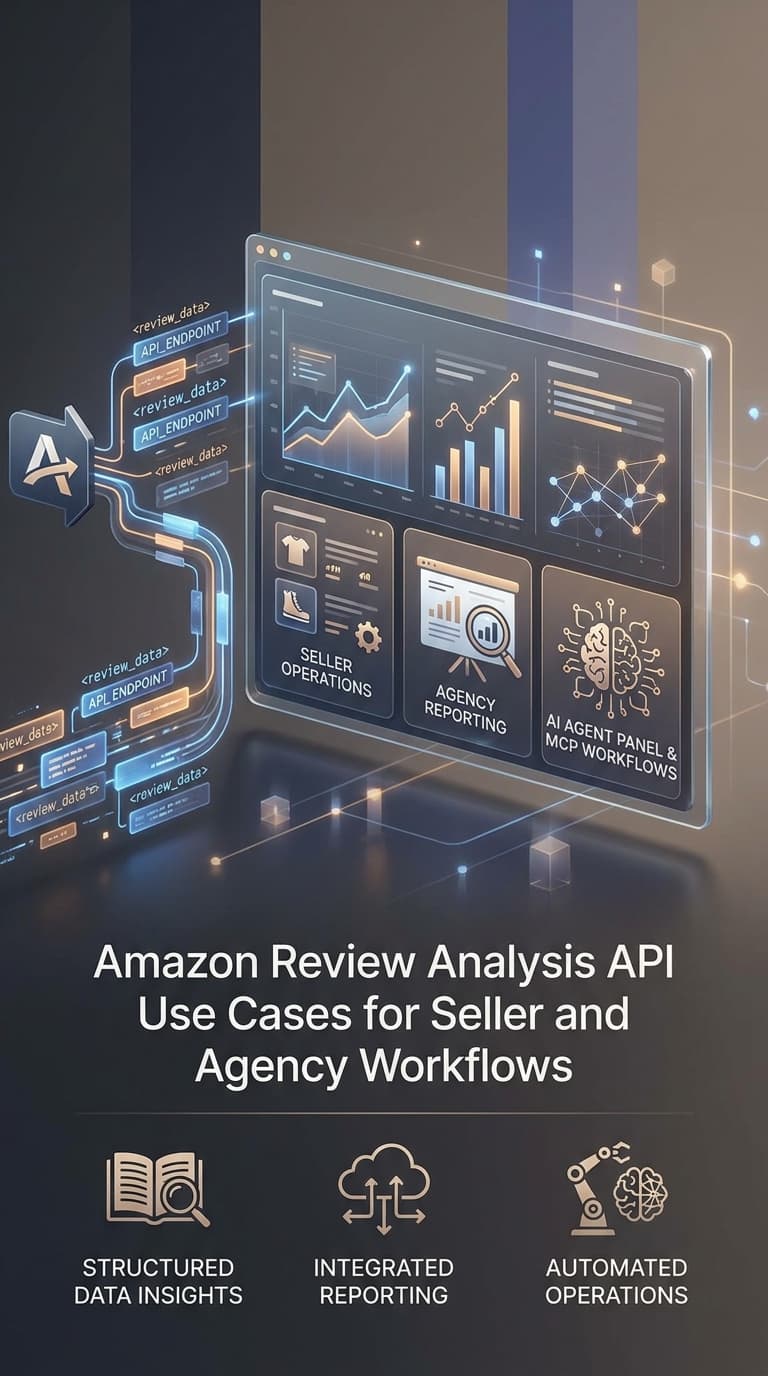
VOC.AI's current public API and MCP pages position the platform around programmatic access to Amazon reviews, keywords, sales, and listing data through REST API, Python SDK, and MCP Server surfaces. That creates a practical question for buyers: which workflow should an amazon review analysis api support first?
This guide answers that question with use cases that fit how seller teams and agencies actually work.
What an amazon review analysis api should help a team do
An amazon review analysis api should make at least five jobs easier.
| Job | Why it matters | What the API layer should preserve |
|---|---|---|
| Move review data into internal systems | Teams already work in BI tools, spreadsheets, internal dashboards, and AI clients. | Product scope, marketplace, review text, timestamps, and related metadata. |
| Turn reviews into repeatable reporting | Weekly seller or agency reports should not depend on copy-paste work. | Stable filters, reusable prompts, and evidence links. |
| Connect insight to action | A repeated complaint theme should route to listing, support, product, or monitoring owners. | Theme context, severity notes, and raw-review traceability. |
| Support technical workflows | Agencies and larger teams often need scripts, automations, and lightweight integrations. | Predictable response formats and implementation-ready surfaces. |
| Keep decision support honest | Automation should speed up synthesis without pretending the system makes business decisions alone. | Confidence, source labeling, and room for operator review. |
That is the main difference between an amazon review analysis api and a simple export utility. An export gives you a file. An API workflow helps you keep the same decision loop running every week.
Which integration surface fits the job
VOC.AI's current public pages frame the technical stack around three surfaces: REST API, Python SDK, and MCP Server. A buyer should match the surface to the workflow instead of starting from tooling preference alone.
| Surface | Best fit | Strength | Watch out for |
|---|---|---|---|
| REST API | Internal apps, dashboards, and system-to-system automation | Flexible for custom workflows and recurring data pulls | More implementation work if your team only needs a quick research assistant path |
| Python SDK | Analysts, operators, and technical teams building scripts or notebooks | Faster than wiring raw endpoints by hand | Still requires someone to own the script and output format |
| MCP Server | AI clients and agent workflows that need Amazon truth inside a conversation or automation loop | Fastest path to agent-ready context and guided analysis workflows | Teams still need prompt discipline and output review, not blind trust |
The best starting point is usually the one that matches the shortest path from data to action. If your team already uses internal reporting, the REST API may be the right first surface. If your team wants Amazon data inside an AI client today, MCP may be the cleaner first step.
Use case 1: Build a weekly seller insight report
One of the clearest amazon review analysis api use cases is the weekly seller briefing. A seller or brand team often needs one report that answers:
- what complaints repeated this week
- what praise patterns are becoming stronger
- whether competitor feedback suggests a product gap
- which listing, support, or product owners need a follow-up
Without an API workflow, this usually becomes a manual routine across tabs, screenshots, CSV exports, and one-off notes.
With an amazon review analysis api, the process can become:
- Pull the relevant review dataset and supporting context.
- Group recurring complaint and praise language.
- Compare the newest pattern against the previous reporting window.
- Route each top theme to an owner.
- Deliver the result in a shared dashboard or weekly brief.
That workflow fits both in-house teams and agencies. The key requirement is not just data access. It is the ability to keep the report consistent from week to week.
Use case 2: Feed an AI agent with review-grounded evidence
The second major amazon review analysis api use case is agent workflow support. VOC.AI's public API pages now explicitly connect Amazon data to API and MCP surfaces, which makes this an especially relevant evaluation path for teams already working with AI clients.
In practice, an agent-ready review workflow should help with tasks such as:
- draft a product feedback summary for one ASIN
- prepare a seller-facing complaint-theme report
- compare buyer objections across competitor products
- summarize listing-language opportunities from repeated praise patterns
- build a client-ready narrative from recent review evidence
The important guardrail is that the AI layer should sit on top of source evidence, not replace it. A good amazon review analysis api workflow still lets the operator inspect the underlying review patterns before changing a listing, escalating a support issue, or publishing a client recommendation.
Use case 3: Agency client reporting without spreadsheet sprawl
Agencies have a different workflow problem than single-brand seller teams. They often need the same report structure across multiple clients, categories, or ASIN groups.
That makes an amazon review analysis api especially useful for:
- standardized monthly or weekly client decks
- complaint-theme comparison across brands
- competitor review snapshots for pitch or retention work
- recurring monitor reports after launches or campaigns
- internal analyst workflows that should not restart from zero each time
| Agency task | Why API access helps | What to keep visible |
|---|---|---|
| Client health summary | Reuse a report template across accounts | Date range, ASIN scope, and source notes |
| Competitor review audit | Compare complaint clusters across a defined set | Comparable product set and pricing context |
| Launch follow-up | Track whether new review themes appear after a launch or traffic push | Review timing and severity, not just averages |
| Retention reporting | Show concrete trend movement instead of generic sentiment slides | Raw example language and owner-ready next steps |
For agencies, the operational test is simple: can the workflow scale across accounts without turning every deliverable into a one-off analyst project?
Use case 4: Route review data into category-manager dashboards
A category manager does not always need a long narrative. Sometimes the right amazon review analysis api use case is a dashboard or internal scorecard that keeps the signal visible between meetings.
The best dashboard-style implementations usually include:
- repeated complaint themes
- repeated praise patterns
- product or variation filters
- time-window comparison
- action-owner columns
- links back to representative evidence
This is where API access becomes more useful than static exports. A dashboard has to refresh cleanly and preserve scope. If the category manager cannot tell which marketplace, product set, or review window produced the signal, the dashboard becomes presentation noise instead of operational help.
Use case 5: Connect review monitoring to action systems
Another practical amazon review analysis api workflow is monitoring support. The live VOC.AI blog already covers review monitoring as a seller workflow, and API access can extend that motion into downstream systems.
Examples include:
- sending repeated complaint themes into an internal alert queue
- updating a support or operations tracker when review language shifts
- storing recurring issues inside a BI layer for weekly review
- flagging a product line when review wording suggests packaging, expectation, or quality issues
The safest implementation pattern is not "auto-fix the problem." It is "move source-backed signals to the team that owns the next decision."
A practical implementation checklist
Before choosing an amazon review analysis api, ask the team to define the first workflow clearly.
| Checklist item | What good looks like |
|---|---|
| Primary workflow | One clear first use case, such as weekly seller brief, agency report, dashboard, or agent support |
| Source scope | The team knows which products, marketplaces, and review windows matter first |
| Delivery surface | Report, dashboard, script, AI client, or internal app is chosen before implementation starts |
| Owner routing | Listing, support, product, and monitoring owners are already defined |
| Validation rule | Analysts can still inspect representative raw reviews before action is taken |
| Growth path | The team knows whether the first build should expand toward API, SDK, or MCP usage later |
If those basics are unclear, the buyer may still need a workflow decision before it needs an API decision.
What seller teams should verify before buying
The best buyer questions are operational, not abstract.
- Which review workflow are we trying to speed up first?
- Do we need a dashboard, a script, an AI client path, or all three later?
- Will our team validate raw review evidence before making listing, support, or product changes?
- Do we need multi-account or agency-style reporting?
- Which owner receives the output when a complaint theme becomes serious enough to act on?
- Do we want direct technical integration now, or a faster MCP or AI-client path first?
Those questions are more useful than asking whether an amazon review analysis api exists at all. The stronger question is whether the API helps the team run a repeatable decision loop.
Where VOC.AI fits
VOC.AI's current public product pages place the platform in a practical middle ground between raw access and operator workflows.
The official pages currently describe:
- review, keyword, sales, and listing data available through API-oriented surfaces
- REST API, Python SDK, and MCP Server options
- VOC Analysis as a path from customer reviews to product direction, buyer language, and market-ready decisions
- an API and MCP product story that is meant to connect Amazon truth into internal systems and AI workflows
That makes VOC.AI relevant for teams that want an amazon review analysis api not only for extraction, but also for reporting, analysis support, and agent workflows tied back to ecommerce decisions.
For implementation details and platform fit, the most relevant current public routes are:
If your team already knows the first workflow it wants to automate, that is usually enough context for a focused technical evaluation.
FAQ
What is an amazon review analysis api?
An amazon review analysis api is a programmatic way to access review-related data and connect it to reports, dashboards, scripts, or AI workflows. The useful version is not only about retrieval. It is about supporting a repeatable decision process.
Who needs an amazon review analysis api most?
Seller teams, agencies, analysts, and technical operators benefit most when they have recurring reporting, monitoring, dashboard, or AI-assistant workflows that are too manual with exports alone.
What is the difference between a review export tool and an amazon review analysis api?
A review export tool mainly gives you a file. An amazon review analysis api is better suited to recurring dashboards, internal apps, scripts, and AI-client workflows that need refreshable, structured data.
When is MCP a better fit than direct API integration?
MCP is often a better first step when the team wants Amazon data inside an AI client or agent workflow quickly, without building a full internal application first.
Should a team automate decisions from review data completely?
No. Review workflows should accelerate analysis and routing, but seller, support, product, and agency teams still need to validate evidence before making customer-facing or business-critical decisions.
How should a buyer evaluate VOC.AI for this use case?
Start with the first workflow you want to automate, then test whether VOC.AI's current API, SDK, or MCP surfaces can deliver the output in the format your team actually uses.