Updated September 16, 2026.
An ecommerce creative brief should not start with "make three ads" or "refresh the product detail page." It should start with the customer evidence that tells the team what the next image, video, headline, proof block, or comparison shot must answer.
Customer reviews are useful here because they show the words buyers use after real product experience. They expose the objections shoppers had before purchase, the proof they cared about after purchase, the product details they noticed, and the competitor gaps that made them switch.
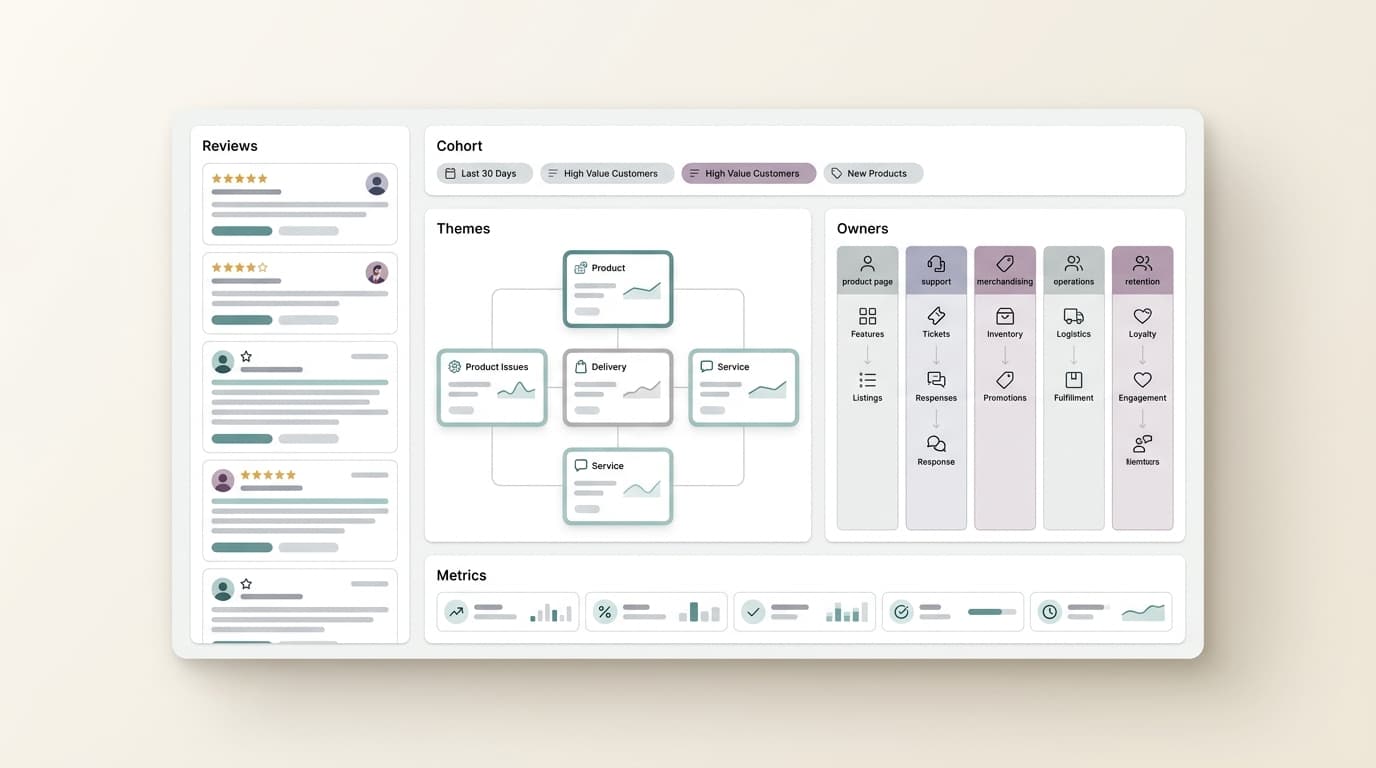
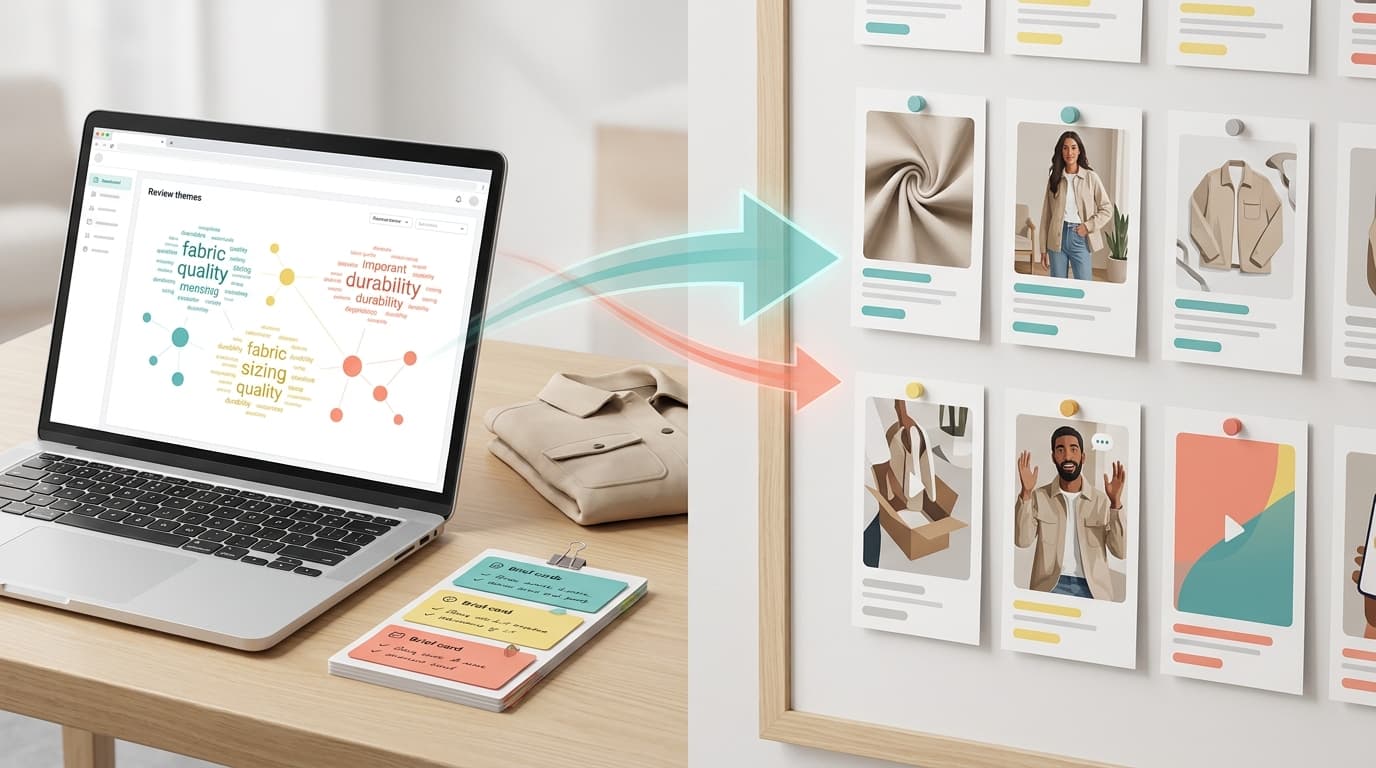
This workflow shows how to turn customer review analysis into an ecommerce creative brief your content, PDP, and paid social teams can use without guessing.
Start with the decision the creative must support
Before the team opens a design tool, writes a script, or generates product visuals, write one decision sentence:
We need to create or revise [creative asset] for [product or customer cohort] because reviews show [customer signal], and we need to learn whether [business signal] changes.
Examples:
- We need to revise the first three PDP images for the travel backpack because recent reviews show shoppers care about laptop protection more than capacity, and we need to learn whether add-to-cart improves.
- We need to create a 15-second UGC video for the skincare bundle because five-star reviews keep mentioning "no greasy finish," and we need to learn whether that proof lowers ad CPA.
- We need to update comparison images for the pet water fountain because competitor reviews complain about cleaning difficulty, and we need to learn whether the new comparison improves product-page conversion.
That sentence keeps the ecommerce creative brief tied to one customer problem and one business outcome.
What reviews can tell the creative team
Do not reduce reviews to sentiment. For creative planning, the useful signals are more specific.
| Review signal | Creative question | Example asset |
|---|---|---|
| Purchase motivation | Why did buyers choose this product instead of alternatives? | Hero image, opening hook, benefit-first ad |
| Objection | What nearly stopped buyers from purchasing? | FAQ image, proof block, comparison card |
| Use case | Where, when, and how is the product actually used? | Lifestyle photo, scenario-based video, bundle image |
| Feature praise | Which feature deserves visual priority? | Close-up detail shot, demo clip, annotated PDP module |
| Complaint | What needs clearer expectation-setting? | Sizing guide, setup explainer, durability caveat |
| Competitor gap | What do rival buyers complain about that you solve? | Comparison visual, landing-page proof, ad angle |
| Exact phrase | Which words should appear in copy, captions, or voiceover? | Script line, bullet rewrite, headline variant |
The point is not to quote every review. The point is to translate review evidence into creative constraints.
Step 1: Lock the review cohort
Most weak creative briefs come from mixing evidence that should stay separate. A review from two years ago, a review from another market, and a review for a different variant may describe different products.
Lock the cohort before analysis:
| Cohort field | What to define |
|---|---|
| Product scope | SKU, ASIN, collection, bundle, or competitor set |
| Market | Country, marketplace, language, or channel |
| Time window | Recent launch window, post-change period, season, or last 30-90 days |
| Rating band | Five-star praise, two- and three-star friction, or one-star failure patterns |
| Customer segment | First-time buyer, gift buyer, heavy user, replacement buyer, or comparison shopper |
| Exclusions | Old version, discontinued color, irrelevant use case, support-only complaint |
| Decision owner | Ecommerce lead, growth marketer, product marketer, creative strategist, or brand manager |
This turns a vague instruction like "make new product creative" into a defensible ecommerce creative brief.
Step 2: Turn themes into creative constraints
A theme becomes useful when it changes what appears in the asset.
| Review theme | Weak creative note | Better creative constraint |
|---|---|---|
| "Quality" | Show quality | Show the stress point buyers mention and the proof that addresses it |
| "Easy to use" | Make it simple | Show the first-use moment in three steps, without implying setup takes no effort |
| "Good for travel" | Use a travel scene | Show the exact travel context buyers describe: airport carry-on, road trip, hotel sink, stroller, gym bag |
| "Fits well" | Show sizing | Show the body, device, shelf, drawer, or bag dimensions customers compare against |
| "Looks premium" | Make it elegant | Use materials, finishes, packaging, and close-up details buyers mention in positive reviews |
| "Hard to clean" | Explain cleaning | Add a cleaning shot, maintenance note, or comparison against the common competitor complaint |
The ecommerce creative brief should state what the asset must prove, not just what it should show.
Step 3: Build the brief in a copyable format
Use this structure for every review-backed creative request:
Creative decision:
Product or SKU:
Target shopper:
Channel:
Asset type:
Business signal to watch:

Review cohort:
Included reviews:
Excluded reviews:
Date window:
Rating band:
Market or channel:

Customer signal:
Primary theme:
Supporting phrases:
Counterevidence:
Confidence: high / medium / low

Creative direction:
Main promise:
Proof to show:
Scene or use case:
Must-include detail:
Claims to avoid:
Tone:

Production notes:
Image or video format:
Required variants:
CTA:
Review checkpoint:
Launch date:
Recheck date:
The counterevidence field matters. If 60 reviews praise durability but 12 recent reviews complain about a new zipper, the creative team should not create a blanket durability claim. It should either show the specific use case where durability is supported or avoid the claim until the product owner checks the issue.
Step 4: Choose the right creative format
Different signals need different assets.
| If reviews show... | Use... | Why |
|---|---|---|
| A repeated pre-purchase objection | PDP proof module or FAQ image | The shopper needs reassurance before the cart |
| A visual feature buyers praise | Detail image or short demo clip | The asset can make the feature visible faster than copy |
| A real-world use case | Lifestyle image or UGC-style video | The shopper needs to picture the product in context |
| A competitor weakness | Comparison image or ad hook | The team can show the difference without naming unsupported claims |
| A confusing setup step | Explainer image or tutorial clip | The asset can reduce preventable support questions |
| A phrase buyers repeat | Headline, caption, or voiceover test | The ad can use customer language instead of internal wording |
When the review-backed direction is clear, AI creative tools become more useful. If the team needs product detail page assets, NewFace's AI product detail page generator is a relevant production option because the page describes generating lifestyle images, video demos, and variants from a product photo. Use the review-backed brief to decide which scenes and proof points the generated assets should cover.
For video ads or social cuts, the same rule applies. Do not ask for "a better UGC video." Ask for a specific customer moment:
Show a first-time buyer using the product in [context].
Open with the objection: [buyer phrase].
Demonstrate the proof: [feature or result the reviews support].
Avoid claims about [unsupported outcome].
End with [channel-appropriate CTA].
That prompt is stronger because the customer evidence has already done the strategic work.
Step 5: Keep claims inside the evidence
Creative teams often move faster than the proof. Review analysis helps, but it does not make every claim safe.
Before the ecommerce creative brief goes into production, check:
- Does the review cohort support the claim?
- Is the claim about perception, product behavior, or a measurable outcome?
- Would the claim need legal, compliance, product, or marketplace review?
- Is there recent counterevidence that weakens the claim?
- Does the asset imply a guarantee the company cannot defend?
Safe creative language usually looks like:
- "Customers often mention..."
- "Reviews highlight..."
- "Designed for shoppers who care about..."
- "A common use case is..."
- "Use this proof when buyers ask..."
Riskier language usually looks like:
- "Guaranteed to..."
- "The best..."
- "Works for everyone..."
- "Clinically proven..." without approved evidence
- "Never breaks..." when reviews include durability complaints
The ecommerce creative brief should protect the team from fluent but unsupported copy.
Where VOC.AI fits in the workflow
VOC.AI is useful when the creative direction depends on review-backed buyer language, product gaps, competitor complaints, and repeatable analysis.
Start with Voice of Customer Analysis when the team needs to turn customer reviews into product direction, buyer language, and market-ready decisions. Use Product Research when the creative question is tied to product demand, feature gaps, or launch planning. Use Market Insight when category trends, competitor movement, and market share should influence positioning. Use the Review Analysis API when the same review-to-brief workflow needs to feed internal tools, dashboards, or recurring content operations.
The useful handoff is simple:
VOC.AI surfaces the review-backed customer signal.
The ecommerce creative brief turns that signal into asset constraints.
The creative tool produces images, PDP modules, videos, or ad variants.
The growth team measures whether the customer signal changed after launch.
A 7-day review-backed creative workflow
| Day | Work | Output |
|---|---|---|
| Day 1 | Write the creative decision sentence | One asset decision and owner |
| Day 2 | Lock the review cohort | Product, market, date, rating, and exclusions |
| Day 3 | Cluster themes by customer situation | Shortlist of creative signals |
| Day 4 | Add counterevidence | Confidence notes and claim limits |
| Day 5 | Write the ecommerce creative brief | Prompt-ready asset direction |
| Day 6 | Produce variants | PDP images, video concepts, hooks, or proof modules |
| Day 7 | Review and launch the test | Approved assets and recheck plan |
One strong review-backed creative test per week is enough to build momentum. A large creative backlog without evidence usually creates more review cycles, not better decisions.
FAQ
What is an ecommerce creative brief?
An ecommerce creative brief is a short production document that tells a creative team what asset to make, which customer signal it should address, what proof it can show, which claims to avoid, and how the result will be measured.
How do customer reviews improve an ecommerce creative brief?
Customer reviews give the brief buyer language, objections, use cases, feature praise, complaints, and competitor gaps. That makes the creative direction more specific than a generic request for new images or videos.
Should every product review become a creative idea?
No. Use review patterns, not isolated quotes. A useful ecommerce creative brief should name the cohort, theme, evidence, counterevidence, confidence level, and business signal to watch.
Can AI tools create ecommerce creative from reviews automatically?
AI tools can help produce images, videos, captions, and variants, but the strategic input still matters. Give the tool a review-backed brief with the scene, proof, claim limits, and customer phrase before asking for output.
What should the team measure after launching review-backed creative?
Match the metric to the asset. For PDP proof, watch conversion, add-to-cart, scroll depth, and support questions. For ads, watch hook hold, click-through, CPA, comments, and review-language match. For comparison assets, watch objection frequency and conversion on comparison traffic.
Final take
An ecommerce creative brief is strongest when it starts with the customer's words and ends with a measurable action. Reviews tell you what buyers noticed, what they doubted, what they valued, and what competitors failed to explain. Turn that evidence into creative constraints first. Then ask the production tool to make the asset.