Updated September 10, 2026.
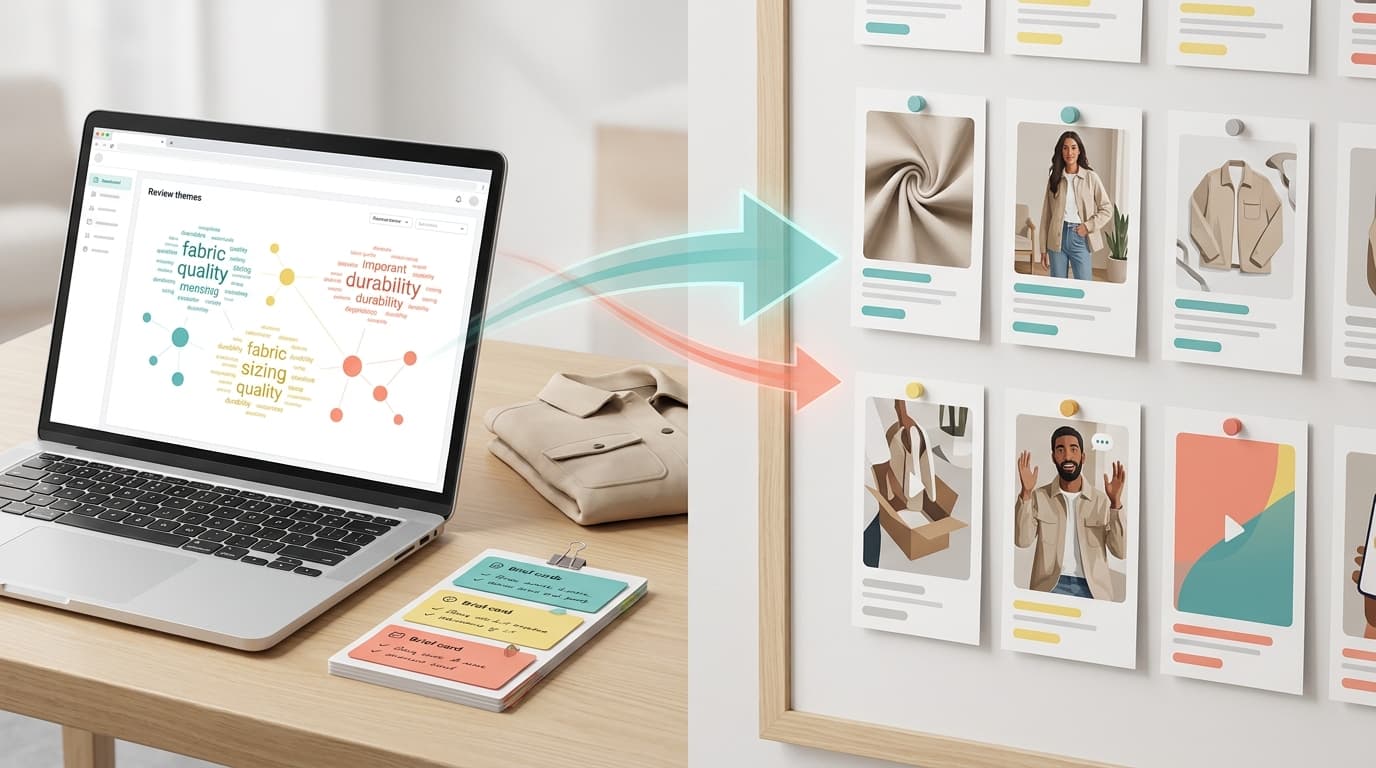
Ecommerce insights should not mean "more charts." In 2026, the useful version is a workflow that connects customer reviews, support questions, product analytics, marketplace movement, and competitor evidence to one decision your team can make now.
This guide shows how to use ecommerce insights without turning them into another dashboard. The goal is simple: pick a growth question, gather the right evidence, preserve the source records, challenge the theme, assign an owner, and check whether the signal changed after the action.
If you need the broader strategy first, read Ecommerce Insights Strategy for Growth Teams. If you want stage-specific examples, use Ecommerce Insights Use Cases by Funnel Stage. If you already run a weekly meeting, use the Ecommerce Insights Weekly Scorecard. This page owns the practical "how to use ecommerce insights" workflow.
What ecommerce insights should help you decide
Ecommerce insights are decision-ready patterns from customer, product, market, competitor, and performance evidence. They should help a team decide what to change in a product page, Amazon listing, Shopify store, support workflow, retention campaign, product roadmap, or competitor response.
The mistake is starting with every available report. Start with one decision instead.
| Decision question | Evidence to inspect | Useful output |
|---|---|---|
| Which product-page objection should we answer first? | Product reviews, pre-sale support chats, product-page behavior, comparison comments | Objection and proof matrix |
| Which listing promise should we rewrite? | Positive review language, low-rating complaints, search terms, competitor listings | Buyer-language copy brief |
| Which product issue needs escalation? | Recent low-rating reviews, returns, support tickets, variant or batch context | Product issue packet |
| Which competitor gap is worth using? | Competitor reviews, marketplace signals, buyer comparisons, price and feature context | Positioning or product-gap brief |
| Which retention friction is growing? | Repeat-purchase behavior, post-purchase support, returns, follow-up reviews | Retention-risk action list |
That framing keeps ecommerce insights tied to work. If an insight does not change a decision, it is probably a metric, a summary, or a research note.
Step 1: Write the decision sentence
Before you open an analytics report or export reviews, write one sentence:
We need to decide whether to change [artifact/workflow] for [customer or product cohort] because [signal] may be affecting [business outcome].
Examples:
- We need to decide whether to change the product-page proof block for new shoppers because recent reviews suggest durability anxiety may be affecting conversion.
- We need to decide whether to escalate one SKU to product because two- and three-star reviews from the last 45 days keep mentioning the same failure point.
- We need to decide whether to rewrite comparison copy because competitor reviews show shoppers value setup speed but complain about replacement parts.
This sentence does two jobs. It prevents broad analysis, and it tells you which ecommerce insights sources are allowed in the first pass.
Step 2: Build a source map before analysis
Different sources answer different questions. Product analytics can show what happened, but it rarely explains why. Reviews can show customer language after real use, but they need cohort control. Support tickets expose repeated friction, but they overrepresent people who needed help. Competitor evidence can reveal market gaps, but it needs a fit check against your own product.
Use this source map before analysis:
| Source | What it is best for | Field to preserve |
|---|---|---|
| Customer reviews | Buyer language, use cases, complaints, praise, expectations, product gaps | Product, SKU/ASIN, rating, date, review text, market |
| Competitor reviews | Alternative expectations, unmet needs, competitor strengths and weaknesses | Competitor, product, rating, date, theme, exact quote |
| Support tickets and chats | Repeated questions, confusing flows, preventable effort, service failures | Channel, issue type, date, customer segment, owner |
| GA4 or product analytics | Funnel movement, add-to-cart behavior, checkout behavior, purchase events, retention signals | Event, segment, page, product, date window |
| Shopify or store reports | Sales, product, inventory, customer, marketing, and behavior reporting context | Report name, product/collection, date window, segment |
| Surveys and forms | Controlled answers to planned questions | Question, respondent cohort, response text, date |
| Social and marketplace signals | Public language, emerging objections, creator comments, category movement | Channel, source URL, product/category, date |
Google's GA4 ecommerce implementation docs define ecommerce events such as view_item, add_to_cart, begin_checkout, and purchase, which makes analytics useful for locating where buyer behavior changes. Shopify's reports documentation organizes store reporting across areas like sales, products, inventory, customers, marketing, and behavior. Use those sources to find the "where." Use customer language sources to explain the "why."
Step 3: Lock the cohort
Most weak ecommerce insights come from mixing evidence that should not be mixed.
Do not blend:
- all products when the decision concerns one SKU,
- all ratings when the question is about low-rating complaints,
- all time when the product, price, supplier, or page changed recently,
- all markets when shipping, expectations, language, or competitors differ,
- all channels when Amazon reviews and owned-store support tickets reflect different buyer moments.
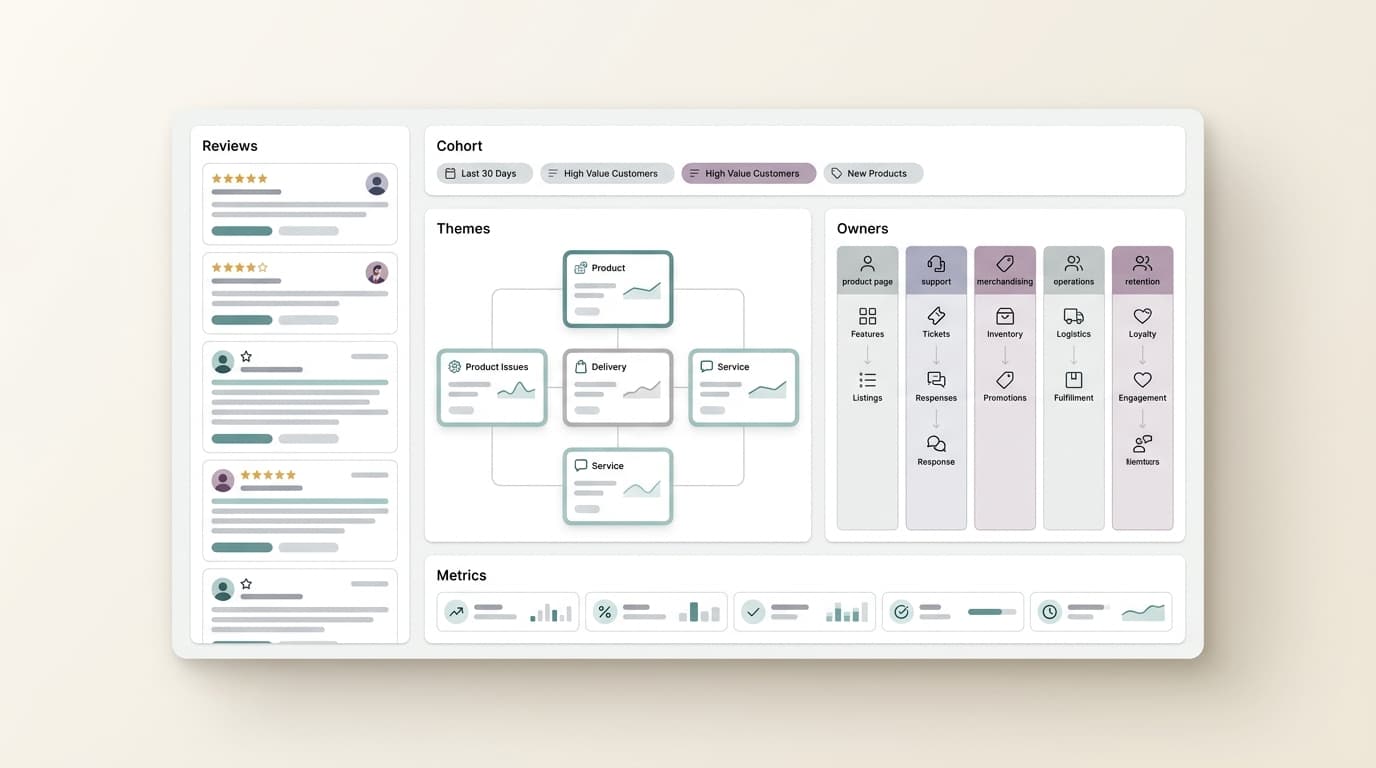
Write a cohort contract:
| Cohort field | Example |
|---|---|
| Product scope | Top three SKUs in one collection |
| Time window | Last 45 days after the packaging change |
| Channel | Amazon reviews plus Shopify support tickets |
| Rating band | Two- and three-star reviews only |
| Segment | First-time buyers in the US |
| Exclusions | Old product version, replacement-part tickets, wholesale buyers |
| Decision owner | Ecommerce lead |
| Recheck signal | Complaint share and PDP conversion on the edited page |
The cohort contract is what turns ecommerce insights from interesting observations into usable evidence.
Step 4: Separate signal types
Do not label every finding as "sentiment." Ecommerce teams need to know what kind of signal they are seeing.
| Signal type | What it means | Example action |
|---|---|---|
| Demand signal | Buyers repeatedly describe a need, use case, or adjacent job | Create a content angle, product test, bundle, or category bet |
| Objection signal | Shoppers hesitate because proof, comparison, price, shipping, sizing, or compatibility is unclear | Rewrite PDP proof, FAQs, comparison copy, or checkout messaging |
| Product signal | Customers describe a quality issue, feature gap, setup problem, or variant-specific failure | Escalate to product, supplier, QA, or roadmap owner |
| Support signal | Customers ask the same question or need the same fix | Create a macro, help article, automation, or product-page answer |
| Competitor signal | Competitor reviews reveal what the market rewards or punishes | Adjust positioning, roadmap, bundles, or comparison content |
| Retention signal | Buyers show return, refill, repurchase, cancellation, or service-recovery patterns | Improve lifecycle, bundles, recovery flow, or retention offer |
A useful ecommerce insights tool should preserve this distinction. A theme called "quality" is too vague. A finding like "recent buyers report zipper failure after daily travel use, concentrated in one variant" can be routed.
Step 5: Create the evidence table
The evidence table is the core artifact. It should be small enough to review in a meeting and specific enough to defend.
| Field | What to write |
|---|---|
| Decision question | The decision sentence from step 1 |
| Cohort | Product, channel, rating band, segment, and date window |
| Theme | The specific customer situation, not an internal department label |
| Evidence | Links, IDs, quotes, events, or records behind the theme |
| Counterevidence | Records or segments that weaken the conclusion |
| Confidence | High, medium, or low with one reason |
| Owner | Product, ecommerce, support, merchandising, lifecycle, growth, or operations |
| Action | Test, ship, investigate, monitor, or decline |
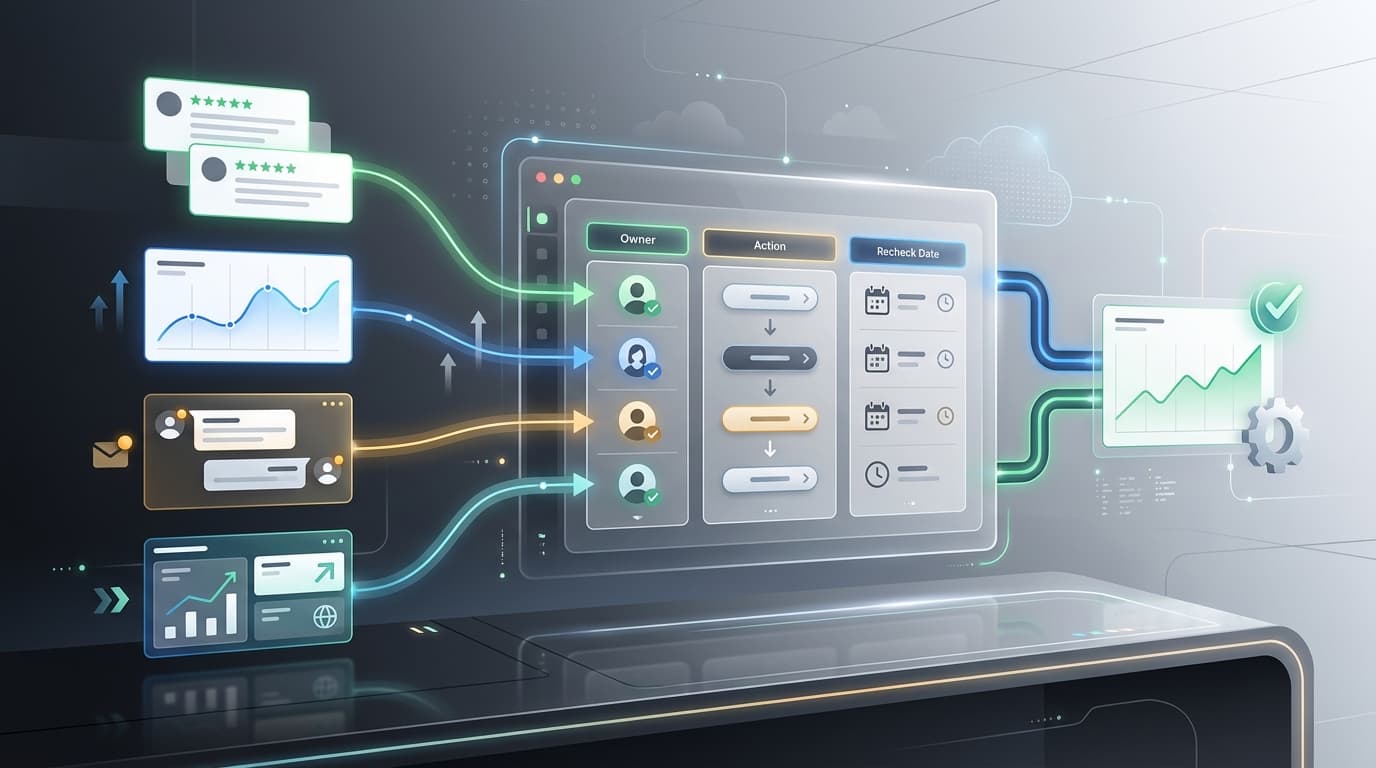
| Recheck date | When the team will inspect the signal again |
This table is the difference between "we found ecommerce insights" and "we changed the right thing."
Step 6: Challenge the insight before acting
Ecommerce insights can become confirmation bias if the team looks only for evidence that supports the preferred action. Add a counterevidence pass before anything enters a backlog.
Ask five questions:
- Does the theme appear in the target cohort, or only in a noisy edge case?
- Does another source support it, or is it isolated to one channel?
- Did the product, price, offer, fulfillment, or page change during the evidence window?
- Which customers succeeded despite the supposed issue?
- Would the proposed action plausibly change the follow-up signal?
If the answer is weak, the action is not automatically wrong. It may be an investigation instead of a test.
Step 7: Pick the right action type
Not every insight should become an experiment. Use five action labels:
| Action | Use when | Example |
|---|---|---|
| Test | Evidence is plausible, the action is reversible, and behavior should change | Move review-backed proof above the fold and monitor PDP conversion |
| Ship | Evidence is strong and the fix is low risk | Add a repeated compatibility answer to FAQ and support macros |
| Investigate | Evidence is incomplete but important | Pull a second cohort before changing the product page |
| Monitor | The issue is real but not urgent | Watch complaint share for two more weeks after a supplier change |
| Decline | Evidence does not support action | Keep the page unchanged and record why |
This prevents ecommerce insights from becoming a list of unprioritized suggestions.
Step 8: Use tools by workflow, not category name
"Ecommerce insights tools" can mean many different products. Pick tools by the job in your evidence loop.
| Tool category | Useful when | Buying check |
|---|---|---|
| Web and product analytics | You need to locate behavior changes | Can the team connect events to source evidence and decisions? |
| Review intelligence | Reviews, ratings, buyer language, product gaps, and competitor review patterns drive decisions | Can every theme link back to exact reviews and cohorts? |
| Support intelligence | Tickets and chats reveal repeated friction | Can support themes become product, page, or automation work? |
| Marketplace intelligence | Category movement, price bands, review volume, ratings, and competitors matter | Can market signals be tied to product and positioning decisions? |
| Survey tools | You need answers to controlled questions | Can open-text answers keep original wording and segment context? |
| API-first workflows | The same insight workflow needs to run on schedule | Can structured outputs feed dashboards, agents, and internal tools? |
VOC.AI fits best when ecommerce insights depend on reviews, buyer language, competitor review patterns, product research, marketplace evidence, and repeatable analysis. The current Voice of Customer Analysis page describes turning customer reviews into product direction, buyer language, and market-ready decisions. Product Research connects category movement with customer evidence. Market Insight focuses on demand, market share, category trends, competitor tracking, and review signals. The Review Analysis API is relevant when review, keyword, listing, and sales-estimate signals need to move into internal workflows through REST API, Python SDK, or MCP support.
If the immediate need is only clickstream reporting, start with analytics. If the immediate need is review collection and display, start with a review app. If the team needs to explain why customers act the way they do and route that evidence into growth decisions, add review intelligence to the ecommerce insights workflow.
A 7-day workflow for using ecommerce insights
Use this workflow when the team needs a practical first run.
| Day | Work | Output |
|---|---|---|
| Day 1 | Write the decision sentence and name the owner | One decision question |
| Day 2 | Choose sources and lock the cohort | Source map and cohort contract |
| Day 3 | Pull evidence and remove out-of-scope records | Clean evidence set |
| Day 4 | Cluster themes by customer situation | Theme candidates |
| Day 5 | Add counterevidence and confidence notes | Defensible insight table |
| Day 6 | Pick action: test, ship, investigate, monitor, or decline | Decision packet |
| Day 7 | Schedule the recheck and save reusable language | Follow-up signal and learning note |
Do not start with a huge backlog. One decision-ready insight per week is enough to prove the system.
Copyable ecommerce insights decision packet
Decision question:
Decision owner:
Business outcome:
Product or channel:
Cohort:
Date window:
Included sources:
Excluded sources:

Theme:
Customer situation:
Representative evidence:
Counterevidence:
Confidence:

Recommended action:
Action type: test / ship / investigate / monitor / decline
Expected signal change:
Recheck date:
Learning note:
Use this packet in the weekly meeting. If the packet has no owner, no source evidence, or no recheck date, it is not ready.
What to measure after action
The follow-up metric depends on the decision:
| Decision | Follow-up signal |
|---|---|
| Product-page proof change | PDP conversion, scroll depth on proof section, review-theme mentions, support questions |
| Listing rewrite | Click-through, conversion, review language match, Q&A friction |
| Product issue escalation | Complaint share, return reason, low-rating theme recurrence, support contact rate |
| Support macro or FAQ | Ticket volume, first-response accuracy, repeat question rate |
| Retention flow | Repeat purchase, refund reason, refill or bundle uptake, post-purchase review language |
| Competitor response | Comparison-page engagement, objection frequency, competitor-review gap monitoring |
This is where ecommerce insights become a loop. The team should not only ask what customers said. It should ask whether the decision changed the expected signal.
Common mistakes
Mistake 1: Treating ecommerce analytics as ecommerce insights
Analytics can show behavior. Ecommerce insights connect behavior to customer language, source evidence, and a next action.
Mistake 2: Mixing all reviews into one sentiment score
A five-star review from six months ago and a two-star review after last month's supplier change do not answer the same question.
Mistake 3: Acting without counterevidence
If you cannot name the records that weaken the theme, you are probably overstating the insight.
Mistake 4: Buying tools before defining decisions
Choose ecommerce insights tools after you know which recurring decisions need better evidence.
Mistake 5: Ending with a report
The final output should be an owner-ready action, not a PDF that nobody revisits.
FAQ
What are ecommerce insights?
Ecommerce insights are decision-ready patterns from customer, product, market, competitor, and performance evidence. They help teams decide what to change in product pages, listings, support, retention, merchandising, campaigns, or product strategy.
How do you use ecommerce insights in 2026?
Use ecommerce insights by starting with one decision sentence, mapping the right sources, locking the cohort, separating signal types, creating an evidence table, checking counterevidence, assigning an owner, and reviewing the follow-up signal after action.
What is the difference between ecommerce analytics and ecommerce insights?
Ecommerce analytics usually explains what happened. Ecommerce insights explain what to do next by connecting analytics with reviews, support questions, competitor evidence, marketplace signals, and customer language.
Which ecommerce insights tools should a growth team use?
Use web analytics for behavior, review intelligence for buyer language and product gaps, support intelligence for repeated friction, marketplace intelligence for category and competitor context, surveys for controlled questions, and API workflows when the analysis needs to run repeatedly.
Why are customer reviews important for ecommerce insights?
Customer reviews show how buyers describe value, frustration, setup, quality, use cases, objections, and tradeoffs after real use. That language can improve product pages, listings, support content, campaigns, product research, and competitor positioning.
Conclusion
Ecommerce insights are useful when they change a decision. Start with one question, preserve the source records, lock the cohort, challenge the theme, assign the owner, and define the recheck signal.
That workflow is slower than glancing at a dashboard, but it is faster than acting on weak evidence. In 2026, the strongest ecommerce insights process is the one your team can repeat every week and defend when the decision matters.
When reviews, competitor signals, product research, and buyer language are central to that process, use VOC.AI's Voice of Customer Analysis, Product Research, Market Insight, or Review Analysis API workflows to move from customer evidence to action.