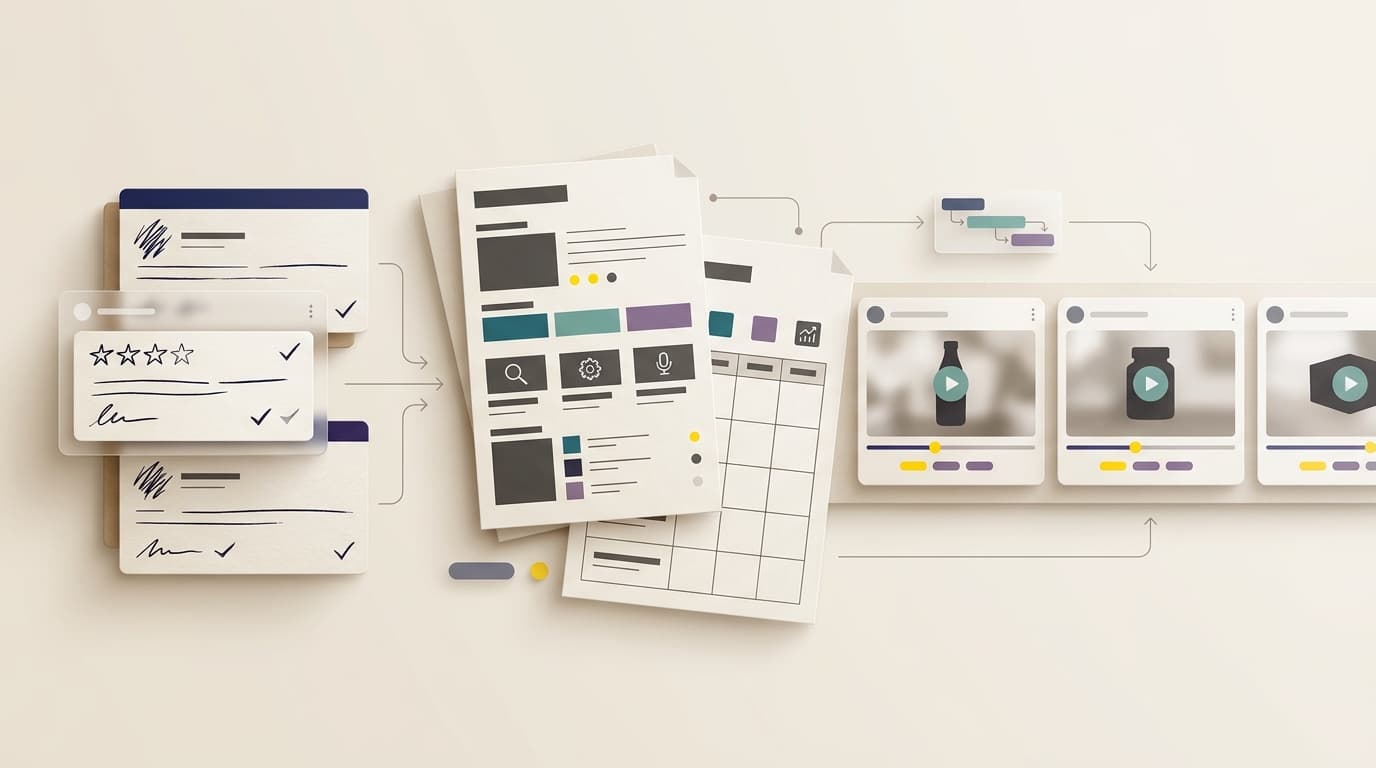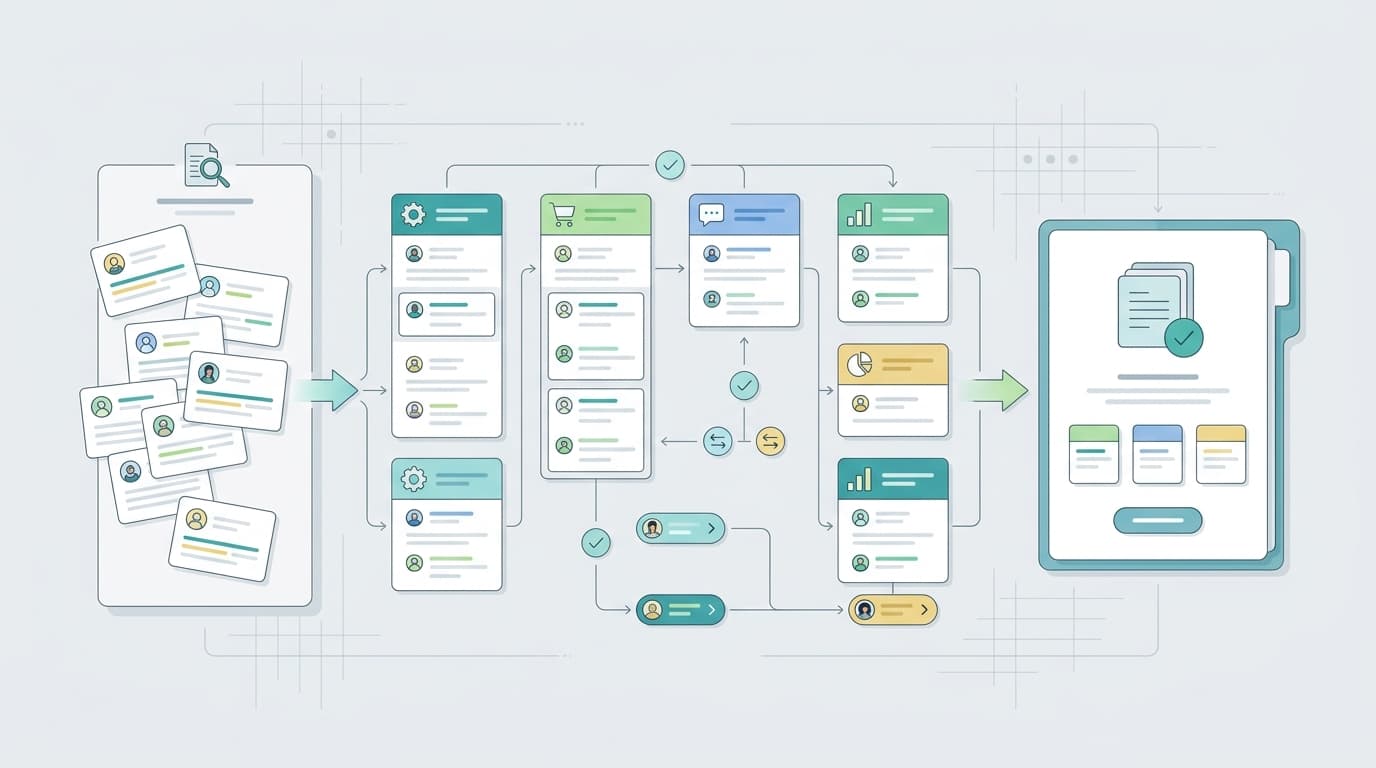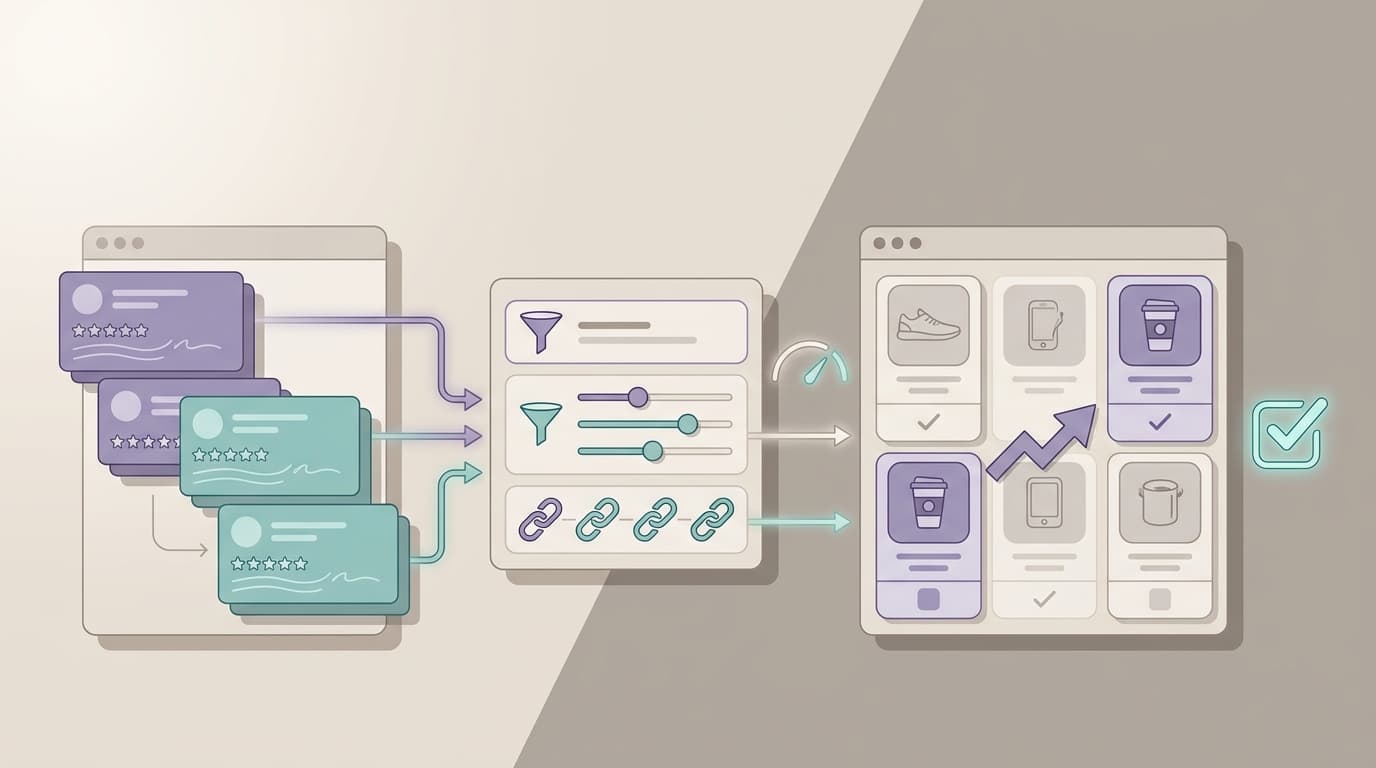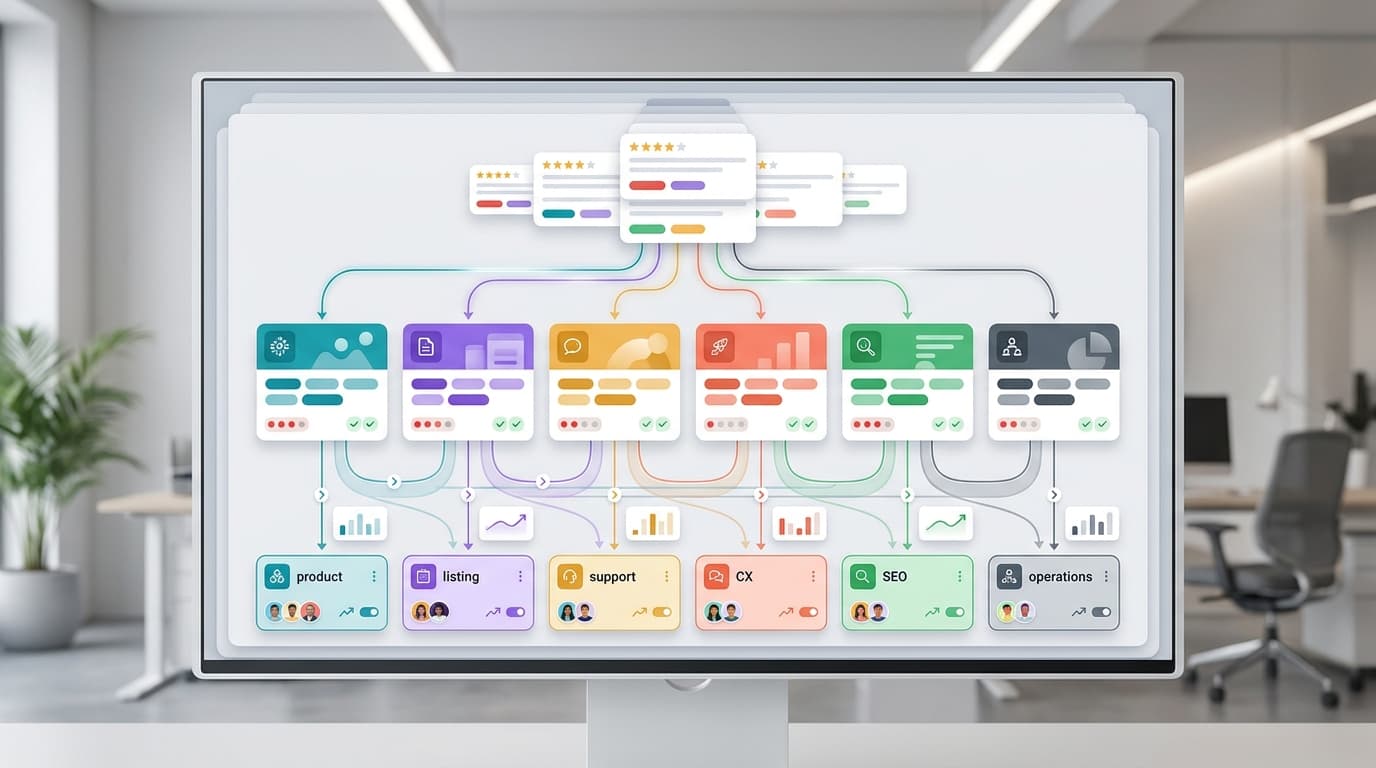
A review theme taxonomy gives product, listing, support, CX, and SEO teams one shared language for customer feedback. Without it, the same review can become six different work items: product calls it a defect, support calls it a setup question, listing calls it an expectation mismatch, and marketing calls it a positioning problem.
The goal is not to tag every review perfectly on the first pass. The goal is to create a repeatable system that turns messy review language into owner-ready themes, measurable trends, and clear next actions. Use the framework below to classify complaints, praise, usage scenarios, feature requests, support issues, and listing expectations before they become disconnected spreadsheets.
What a Review Theme Taxonomy Should Do
A useful review theme taxonomy does three jobs at once. It tells the team what the customer is talking about, who owns the next decision, and what evidence is needed before anyone changes the product, listing, support flow, or roadmap.
| Job | Question it answers | Why it matters |
|---|---|---|
| Classify feedback | Is this review about a complaint, praise, usage, feature need, support issue, or listing expectation? | Prevents every team from inventing its own tags. |
| Route ownership | Which team should review the theme first? | Moves review analysis from observation to action. |
| Track movement | Is this theme getting better, worse, broader, or more severe? | Turns customer feedback into a trend signal instead of a one-off anecdote. |
The best taxonomy is simple enough for operators to use weekly and structured enough for analysts to measure over time. Start with six top-level categories, then add subthemes only when a repeated pattern needs a more precise owner.
A Six-Part Review Theme Taxonomy
This review theme taxonomy starts with six categories: complaint, praise, usage, feature, support, and listing expectation. These categories are broad by design. They keep tagging consistent while still giving each owner enough detail to act.
| Category | When to use it | Common signals in reviews | First owner | Useful next action |
|---|---|---|---|---|
| Complaint | The customer says something failed, disappointed them, arrived damaged, felt low quality, or did not work as expected. | Broken, stopped working, flimsy, leaks, missing part, poor fit, bad smell, not worth it. | Product, quality, operations, or marketplace owner. | Split by ASIN, variation, batch, use case, severity, and repeat rate before changing the roadmap. |
| Praise | The customer names what worked, exceeded expectations, felt valuable, or made them recommend the product. | Easy to use, durable, better than expected, great for travel, saved time, good value. | Product marketing, listing, SEO, lifecycle, or product owner. | Use exact buyer language to strengthen positioning, comparison copy, and product proof. |
| Usage | The customer explains who used the product, where they used it, when they used it, or what job they hired it to do. | For my kids, in an RV, at work, for camping, during workouts, with a pet, for small spaces. | Product, research, listing, merchandising, or SEO owner. | Turn repeated usage scenarios into audience segments, content angles, and product requirements. |
| Feature | The customer asks for a missing capability, compares a competitor feature, or describes a desired improvement. | Wish it had, needs a longer cable, should include, competitor has, would be perfect if. | Product manager or research owner. | Score by frequency, severity, willingness signal, competitor gap, and implementation complexity. |
| Support | The customer needed help, misunderstood setup, could not find instructions, struggled with returns, or mentions service quality. | Instructions unclear, contacted support, warranty, replacement, refund, setup, troubleshooting. | Support, CX, documentation, or post-purchase owner. | Create support macros, help center updates, insert-card changes, and escalation rules. |
| Listing expectation | The customer says the listing, photos, size chart, bundle promise, compatibility claim, or benefit language created the wrong expectation. | Smaller than pictured, not as described, photo shows, thought it included, does not fit, misleading. | Listing, marketplace content, SEO, creative, or compliance owner. | Audit title, bullets, images, comparison chart, Q&A, A+ content, and claims before editing copy. |
One review can carry more than one tag. A review that says the product is powerful but the setup guide is confusing should receive both praise and support tags. A review that says the product is smaller than expected but still useful for travel should receive listing expectation and usage tags. Multi-tagging is not noise when every tag has a clear role.
Owner Assignment Table
The taxonomy becomes useful when each tag has a default owner and escalation path. Use this owner assignment table when a weekly review report needs to become a work queue.
| Theme pattern | Primary owner | Supporting owner | Evidence required | Escalation trigger |
|---|---|---|---|---|
| Repeated quality complaint tied to one ASIN or variation | Product or quality owner | Operations, support, marketplace | Review text, star rating, ASIN, variation, date, photos where available, support tags, and return context if available. | Theme appears in new reviews for two consecutive review cycles or affects rating movement. |
| Praise theme that explains why customers choose the product | Product marketing | Listing, SEO, lifecycle | Exact customer wording, usage context, competitor comparison, and frequency trend. | Theme repeats across multiple products, categories, or buyer segments. |
| Usage scenario that was not expected by the team | Product research | Listing, content, merchandising | Use case, audience, environment, job-to-be-done, and related praise or complaint tags. | Scenario changes product positioning, bundle strategy, or SEO content demand. |
| Missing feature or competitor feature gap | Product manager | Research, competitor analysis, support | Feature wording, frequency, severity, competitor reference, willingness signal, and feasibility note. | Theme is high-frequency, high-severity, or tied to competitor switching language. |
| Setup, warranty, return, or troubleshooting confusion | Support operations | CX, documentation, listing | Support tickets, review phrases, Q&A, manual content, product insert, and macro performance. | Confusion appears in both reviews and support contacts. |
| Mismatch between listing promise and customer experience | Listing owner | Creative, compliance, product, SEO | Current title, bullets, images, dimensions, compatibility details, Q&A, and review complaint language. | Customers repeat the same expectation mismatch after listing updates. |
This table keeps the review theme taxonomy practical. Product owners should not inherit every negative review. Listing owners should not edit copy for a true quality issue. Support should not carry the burden for missing product information. The taxonomy should make those boundaries visible.
How to Tag a Review Without Overcomplicating It
Do not start with twenty columns. Start with the minimum fields needed to make a decision, then add more only when the team is ready to measure trend movement.
| Field | What to capture | Example |
|---|---|---|
| Source | Marketplace, ASIN, variation, review date, star rating, and review ID or URL where allowed. | Amazon, ASIN group, black variation, 2-star, June review cycle. |
| Top-level theme | One or more of complaint, praise, usage, feature, support, listing expectation. | Complaint plus listing expectation. |
| Subtheme | The repeated pattern in plain language. | Smaller than expected, zipper breaks, unclear setup, travel use. |
| Sentiment | Positive, negative, mixed, or neutral, with intensity when useful. | Mixed: loves size for travel, dislikes durability. |
| Owner | The team that should review the theme first. | Listing owner first, product owner if complaint persists after copy audit. |
| Severity | Low, medium, high, or urgent based on customer harm, frequency, rating impact, and operational risk. | High when repeated one-star reviews describe safety, damage, or unusable product experience. |
| Confidence | Low, medium, or high based on repetition and source quality. | High when the same phrase repeats across many verified reviews and support tickets. |
| Next action | The first reversible action or investigation step. | Audit image scale and dimensions before rewriting the listing. |
The review theme taxonomy should make the first action obvious. A low-confidence complaint may only need monitoring. A high-confidence listing expectation theme may need a content audit. A high-severity product complaint may need product, quality, and support review before any public messaging changes.
Complaint Tags: Separate Root Cause From Customer Language
Complaint tags are the easiest to overread. A customer may say the product is defective, but the underlying cause might be damage in transit, a variation mismatch, unclear compatibility language, missing setup information, or a true product issue.
Keep complaint subthemes close to the language customers use, then add root-cause confidence separately. For example, tag the customer language as leaks during first use, arrived with cracked lid, or battery stopped charging. Then let the owner add a root-cause status such as investigating, listing mismatch, batch issue, support education, or confirmed product defect.
This keeps the review theme taxonomy honest. It preserves what customers said without pretending the team knows the cause before checking operations, product, and support context.
Praise Tags: Turn Positive Reviews Into Positioning
Praise is not just a morale signal. Praise tags reveal why customers buy, what they repeat to other buyers, and which proof belongs in listings, ads, email, product pages, and SEO content.
Useful praise subthemes include easy setup, durability, compact size, giftability, premium feel, good value, fast results, strong support, clear instructions, and better-than-expected performance. Each praise tag should answer one question: should this language influence product positioning, listing copy, customer education, or future product decisions?
Do not turn praise into unsupported claims. If customers repeatedly say a product is great for travel, the listing team can consider clearer travel-use language. If customers say it is the best product they have used, treat that as customer wording, not a brand claim, unless the team has substantiation for a comparative statement.
Usage Tags: Find the Jobs Customers Actually Hire the Product For
Usage tags capture the setting, audience, occasion, and job-to-be-done behind the review. They are often more useful than demographic guesses because they come from the moment of use.
Examples include dorm room, office, RV, camping, pet care, elderly parent, small apartment, gym bag, kitchen counter, holiday gift, first-time user, professional use, or child-safe use. Over time, usage tags can reveal new product bundles, listing angles, SEO topics, and audience segments.
A strong review theme taxonomy connects usage tags to both praise and complaint tags. A product may be praised for travel but criticized for daily heavy use. That distinction helps product and listing teams avoid broad claims that create future expectation gaps.
Feature Tags: Turn Requests Into a Prioritized Backlog
Feature tags capture missing capabilities, requested improvements, competitor comparisons, and upgrade ideas. They should not automatically become roadmap items. They should become scored signals.
| Feature scoring input | What to check |
|---|---|
| Frequency | How often does the request appear across reviews, support, Q&A, and competitor feedback? |
| Severity | Does the missing feature block purchase, cause returns, or create poor reviews? |
| Customer value | Do customers describe willingness, switching, repeat purchase, or strong use-case language? |
| Competitive gap | Do competitors get praise for this feature or lose customers for lacking it? |
| Feasibility | Can the team ship the improvement without creating cost, quality, compliance, or support problems? |
The feature owner should review the combined score, not a single loud review. This keeps the taxonomy from becoming a wish list while still making customer demand visible.
Support Tags: Reduce Repeated Customer Effort
Support tags capture friction that may be fixable without changing the product. Common support subthemes include unclear setup, missing troubleshooting steps, warranty uncertainty, replacement confusion, unclear return policy, installation questions, compatibility questions, and post-purchase care.
Support owners should review these tags with the listing owner and product owner. If customers keep asking whether the product fits a certain model, the fix may belong in listing content. If customers keep failing the same setup step, the fix may belong in instructions, inserts, help content, or onboarding emails. If customers keep requesting replacements, the fix may involve both support policy and product quality.
A review theme taxonomy helps support teams move from reactive tickets to preventive content. The best support tag is one that disappears after the team updates the right customer touchpoint.
Listing Expectation Tags: Catch Promise Gaps Early
Listing expectation tags deserve their own category because they often look like product complaints. Customers may say a product is too small, missing a part, incompatible, or not as pictured. Sometimes the product is wrong. Sometimes the promise was unclear.
Before editing a listing, capture the exact mismatch:
- Size expectation: image scale, dimensions, model fit, capacity, or room placement was unclear.
- Bundle expectation: the customer expected an accessory, refill, adapter, battery, or case.
- Compatibility expectation: the customer thought the product fit a device, platform, age group, or use case.
- Performance expectation: the listing language implied speed, durability, capacity, or ease that the customer did not experience.
- Visual expectation: color, texture, material, finish, or scale differed from the image impression.
The listing owner should compare review language with title, bullets, product images, comparison charts, Q&A, A+ content, and ads. The safest first action is often clarification, not stronger selling language.
A Weekly Review Taxonomy Workflow
Use this workflow when the team needs a repeatable review analysis rhythm.
- Choose the review window. Compare new reviews against the prior baseline by ASIN, variation, marketplace, and campaign period.
- Apply the six top-level tags. Complaint, praise, usage, feature, support, and listing expectation should be available in every report.
- Add subthemes only where they repeat. Avoid one-off labels unless the issue is severe.
- Assign the first owner. Route the theme to product, listing, support, CX, SEO, operations, or competitor research.
- Set severity and confidence. Separate urgent problems from low-confidence noise.
- Pick the first action. Monitor, audit listing, update support content, investigate product quality, score feature request, or use praise in positioning.
- Measure movement. Track whether each theme is new, rising, stable, declining, resolved, or needs escalation.
- Close the loop. Record the change made and recheck future reviews for the same theme.
This workflow turns the review theme taxonomy into an operating cadence. The report should show the theme, evidence, owner, action, due date, and next review window. Anything less becomes a dashboard without accountability.
How VOC AI Fits the Taxonomy Workflow
VOC AI fits the analysis layer of this process. Current VOC AI pages describe review intelligence that turns customer reviews into product direction, buyer language, and market-ready decisions. The public site also describes 2B+ Amazon reviews, 500M+ products tracked, 30+ categories, and daily refresh, with review, keyword, sales, and listing data available through Agent, REST API, Python SDK, and MCP surfaces.
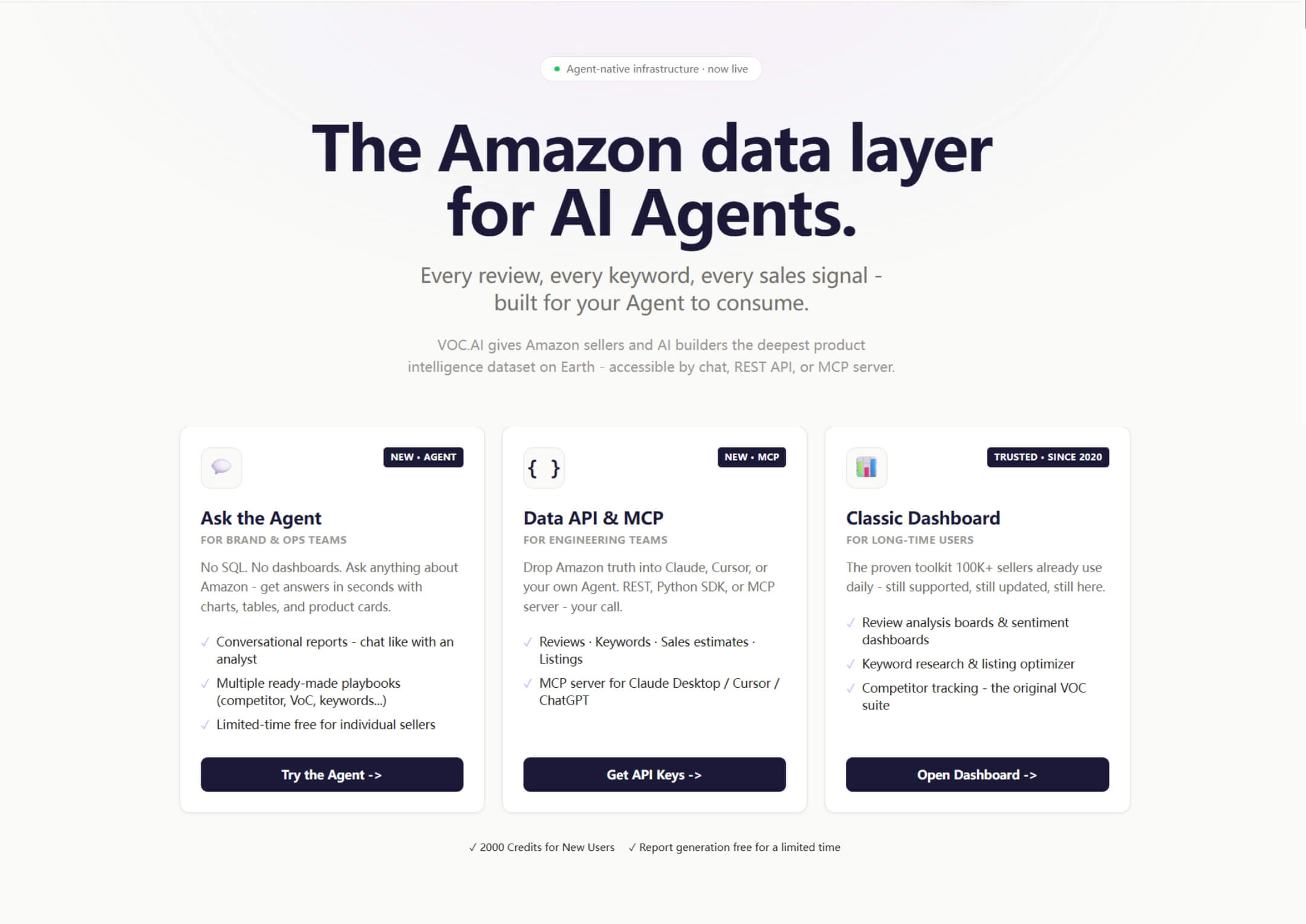
Teams can use VOC AI Voice of Customer Analysis to cluster review themes by pain point, expectation, and feature mention. Customer Analytics helps group buyer needs, frustrations, motivations, and expectations. Sentiment Analysis helps show where positive and negative themes are moving. Product Research and Competitive Analysis can support feature, usage, and competitor-gap decisions. Larger teams can review the API and MCP path when they need programmatic review analysis workflows.
VOC AI should be used as decision support, not as a replacement for owner judgment. Product, listing, and support teams still need to verify evidence, decide what changed, and measure whether review themes move after the action.
Metrics to Track After Launching the Taxonomy
A taxonomy is working when decisions get faster and trends become easier to compare. Track a small set of metrics first.
| Metric | What it tells you | Owner |
|---|---|---|
| Theme frequency | Which complaint, praise, usage, feature, support, and listing expectation themes are most common. | VOC or analytics lead. |
| Theme velocity | Which themes are rising or declining by week, campaign, marketplace, or variation. | VOC, product, or marketplace analytics. |
| Owner response time | How long it takes a routed theme to receive a decision or first action. | Operations lead. |
| Resolved theme rate | How many recurring themes receive a documented action and follow-up check. | Product, support, and listing leaders. |
| Expectation mismatch repeat rate | Whether listing updates reduce repeated confusion in future reviews. | Listing owner. |
| Support deflection signal | Whether updated help content reduces repeated support-tagged review complaints. | Support operations. |
Do not judge the system only by total tag count. A larger tag count may simply mean the team is looking harder. The better question is whether the review theme taxonomy helps the team spot repeated themes earlier, assign owners faster, and close the loop with measurable follow-up.
Common Mistakes to Avoid
- Too many top-level tags: keep the first layer stable so weekly reports can be compared.
- No owner field: a taxonomy without ownership turns into reporting overhead.
- Root-cause guessing: preserve customer language before assigning cause.
- Ignoring praise: positive reviews often contain the best listing and product positioning language.
- Mixing support and listing issues: setup confusion, compatibility confusion, and promise mismatch need different fixes.
- No follow-up window: every important theme needs a future check to see whether the action changed the trend.
FAQ
What is a review theme taxonomy?
A review theme taxonomy is a structured tagging system that groups customer reviews by repeated themes such as complaints, praise, usage scenarios, feature requests, support issues, and listing expectations. It helps teams assign owners and track trend movement.
Who should own review taxonomy tags?
Ownership depends on the theme. Product usually owns defects, missing features, and roadmap implications. Listing teams own expectation mismatches and buyer-language updates. Support owns setup, warranty, return, and troubleshooting friction. CX or VOC teams often own the reporting cadence.
Can one review have multiple theme tags?
Yes. Multi-tagging is useful when a review contains more than one actionable signal. For example, a review can include praise for portability, a complaint about durability, and a listing expectation mismatch about size.
How often should teams review taxonomy trends?
Weekly is a practical cadence for active products, launch periods, and promotion windows. Mature products may use biweekly or monthly reviews, but severe complaint themes should be escalated immediately.
How many subthemes should a team create?
Create subthemes only when a pattern repeats or needs a different owner. If every review creates a new subtheme, the taxonomy becomes hard to measure. Start broad, then add precision where it improves decisions.
How does sentiment fit into the taxonomy?
Sentiment is a useful layer, but it should not replace theme tags. A negative review still needs a category such as complaint, support, or listing expectation. A positive review still needs a praise or usage tag if the team wants to reuse the insight.
Make Review Themes Operational
A review theme taxonomy is not just a labeling exercise. It is a feedback loop for product, listing, support, CX, and SEO teams. Start with six categories, assign owners, capture severity and confidence, then measure whether each action changes future review themes.
When teams need to scale this workflow across many ASINs, categories, or marketplaces, VOC AI can help turn review language into clustered themes, buyer motivations, sentiment signals, competitor benchmarks, and owner-ready reports. Use the taxonomy as the operating model, then talk to VOC AI when your team needs a repeatable review analysis workflow across a larger catalog.