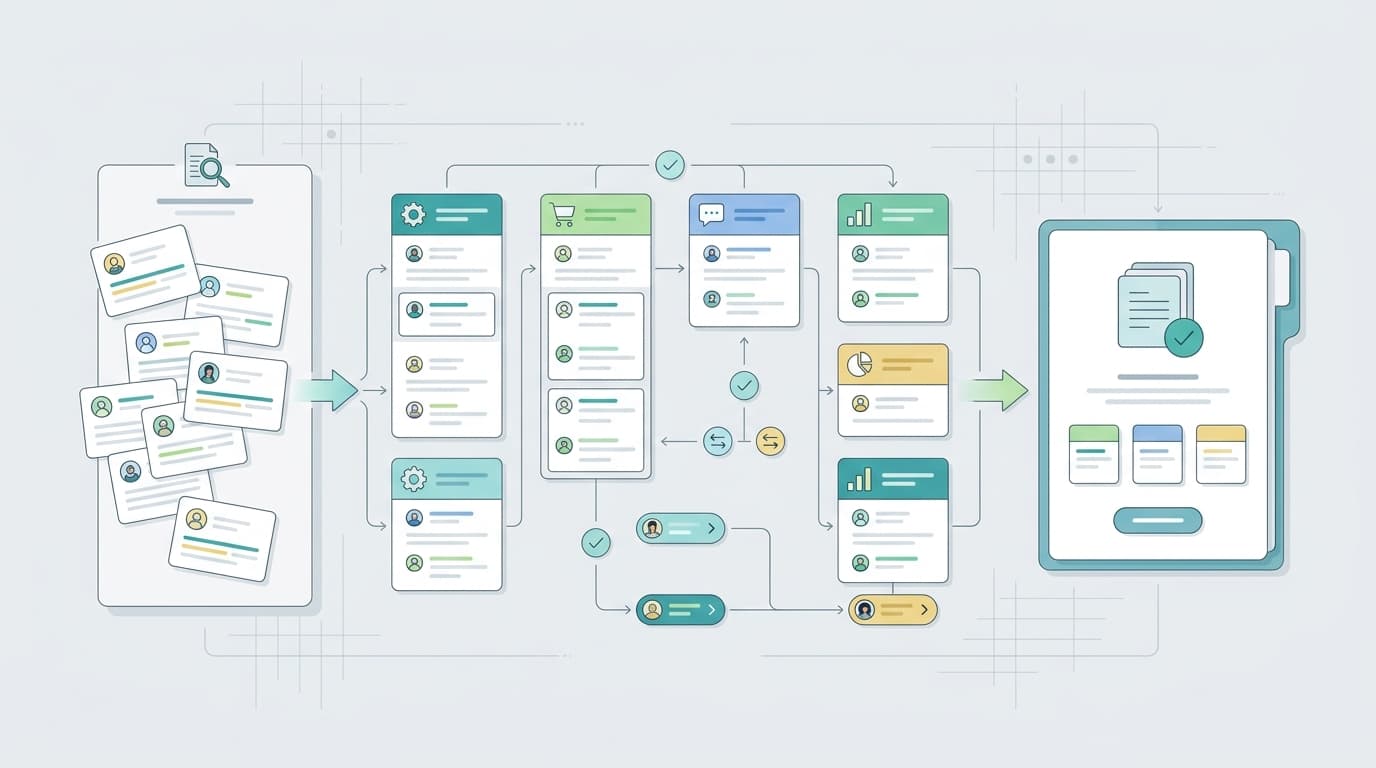
Amazon brand reputation monitoring is the ongoing work of watching the signals that shape buyer trust. It includes reviews, ratings, complaint themes, listing accuracy, offer state, support issues, social sentiment, and public claims about the product. The goal is to see reputation risk early enough to fix the cause, not just report that sentiment changed.
This guide focuses on risk signals and ownership. A brand can lose trust because of a product defect, a misleading image, a support failure, an unauthorized offer, or a creator claim that changes expectations. Monitoring should connect each signal to the team that can act.
TL;DR
| Reputation signal | Why it matters |
|---|---|
| Review themes | They show what buyers repeatedly praise, misunderstand, or dislike after purchase. |
| Rating movement | It shows whether trust is improving, stable, or weakening across ASINs. |
| Listing trust | Images, bullets, and claims shape expectations before the sale. |
| Offer quality | Price, seller state, fulfillment, and authenticity concerns affect confidence. |
| Ownership | Every reputation signal needs a product, listing, support, operations, or marketplace owner. |
| Repair queue | Turn each meaningful signal into an owner, evidence link, severity level, and date for follow-up review. |
Reputation Starts With Repeated Buyer Experience
One angry review does not define reputation, but repeated buyer experience does. If shoppers repeatedly mention breakage, confusing sizing, missing parts, fake-looking packaging, slow support, or misleading images, the brand has a reputation signal. The team should not wait for the average rating to collapse before investigating.
Amazon's customer review resources are a starting point, but sellers need a wider view across ASINs and channels. Reputation monitoring should track what buyers say, how often themes repeat, which products are affected, and whether the same issue appears in support tickets or social discussion.
Separate Product Risk From Listing Risk
Reputation problems often look similar at first. A complaint about poor quality may be a true product issue, but it may also come from unclear images, wrong size expectations, or a bundle that shoppers misunderstood. A complaint about authenticity may come from a listing hijacker, packaging change, or insufficient brand explanation.
The monitoring process should classify signals before assigning fixes. Product owners need defect evidence. Listing owners need expectation gaps. Operations owners need fulfillment or packaging issues. Marketplace owners need offer and policy evidence. This classification prevents the brand team from treating every reputation issue as a public relations problem.
Use a Risk Table Instead of a Sentiment Chart Alone
Sentiment charts can show direction, but they rarely explain ownership. A risk table connects the signal, evidence, impact, and owner. It also helps teams compare very different issues, such as a small but severe authenticity complaint versus a large number of mild preference complaints.
| Risk signal | Evidence to capture | Owner |
|---|---|---|
| Rating decline | ASIN, date range, review text, variant, and related business events. | Brand and product owner. |
| Authenticity concern | Review text, offer state, seller name, screenshots, and Brand Registry notes. | Marketplace operations. |
| Expectation mismatch | Review phrases, listing screenshots, images, bullets, and questions. | Listing owner. |
| Support frustration | Review text, support records, response-time notes, and warranty details. | Support owner. |
Reputation monitoring also needs a clear view of public endorsements and reviews. The UK Competition and Markets Authority's guidance on reviews and social media endorsements is useful because it treats reviews, endorsements, and brand presentation as consumer-trust issues. For Amazon sellers, that supports a practical standard: if a review, creator post, or marketplace claim can influence a shopper's decision, it belongs in the reputation watchlist.
This is especially important when a brand sells across Amazon, TikTok Shop, DTC, and social channels. A claim that begins in a creator post can affect Amazon review expectations. A repeated Amazon review complaint can become a social media talking point. A marketplace offer problem can lead shoppers to question authenticity. Connecting those signals to TikTok Shop brand monitoring and Amazon review monitoring makes the reputation system more useful than a sentiment chart alone.
Watch Social and Marketplace Signals Together
Amazon reputation is influenced by more than Amazon reviews. A TikTok video, Reddit thread, influencer claim, or social complaint can change what shoppers expect before they arrive at the listing. If those expectations do not match the product page, Amazon reviews may later reflect the mismatch.
Use social signals as early warnings and Amazon reviews as post-purchase confirmation. If both channels show the same complaint, the issue deserves faster attention. If social conversation is noisy but reviews remain stable, the team may monitor and prepare messaging without making unnecessary product changes.
Turn Monitoring Into a Repair Queue
Reputation monitoring is only useful when it creates a repair queue. Each item should include the signal, evidence, affected ASINs, owner, severity, next action, and review date. The queue should prioritize buyer trust over internal convenience. A small issue that affects authenticity may deserve more urgency than a large but mild preference theme.

VOC AI can support this queue by grouping review themes and surfacing changes in customer language. Sellers can see whether reputation risk is tied to product quality, listing expectations, support friction, or marketplace conditions. That makes monitoring more actionable than a general sentiment report and helps teams fix the source of brand risk.
Reputation teams should also distinguish between visibility and severity. A loud social complaint may need quick acknowledgement, but a quieter pattern in Amazon reviews may deserve deeper product work if it repeats across buyers. The monitoring owner should therefore look at reach, repetition, buyer harm, affected ASINs, and whether the issue points to a fixable cause. This prevents the team from prioritizing the noisiest signal while missing the one that is slowly changing shopper trust.
It is also useful to keep a closed-loop record. For each reputation issue, document the original evidence, owner, action taken, and follow-up signal. If review complaints decline after a listing correction, the team has proof that the fix worked. If complaints continue, the issue may belong to product quality, support, fulfillment, or marketplace control instead of content.
A reputation system should also include positive signals. Repeated praise can show which product strengths deserve protection in content, ads, and support scripts. Monitoring only negative issues creates a defensive view of the brand and misses the language customers already trust.
FAQ
What is the first sign of reputation risk? The first sign is often a repeated theme, not a single crisis. Watch for the same complaint, authenticity concern, support frustration, or expectation mismatch appearing across reviews, comments, and support channels.
How is reputation monitoring different from review monitoring? Review monitoring focuses on Amazon feedback. Reputation monitoring combines reviews with listing trust, offers, social conversation, creator claims, support issues, and brand perception across channels.
What should a reputation dashboard show? It should show the signal, source, affected ASIN or product line, severity, evidence, owner, status, and next review date. A sentiment score alone does not show who should fix the problem.
When should leadership get involved? Leadership should review issues that affect safety, authenticity, legal risk, major ASINs, recurring product defects, or cross-channel reputation. Smaller issues should stay with the responsible owner.
How can sellers prove reputation improvement? Track whether repeated complaint themes decline after fixes, whether rating movement stabilizes, whether support issues age less, and whether social or marketplace claims become more accurate over time.