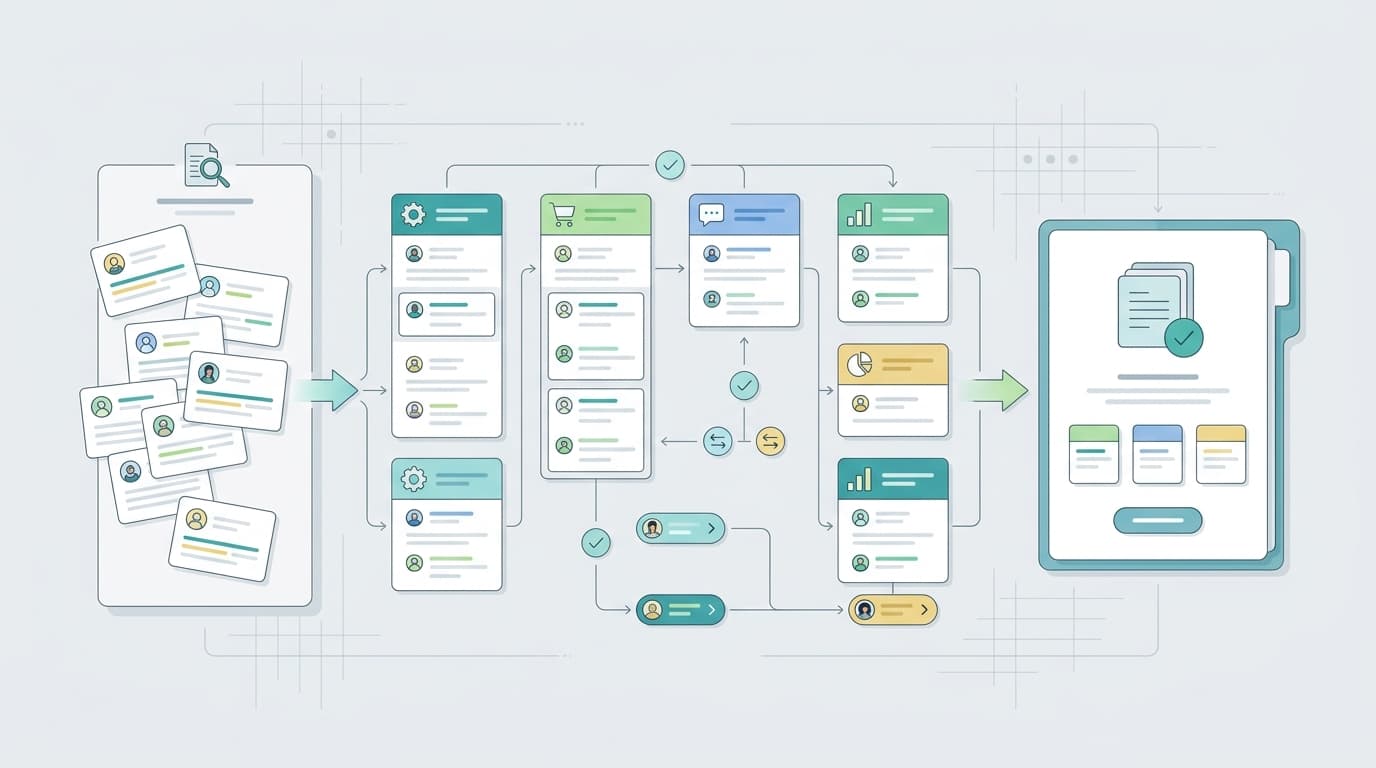
Amazon review software is not one category. Some tools help sellers request reviews, some monitor new reviews and ratings, some analyze buyer language, and some connect review signals to broader marketplace dashboards. A seller who buys the wrong category may end up with plenty of alerts but no insight, or strong analysis with no compliant review request workflow.
This comparison separates review intelligence from review request and monitoring tools. That distinction is more useful than asking for one universal best product. The right choice depends on whether you want to get more compliant reviews, respond to customer feedback, understand product issues, compare competitors, or report review themes across a portfolio.
TL;DR - Amazon Review Software at a Glance
Tool | Best for | Free plan | Starting price | Who it fits |
Review intelligence and competitor feedback | Free tools available | Pro from $99/month | Brands that want to understand buyer language and competitor review themes. | |
Official review workflows | No separate software fee listed | Requires eligible Amazon seller setup | Brand owners who need Amazon-native review actions. | |
Review requests and product alerts | No | FW Alerts from $20/month | Sellers who need affordable alerts and request workflows. | |
Broad Amazon operations suite | Free account available | Platinum shown at $129/month | Sellers who want reviews beside keywords, listings, and operations tools. | |
Market and product research context | No public free plan for Catalyst | Growing sellers that need review context alongside market research. | ||
Listing, keyword, PPC, and product analytics | Free tools available | Plans from $199 | Teams that connect reviews to optimization and ads. | |
Fast product review summaries | Public free experience | See TheReviewIndex | Researchers who need a quick single-product summary. | |
Enterprise marketplace analytics | No public free plan listed | Enterprise sellers and agencies needing dashboards and alerts. |
Choose VOC AI if the problem is understanding reviews: why ratings changed, what buyers complain about, what competitors are weak at, and which product or listing fixes matter. Choose FeedbackWhiz or similar tools if the problem is review requests and alerting. Choose Amazon's native tools when the action must happen inside Amazon's official environment.
Most mature sellers eventually use more than one category. Review request tools help create a compliant feedback rhythm. Review intelligence tools help explain what the feedback means. Marketplace suites place review signals next to keywords, listings, and market movement.
What Counts as Amazon Review Software?
Amazon review software usually falls into three groups. The first group is review request and feedback automation. These tools help sellers send compliant review requests, watch ratings, and catch new review events. The second group is review intelligence. These tools cluster themes, analyze sentiment, compare competitors, and connect customer language to product or listing decisions. The third group is broader marketplace software where review features are one module inside a larger Amazon suite.
A good buying process starts by naming the job. If you need more reviews, look at request workflows. If you need to understand why a product is being criticized, look at review intelligence. If you need one operating suite for keywords, listings, PPC, and product research, look at broader Amazon software.
Review Intelligence vs Review Request Tools
Question | Review intelligence software | Review request and alert software |
Primary job | Explain review themes and competitor feedback | Help request reviews and catch new review events |
Typical user | Product, listing, brand, and insights teams | Marketplace operations and seller support teams |
Best metric | Theme severity, sentiment, competitor gaps, repeated complaints | Request volume, new reviews, rating changes, alert coverage |
Risk to check | Data source, coverage, export limits | Amazon communication compliance and request settings |
Example fit | VOC AI | FeedbackWhiz and Amazon-native workflows |
The two categories should work together. A review request tool may tell you that a product received three new one-star reviews. Review intelligence helps you understand whether those reviews mention the same battery issue, confusing size chart, packaging damage, or competitor comparison.
The Best Amazon Review Software Options
1.VOC AI: Best for Review intelligence and competitor feedback
VOC AI is best for sellers that want to understand buyer language at scale. It clusters review themes, supports sentiment and competitor review analysis, and helps teams turn review patterns into product, listing, and support actions.
Strengths:
- Strong for customer voice and competitor feedback.
- Useful for product and listing prioritization.
- Fits repeated analysis across ASINs and categories.
Limitations:
- Not a native Amazon enforcement tool.
- Teams focused only on review requests may need a separate workflow.
2.Amazon Customer Reviews: Best for Official review workflows
Amazon's Customer Reviews tool is the official starting point for eligible sellers. It belongs in every review software discussion because some actions should happen inside Amazon, not in a third-party dashboard.
Strengths:
- Official Amazon workflow for eligible brand owners.
- Keeps review actions close to Seller Central.
- Useful for policy-sensitive review work.
Limitations:
- Eligibility and account requirements apply.
- Not built as a competitor review intelligence platform.
3.FeedbackWhiz: Best for Review requests and product alerts
FeedbackWhiz is useful when the main job is operational review coverage: requests, alerts, and seller communication workflows. It is a practical choice for sellers that need affordable monitoring before investing in deeper analytics.
Strengths:
- Low-cost alert tier.
- Review request and monitoring workflows.
- Good for day-to-day seller operations.
Limitations:
- Less focused on deep competitor theme analysis.
- Broader customer voice strategy may need another tool.
4.Helium 10: Best for Broad Amazon operations suite
Helium 10 is a broad Amazon seller suite. Its value is not only review work, but the fact that review signals can sit beside keyword research, listing optimization, and operational tools.
Strengths:
- Broad suite for active Amazon operators.
- Useful when review work connects to keywords and listings.
- Free account lowers trial friction.
Limitations:
- May be more software than a review-only team needs.
- Advanced workflows depend on plan and module fit.
5Jungle Scout: Best for Market and product research context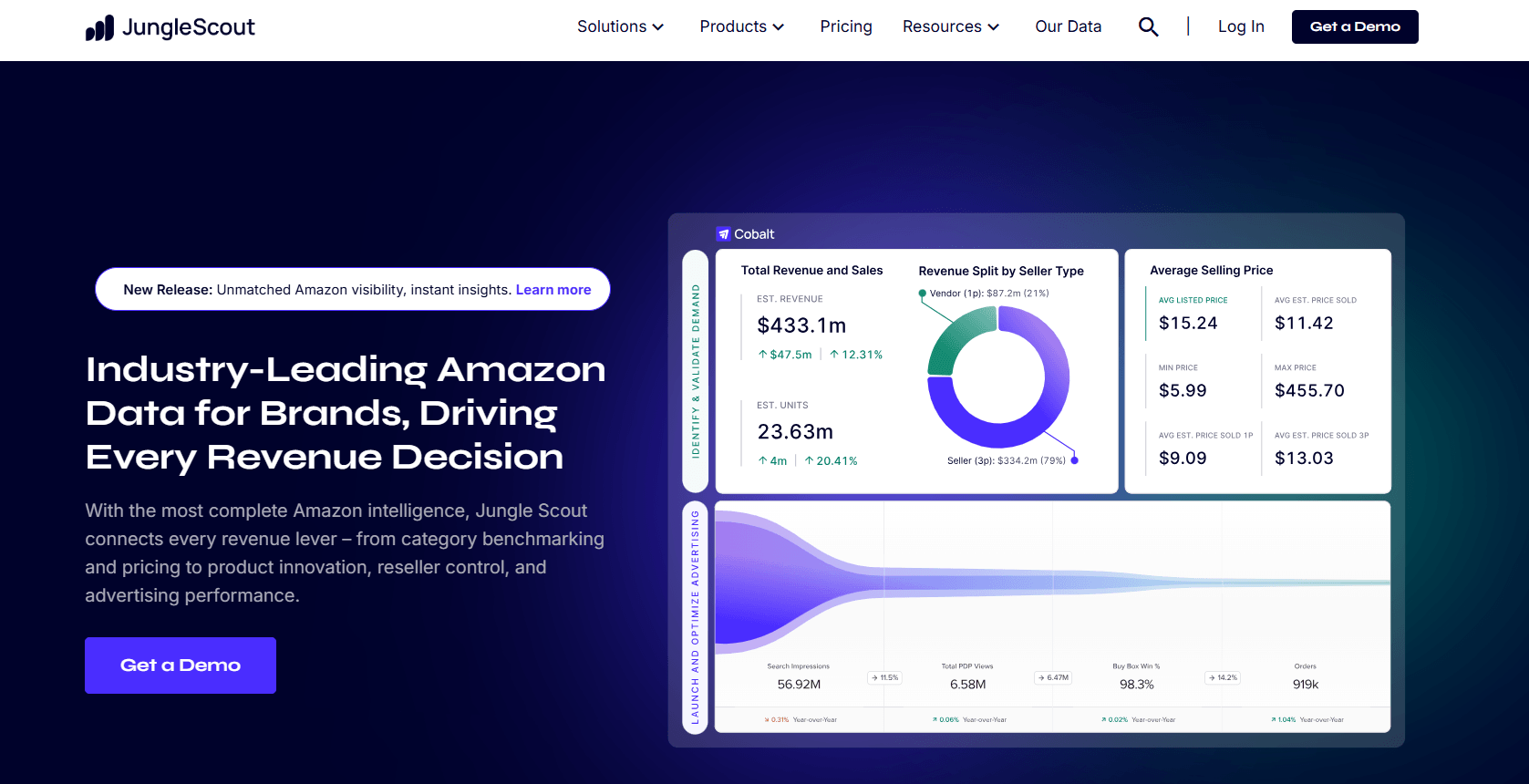
Jungle Scout is strongest when review analysis is part of product and market research. Sellers evaluating categories can use review signals beside demand, competition, and product opportunity work.
Strengths:
- Good product research context.
- Useful for growing sellers and category exploration.
- Helps connect reviews to market sizing decisions.
Limitations:
- Not primarily a review response tool.
- Deep review text workflows may require another platform.
6.SellerApp: Best for Listing, keyword, PPC, and product analytics
SellerApp connects review signals with listing, PPC, keyword, and product analytics workflows. It is a better fit when reviews are one input in a larger optimization program.
Strengths:
- Broad Amazon optimization scope.
- Useful for keyword and listing context.
- Can support teams that connect reviews to ads and product tracking.
Limitations:
- Starting price may be high for small sellers.
- Review intelligence depth should be validated before purchase.
7.TheReviewIndex: Best for Fast product review summaries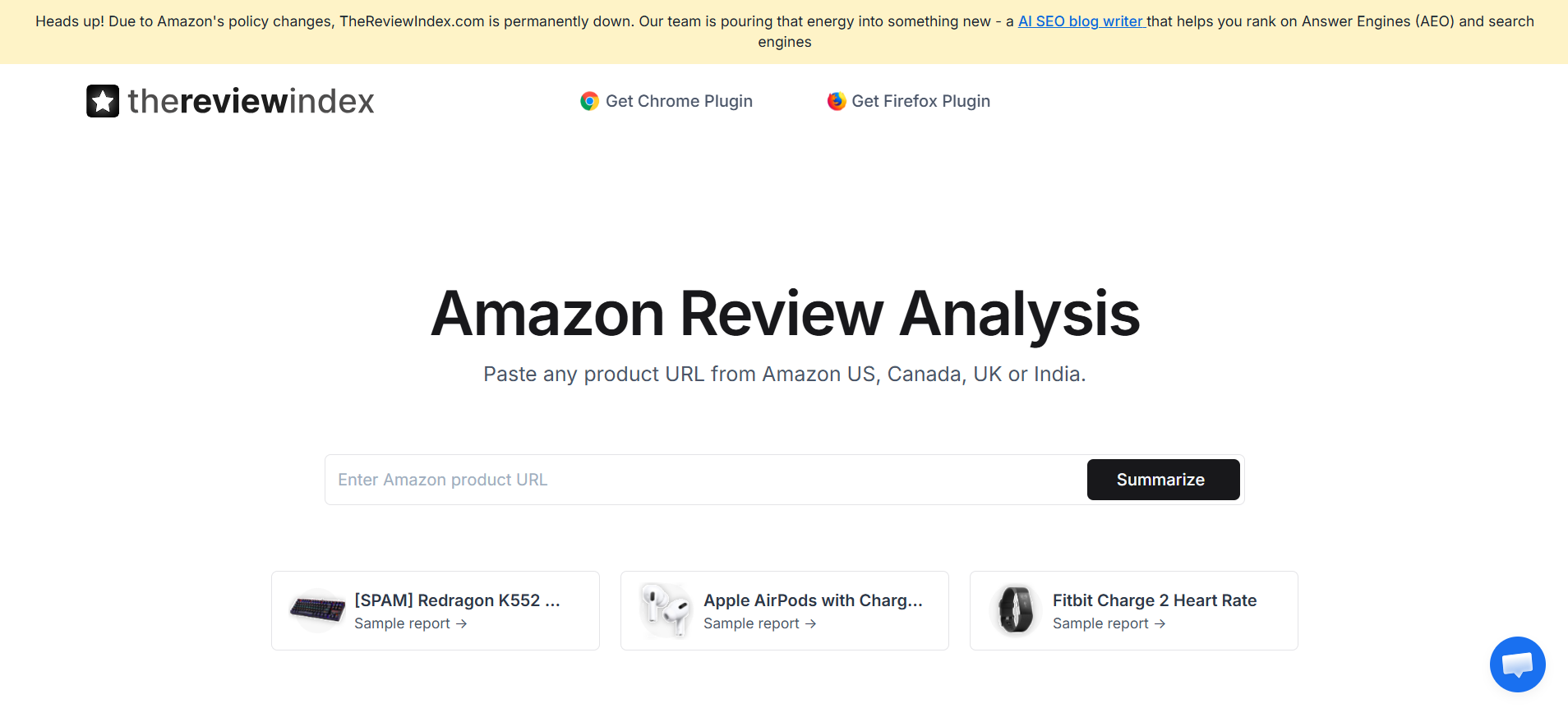
TheReviewIndex is useful for fast product-level review summaries. It is not the most complete seller operations platform, but it can help with quick product research and manual category checks.
Strengths:
- Easy product review summaries.
- Helpful for early niche research.
- Low-friction public experience.
Limitations:
- Not a full seller workflow platform.
- Limited fit for catalog governance and team reporting.
8.DataHawk: Best for Enterprise marketplace analytics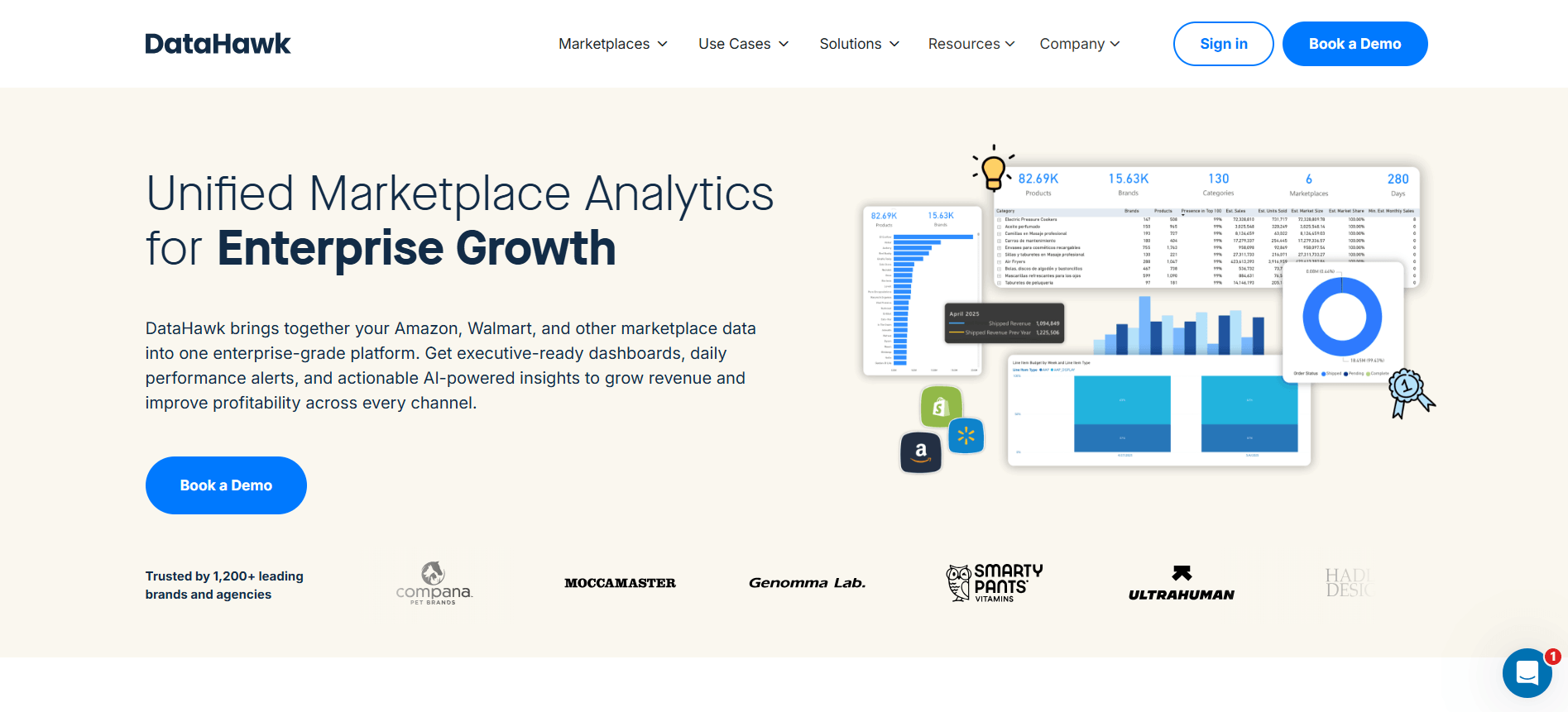
DataHawk is a better fit for larger teams that want marketplace analytics, dashboards, and alerting across stakeholders. It is less about a single review workflow and more about enterprise ecommerce intelligence.
Strengths:
- Strong for dashboards and marketplace analytics.
- Useful for agencies and enterprise sellers.
- Can connect review signals to broader reporting.
Limitations:
- Custom annual pricing may not fit small sellers.
- Requires more setup and dashboard planning.
How to Choose Amazon Review Software
Start with the action you want the software to create. If the action is request a review, pick a request workflow and verify Amazon compliance. If the action is fix a product issue, pick review intelligence. If the action is report category movement, pick a broader analytics suite.
If your main problem is... | Choose this category | Why |
You do not know why ratings are moving | Review intelligence | You need themes and sentiment, not only alerts. |
You need compliant review request workflows | Review request software | The workflow is operational and policy-sensitive. |
You need to compare competitor complaints | Review intelligence | Competitor themes require structured comparison. |
You want one Amazon operations suite | Marketplace suite | Reviews can sit beside keywords, listings, and product research. |
You need executive dashboards | Enterprise analytics | Dashboards need governance, exports, and stakeholder views. |
For a practical review analysis workflow, combine software with a clear operating cadence. Review new negative themes weekly, compare competitor complaints monthly, and route issues to product, listing, support, or brand owners. The guide on Amazon review monitoring explains how monitoring fits into that rhythm.
Where VOC AI Fits Best
VOC AI is strongest when reviews are already available but hard to interpret.
For example, a product may have hundreds of reviews, but the team still does not know whether the main problem is packaging, sizing, battery life, unclear instructions, shipping damage, or unrealistic listing copy. Reading those reviews manually takes time, and a simple rating alert does not explain the pattern.
VOC AI helps sellers group customer language into clearer themes. That makes it easier to decide what to fix first.
A few practical use cases:
- A product team can use review themes to prioritize defects.
- A listing team can find confusing claims or missing details.
- A competitor research team can compare complaints across similar products.
- A support team can spot repeated setup or usage questions.
- A brand team can report customer voice trends across a catalog.
Depending on your immediate goals, you can route these insights into different parts of your workflow:
- Spying on competitors? Use the Competitive Analysis Link to benchmark your data against rival brands.
- Planning a new launch? Tap into Product Research to back your broader product decisions with hard data.
- Refreshing your copy? Feed buyer vocabulary straight into AI Listing Optimization to lift conversions.
VOC AI is built to help you decode review data at scale—it is not a workaround for Amazon’s official review requests or seller communication rules.
Common Mistakes When Buying Amazon Review Software
The biggest mistake is buying based on the tool name instead of the job.
Many sellers say they need “review software,” but that could mean five different things: getting more reviews, tracking ratings, responding to customers, understanding complaints, or comparing competitors.
Other common mistakes include:
- buying a request tool when the real problem is product feedback;
- buying a broad suite when the team only needs review analysis;
- assuming every review tool can analyze competitor reviews;
- ignoring Amazon’s review and communication policies;
- looking only at price instead of the workflow fit;
- forgetting to assign someone to act on the findings;
- copying review language into listing claims without checking accuracy.
That last point matters. Review themes can inspire better listing copy, but sellers should not turn casual customer comments into unsupported product claims. For marketing and testimonial use, the FTC’s guidance on reviews and endorsements is worth reading.
A Simple Buying Checklist
Before choosing Amazon review software, answer these questions:
- Do we need more reviews, or do we need to understand existing reviews?
- Do we need Amazon-native review actions?
- Do we need review requests, alerts, analysis, competitor research, or dashboards?
- Which ASINs and marketplaces matter?
- Do we care more about our own reviews or competitor reviews?
- Who will act on the findings?
- Will review insights affect product, listing, support, or advertising decisions?
- Can the tool export or report data in the way our team needs?
- Does the vendor explain its data source clearly?
- Does the price make sense for the number of products we manage?
Running through this checklist takes five minutes, but it will save you months of software buyer’s remorse. Let’s face it—a tool can have a perfect rating and still be a total waste of your budget if it mismatches your daily workflow. A dedicated review solicitor won’t help you reverse-engineer a competitor’s product flaws. On the flip side, sinking money into a bloated, all-in-one Amazon suite is just expensive overkill if all your team really needs is a quick way to extract review summaries.
Final Recommendation
Choose VOC AI if your main problem is understanding what buyers and competitor customers are saying. It is best for review intelligence, sentiment, customer language, product issues, competitor feedback, and listing ideas.
Choose FeedbackWhiz or another review request tool if your main problem is compliant outreach, alerts, and day-to-day review monitoring.
Choose Amazon Customer Reviews when the action needs to happen inside Amazon’s official seller environment.
Choose Helium 10, Jungle Scout, SellerApp, or DataHawk when review data needs to sit inside a larger Amazon operations, research, PPC, or reporting workflow.
The best Amazon review software is not always the tool with the longest feature list. It is the one that matches the job you actually need done.
FAQ
What is the best Amazon review software?
The best Amazon review software depends on the job. VOC AI is strong for review intelligence and competitor feedback. FeedbackWhiz is useful for review requests and alerts. Amazon Customer Reviews is the official starting point for eligible Amazon-native review workflows. Broader tools like Helium 10, Jungle Scout, SellerApp, and DataHawk make sense when reviews need to connect with keywords, listings, PPC, product research, or reporting.
Is Amazon review software allowed?
Review analysis and compliant review-request workflows can be allowed, but sellers must follow Amazon’s review and communication policies. Avoid tools that promise review manipulation, selective positive review requests, incentives for reviews, or shortcuts around Amazon’s rules.
Do I need review intelligence or review request software?
Choose review intelligence if you need to understand themes, sentiment, product issues, and competitor complaints. Choose review request software if the main job is compliant outreach, review monitoring, and alerts.
Can Amazon review software analyze competitor reviews?
Some review intelligence tools can support competitor review analysis. Amazon-native seller tools are usually more focused on your own account workflows. Always check what data a vendor uses, which marketplaces it covers, and what export limits apply.
How much does Amazon review software cost?
Costs vary widely. Entry-level alert tools can start at a low monthly price. Review intelligence platforms and broader Amazon seller suites often start around $99 per month or more. Enterprise analytics tools may use custom annual pricing. Always check current pricing before buying because SaaS plans change often.
Is VOC AI a review request tool?
VOC AI is mainly a review intelligence tool. It helps sellers analyze customer voice, review themes, sentiment, and competitor feedback. Sellers who need compliant review request automation may still use a separate review request tool or Amazon-native workflow.
Can review software help improve Amazon listings?
Yes, if the software helps you understand buyer language. Reviews often reveal missing details, confusing claims, unclear sizing, weak images, or expectation gaps. Tools like VOC AI can help sellers turn those patterns into listing updates, product research ideas, and support improvements.