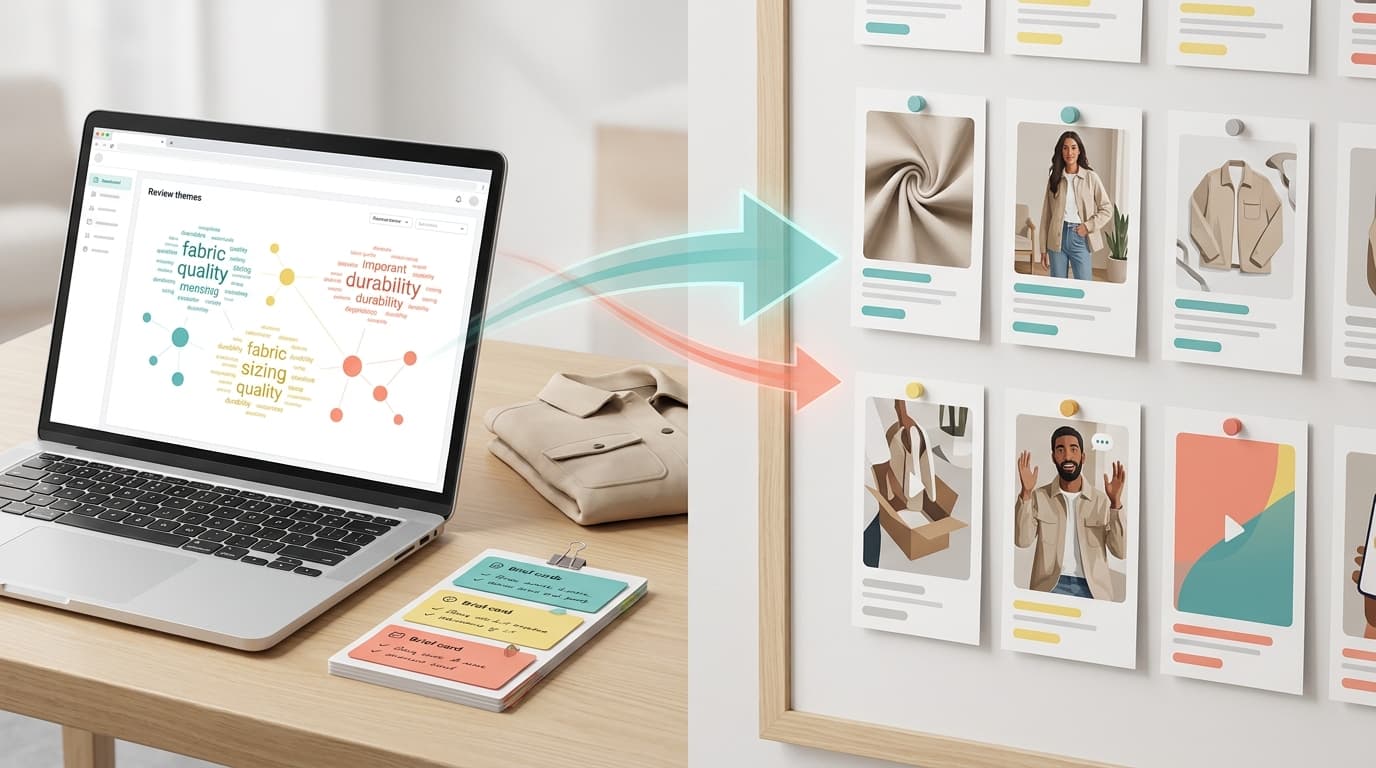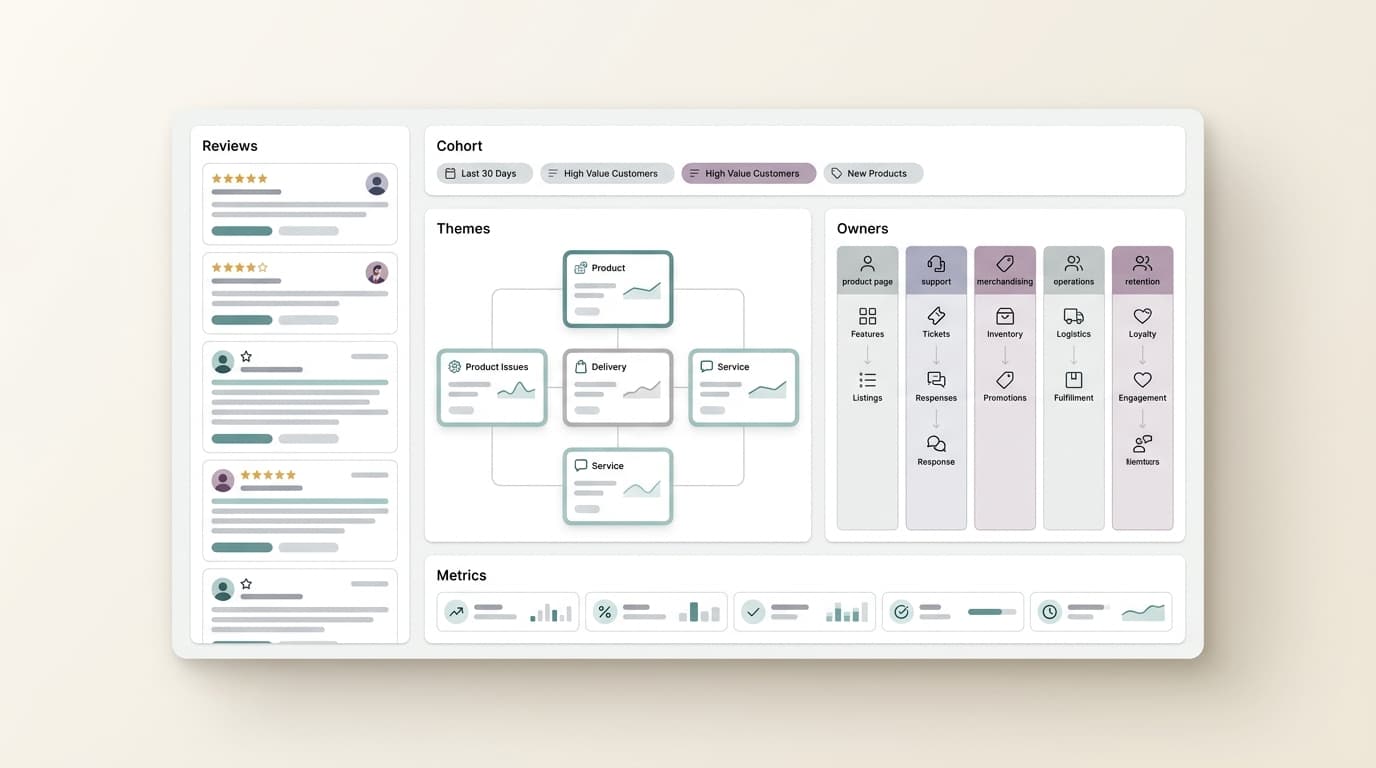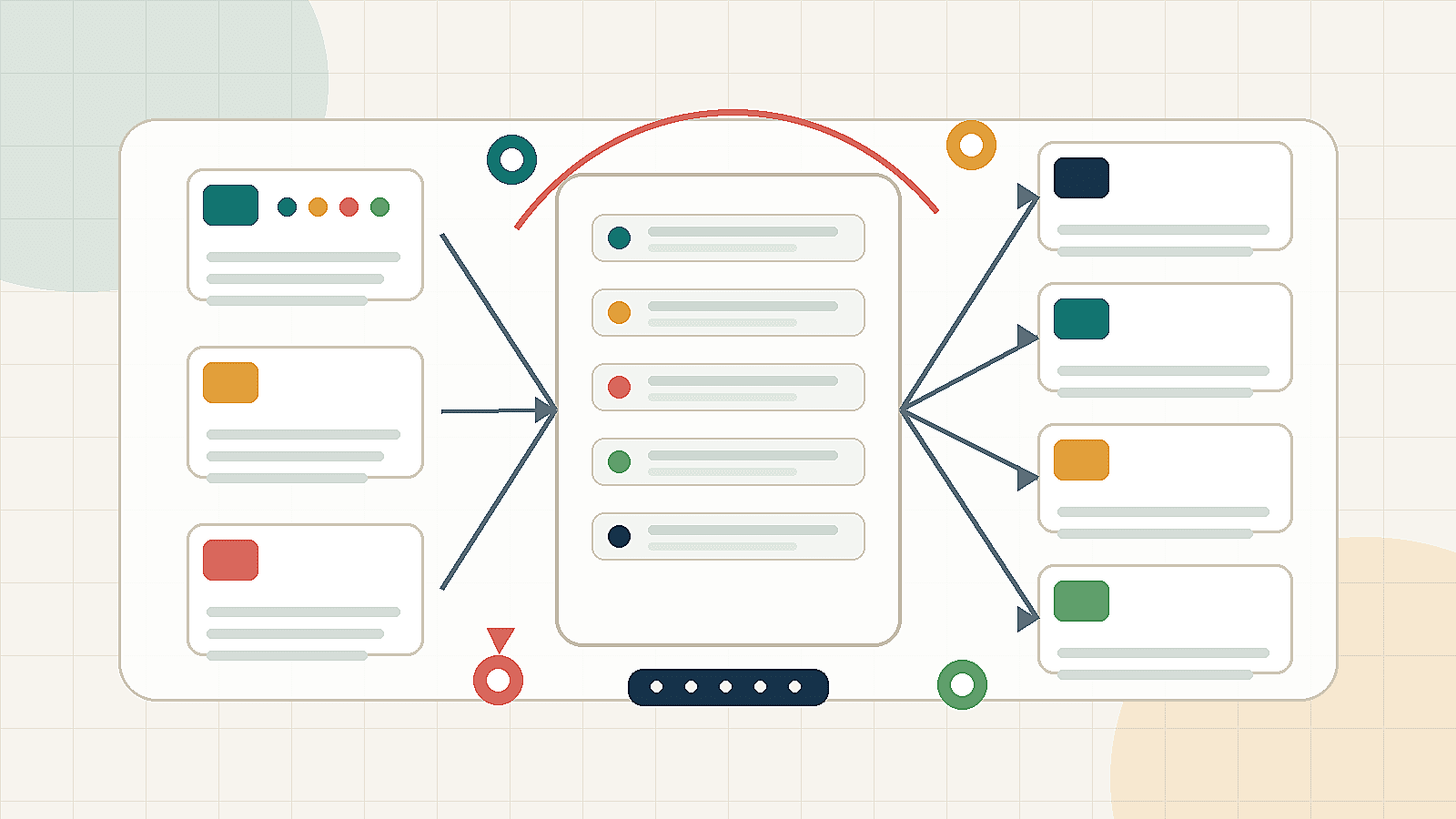
Support macro updates from reviews are one of the fastest ways to turn voice-of-customer work into a visible customer experience improvement. Reviews show the language customers use after a purchase. Support macros show the language agents use when customers need help. When those two systems stay separate, teams repeat outdated answers while the same review themes keep coming back.
The goal is not to let one angry review rewrite the help center. The goal is to find recurring review themes, compare them with support tickets and approved product facts, then update macros, FAQs, escalation notes, and product feedback logs with a clear owner. That is how support macro updates from reviews become a repeatable CX operations workflow instead of a one-time copy edit.
This guide is written for e-commerce support managers, CX operations teams, marketplace owners, and product teams that need practical macro examples, escalation rules, and a product feedback handoff checklist. Use it when review themes are showing up in support conversations, listing questions, returns, or roadmap discussions.
What Support Macro Updates From Reviews Should Change
Support macro updates from reviews should change four things:
- The macro answer. Agents need language that reflects current customer confusion, not last quarter's assumptions.
- The FAQ or help article. If customers ask the same question before and after purchase, the answer should not live only in the helpdesk.
- The escalation note. Agents need to know when a review theme is a known product issue, listing gap, policy question, or owner-reviewed exception.
- The product feedback log. Themes that suggest a product, packaging, or expectation problem need a handoff trail to product, operations, or listing owners.
A good macro update reduces agent guesswork. A great macro update also shows where the issue came from, what the agent can safely say, when to escalate, and how the team will check whether the theme declines after the change.
Source-Label Review Themes Before Editing Macros
Do not paste raw reviews into macros. Reviews are evidence, but they are not the whole evidence base. Before making support macro updates from reviews, label the source and confidence level behind each theme.
| Theme source | What it can support | What to verify before changing a macro | First owner |
|---|---|---|---|
| Product reviews | Repeated customer wording, product expectations, setup friction, missing-parts mentions, packaging complaints, and comparison language. | Product facts, affected SKU or variation, date window, severity, and whether support sees the same issue. | VOC analyst, support operations, product owner. |
| Support tickets | Agent effort, failed macro patterns, repeated troubleshooting steps, refund or replacement questions, and escalation volume. | Whether the macro is outdated, incomplete, too generic, or missing a policy/product constraint. | Support operations. |
| FAQs and product pages | Approved public claims, product specifications, compatibility, package contents, warranty language, and instructions. | Whether the page is current and whether support wording matches listing/legal/product-approved language. | Listing owner, product marketing, legal or compliance where needed. |
| Returns and internal operations | Return reason codes, inspection notes, fulfillment patterns, replacement trends, and SKU-level operations context. | Whether the merchant has authorized access and whether the issue is product, carrier, warehouse, packaging, or expectation related. | Operations, BI, returns owner. |
This source labeling keeps support macro updates from reviews useful and defensible. A review theme can justify a macro improvement, but product defect language, warranty commitments, safety issues, or compensation promises need owner approval before agents use them.
Workflow for Support Macro Updates From Reviews
Use this workflow every time a review theme enters the support operations queue.
- Capture the theme. Summarize the recurring review language in one sentence, such as "customers misunderstand compatibility with older models."
- Group the evidence. Attach date range, affected products, review count, support ticket tags, return clues, and any approved product-page facts.
- Choose the macro lane. Decide whether the theme needs a new macro, a macro update, a FAQ update, an escalation note, or a product feedback handoff.
- Draft the agent-safe answer. Use approved facts, plain language, and specific next steps. Avoid promising a fix, refund, timeline, or product change unless policy allows it.
- Add escalation rules. Tell agents when to use the macro, when to ask for more information, and when to escalate to product, operations, trust, legal, or a senior support owner.
- Log the decision. Record the source theme, macro version, owner, publish date, product handoff status, and follow-up review date.
- Measure the next signal. Recheck reviews, support tags, sentiment, and repeat-contact patterns after enough customers see the updated answer.
The best support macro updates from reviews are small, traceable, and reversible. If a macro makes a new claim or changes an escalation path, version it and make the owner visible.
Macro Examples From Recurring Review Themes
The examples below are templates, not legal or policy advice. Replace bracketed fields with approved product facts and your own support policy.
| Recurring review theme | Macro risk | Updated support macro example | When to escalate |
|---|---|---|---|
| Setup confusion repeats in low-star reviews. | Old macro says "follow the manual" and increases customer effort. | Thanks for reaching out. We have seen that the first setup step can be easy to miss. Please try this sequence: [approved step 1], [approved step 2], [approved step 3]. If step [X] fails, send us [diagnostic detail] and we will route it to the next support level. | Escalate if the same step fails after approved troubleshooting, if the customer reports safety risk, or if the product version is not covered by the macro. |
| Customers mention missing accessories or unclear box contents. | Agent promises a replacement before confirming included items. | Thanks for checking. This product package should include [approved included items]. If any listed item is missing, reply with your order ID and a package photo so we can verify the issue and choose the right replacement path. | Escalate to operations if multiple orders in the same date window mention the same missing item or if the included-item list conflicts with the product page. |
| Reviews say the product is not compatible with a common use case. | Macro gives generic troubleshooting and avoids the compatibility issue. | Before we troubleshoot, can you confirm [model/version/use case]? The current approved compatibility guidance is [approved compatibility statement]. If your setup is outside that range, we can help identify the right next step instead of repeating troubleshooting that will not apply. | Escalate to product or listing owner when reviews and tickets show a compatibility expectation that the listing does not explain clearly. |
| Customers say the product is smaller, louder, heavier, brighter, or different than expected. | Agent treats expectation mismatch as user error. | I understand the expectation gap. The product specification is [approved fact]. If that does not fit your intended use, here are the options allowed by our policy: [approved option A], [approved option B]. We are also tagging this feedback for the product/listing team. | Escalate when the expectation gap appears across reviews, support tickets, and returns, or when approved specs are missing from the listing. |
| Competitor comparisons appear in reviews and support chats. | Agent makes unsupported competitor claims. | Thanks for sharing that comparison. We can only confirm our product's approved specifications: [approved differentiator]. If you need [unsupported competitor-specific feature], I will tag this as product feedback rather than make a claim we cannot verify. | Escalate to product marketing when comparison language repeats and may affect positioning, listing content, or roadmap prioritization. |
These examples show the practical value of support macro updates from reviews: each macro improves the answer, names the evidence boundary, and defines the escalation path.
FAQ Update Rules
Some review themes should become FAQ updates before they become product changes. Use these rules to decide what belongs in the FAQ or help center.
- Update the FAQ when a theme is pre-purchase or setup-related. Examples include compatibility, dimensions, included accessories, app requirements, care instructions, and installation steps.
- Update the macro when agents need a better response path. Examples include troubleshooting order, diagnostic questions, replacement eligibility, or how to explain a limitation.
- Update the escalation note when the answer depends on evidence. Examples include defect reports, safety mentions, suspected batch issues, warranty edge cases, or policy-sensitive language.
- Update the product feedback log when the theme may require a product, packaging, supplier, or roadmap decision. Examples include repeated durability complaints, confusing design behavior, or missing parts.
FAQ updates and macro updates should stay connected. If the public FAQ changes, update the macro. If the macro changes because reviews expose confusion, check whether the FAQ or product page needs the same clarification.
Escalation Rules for Review-Led Support Notes
Escalation rules keep support macro updates from reviews from turning into unsupported agent improvisation. The exact thresholds should match your support volume, but the rule structure should be clear.
| Level | Trigger | Agent action | Owner | Expected output |
|---|---|---|---|---|
| Monitor | One or two low-severity reviews, no matching support pattern, no policy risk. | Use current macro, tag the theme, and wait for recurrence. | Support operations. | Theme remains in watchlist. |
| Macro/FAQ update | Recurring review theme plus matching support question, with approved product facts available. | Use updated macro, link approved FAQ, and tag cases for follow-up. | Support ops and listing/help owner. | New macro version and FAQ note. |
| Owner review | Theme repeats across reviews and tickets, affects a SKU or variation, or needs a product/listing decision. | Use holding language, ask for diagnostic details, and attach evidence to the owner handoff. | Product, operations, listing, or CX owner. | Accepted, rejected, or deferred owner decision. |
| Urgent escalation | Safety, legal, compliance, privacy, payment, warranty, defect concentration, public issue spike, or senior support override. | Do not improvise. Use approved holding language and escalate through the defined urgent path. | Senior support, legal/compliance, trust, product, or operations. | Incident note, approved response, and owner decision. |
Every escalation note should include approved language and prohibited language. If agents are told what not to say, the macro becomes safer and easier to audit.
Product Feedback Handoff Checklist
Use this checklist when a review theme may need product, listing, packaging, or roadmap action. It turns support macro updates from reviews into a product feedback handoff instead of a support-only patch.
| Checklist field | What to include | Why it matters |
|---|---|---|
| Theme ID | Short label such as SETUP-PAIRING-JUL01 or BOX-MISSING-CABLE-WK27. | Makes the theme traceable across macros, tickets, and product notes. |
| Customer wording | Approved paraphrase of the repeated review language, not raw private data. | Preserves buyer language without exposing sensitive content. |
| Source window | Date range, marketplace, product, SKU, variation, and source mix. | Separates current patterns from old reviews or unrelated products. |
| Evidence summary | Review recurrence, support tag count, return clue, sentiment movement, and confidence level. | Lets product and operations decide whether the signal is strong enough. |
| Current macro status | Macro ID, current answer, proposed answer, owner, and publish date. | Shows whether support has already closed the communication gap. |
| FAQ/listing status | Relevant FAQ, product-page section, image, comparison chart, or missing public answer. | Prevents support from carrying a problem the listing should solve. |
| Requested decision | Fix, monitor, reject, change listing, update packaging, investigate batch, or add roadmap note. | Gives the receiving owner a clear decision to make. |
| Next signal | What should change after the macro, FAQ, or product action ships. | Defines how the team will know the loop closed. |
Store the checklist in the same place your team stores macro versions or product feedback logs. The point is not to create another report. The point is to keep a clean trail from recurring review theme to support answer to owner decision.
Macro Change Log Template
A simple change log keeps the workflow manageable.
theme_id:
review_theme:
macro_id:
old_macro_problem:
new_macro_summary:
faq_or_help_update:
escalation_rule:
owner:
approved_by:
published_at:
next_signal:
next_check_date:
product_feedback_handoff:
For recurring themes, review the log weekly. For urgent or high-risk themes, review it daily until the owner closes the decision. This discipline makes support macro updates from reviews measurable instead of anecdotal.
Where VOC AI Fits
VOC AI helps teams find and organize the review themes that should inform support operations. Current VOC AI pages describe large-scale Amazon review analysis, including a review corpus of 2B+ Amazon reviews, pain points, expectations, feature mentions, customer profiles, sentiment, and competitor benchmarks. That makes Voice of Customer analysis useful for deciding which review themes are recurring enough to reach the support macro queue.
For a support operations workflow, use VOC AI as the analysis layer and keep human owners in control of policies, refunds, safety, legal language, and product commitments. Customer analytics can help organize buyer profiles and motivations, while sentiment analysis can help teams monitor whether a theme changes after a macro, FAQ, or listing update.
If your team needs proof that review intelligence can support broader CX operations, review the current customer stories hub. If you want to build a repeatable workflow for support macro updates from reviews, use VOC AI Voice of Customer analysis or contact VOC AI to map the process to your review, support, and product feedback systems.
FAQ
What are support macro updates from reviews?
Support macro updates from reviews are changes to helpdesk macros, FAQs, escalation notes, and product feedback logs based on recurring review themes. The workflow helps agents answer current customer problems without overclaiming what reviews prove.
How often should support teams update macros from review themes?
Use a weekly review for normal recurring themes, a monthly audit for lower-volume products, and an urgent review for safety, legal, compliance, warranty, defect, or public issue spikes.
Should raw review quotes appear in support macros?
Usually no. Agents need approved, customer-safe wording. Keep raw quotes in internal evidence records only when policy allows it, and use paraphrased themes in macros unless the quote is approved for support use.
When should a review theme become a product feedback ticket?
Create a product feedback ticket when the theme repeats across reviews and support, affects a SKU or variation, suggests a product or packaging issue, or cannot be solved with a macro or FAQ clarification alone.
What should an escalation note include?
An escalation note should include when to use the macro, required diagnostic details, prohibited language, urgent triggers, owner path, and the follow-up signal the team will monitor.
Can AI fully automate support macro updates from reviews?
AI can cluster review themes, summarize customer language, and flag macro candidates. Support, product, legal, and operations owners should still approve policy-sensitive language, product commitments, and escalation rules.