Updated August 15, 2026.
Shopify review analytics should help a merchant decide what to change, not just prove that reviews exist. Most Shopify review tools are good at collection, display, incentives, UGC, and social proof. Those jobs matter. But when a team searches for Shopify review analytics, the harder question is usually operational:
Which review evidence should change our product page, product roadmap, support queue, retention work, or merchandising plan?
That question needs a different evaluation framework than a normal "best Shopify review app" shortlist. A review widget can improve trust on a product page and still leave the team without a reliable way to inspect themes, compare cohorts, preserve evidence, and hand findings to an owner.
Use this guide to evaluate Shopify review analytics tools before you install another app, renew a review platform, or export comments into a spreadsheet.
What Shopify review analytics should actually answer
Start with the decisions your team needs to make. Shopify review analytics is useful when it can answer questions like:
- Which product page needs new proof, FAQ copy, or comparison language?
- Which complaint is hurting conversion, repeat purchase, or support volume?
- Which product variant is creating avoidable dissatisfaction?
- Which customer words should appear in product titles, bullets, ads, emails, or landing pages?
- Which competitor promise should we answer directly?
- Which review theme needs a product fix instead of a marketing fix?
- Which issue changed after a product update, supplier change, or packaging change?
If a tool only reports average rating, review count, and display performance, it may be a strong review marketing app. It is not yet a complete Shopify review analytics workflow.
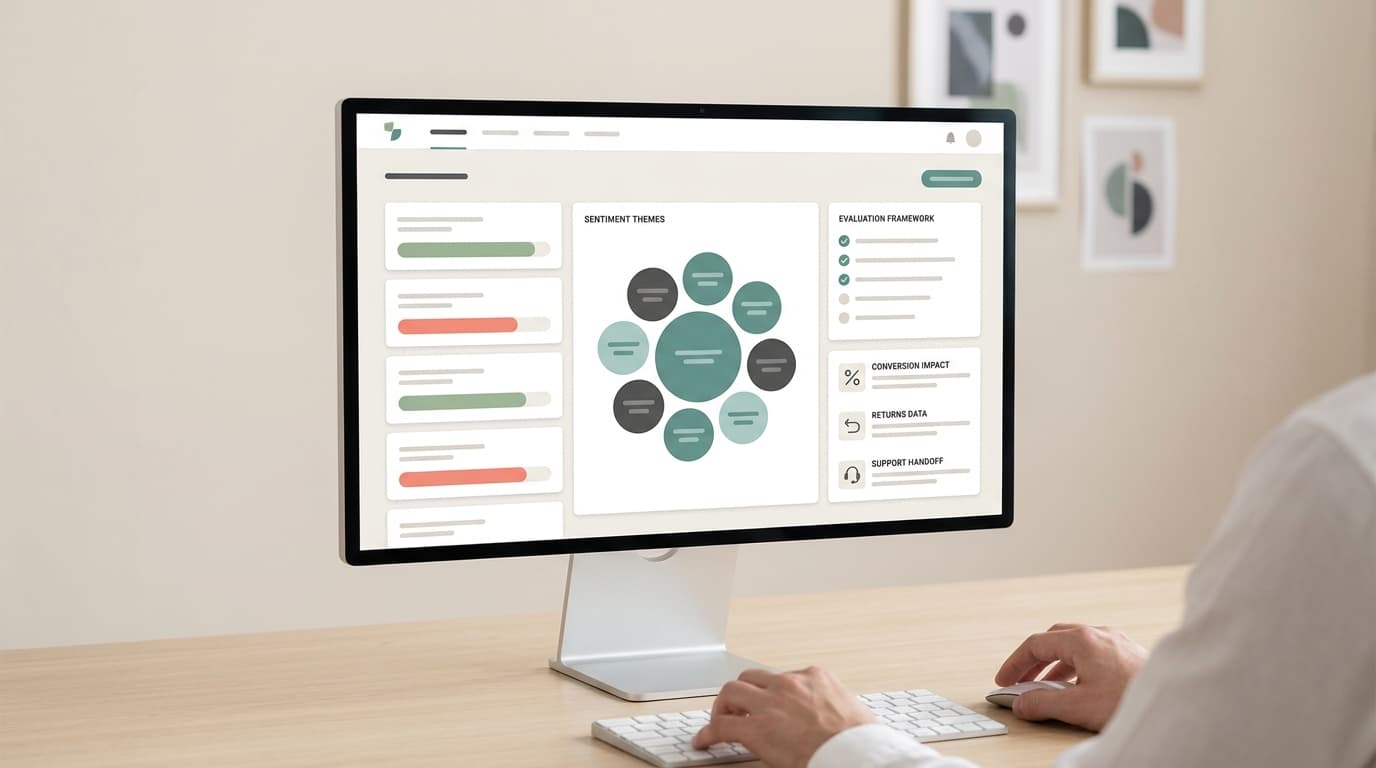
The Shopify review analytics evaluation framework
Use this framework before a demo, app install, or renewal conversation.
| Evaluation area | What good looks like | Red flag |
|---|---|---|
| Review cohort control | You can filter by product, variant, rating, date, market, customer segment, purchase status, and review source | All reviews are blended into one summary |
| Evidence traceability | Themes link back to source reviews, examples, dates, products, and variants | The tool gives polished AI summaries without inspectable evidence |
| Theme quality | Themes are specific enough to change copy, support macros, product specs, or roadmap items | Themes stay broad, such as "quality issue" or "shipping complaint" |
| Sentiment detail | Sentiment is tied to attributes, use cases, expectations, and tradeoffs | Sentiment is only a positive/neutral/negative chart |
| Conversion connection | Review insights can inform product-page proof, objection handling, UGC placement, and post-purchase flows | Analytics stops at review display metrics |
| Support handoff | Repeated complaints can be routed to CX, support, operations, or product owners | Review analysis lives in a marketing dashboard nobody else reads |
| Competitor context | The workflow can compare your products against competitor reviews or marketplace evidence when needed | It only analyzes your own Shopify storefront reviews |
| Export and API path | Evidence can move into docs, dashboards, agents, BI, or internal workflows | The output is trapped in screenshots or a closed UI |
| Operating cost | The team can repeat the workflow without heavy manual cleanup | Every useful answer requires a new export, spreadsheet, or prompt |
The highest-scoring tool is not always the most feature-rich app. It is the one that supports the decision your team repeats most often.
Separate review collection from review analytics
The Shopify App Store has a dedicated product reviews app category, and many top apps position around collection, visual reviews, loyalty, referrals, UGC, and on-site conversion. Examples include Okendo, Judge.me, Loox, Yotpo, and Stamped. Those tools can be valuable because a store first needs review volume and trust surfaces.
But review collection and Shopify review analytics are different jobs.
| Job | Primary owner | Main output | Buying question |
|---|---|---|---|
| Review collection | Ecommerce marketing | More reviews, star ratings, photo/video reviews, request flows | Can we collect and display credible reviews without adding friction? |
| Review display | CRO / merchandising | Review widgets, star ratings, UGC blocks, Q&A, social proof | Does proof appear where buyers hesitate? |
| Review analytics | Growth, CX, product, operations | Theme evidence, decision packets, owner handoffs | What should we change because customers keep saying this? |
| Review automation | Data / ops / engineering | Repeatable exports, APIs, dashboards, alerts, agents | Can this evidence move into the systems where work happens? |
Do not penalize a collection-first tool for not being an analytics system. But do not buy it as your analytics layer unless it can prove the analytics workflow.
Build a decision inventory before comparing tools
Before you compare Shopify review analytics tools, write down the recurring decisions your team expects reviews to support.
| Decision | Weak analytics output | Strong analytics output |
|---|---|---|
| Product page rewrite | "Customers like quality" | Buyers praise durability after travel use, but hesitate because the page does not show stress testing or warranty proof |
| FAQ update | "Sizing is negative" | 3-star reviews mention tight fit for broad feet in size 8-10, mostly after the spring variant launch |
| Product improvement | "Packaging complaints increased" | Recent low-star reviews cite leaking at the cap, concentrated in two SKUs and one fulfillment window |
| Support routing | "Shipping issue" | Customers confuse preorder timing with delayed delivery; update confirmation email and support macro |
| Retention / repeat purchase | "People ask about refills" | Happy customers want refill bundles but cannot find them from the product page or post-purchase email |
| Competitive response | "Competitor has better reviews" | Competitor reviews praise setup speed but complain about replacement parts; answer setup friction without copying weak claims |
This inventory makes demos more honest. Instead of asking "Does the product have analytics?" ask every finalist to produce the same output for one decision.
The 45-minute Shopify review analytics test
Run this test with your own review data, not vendor sample data.
| Minute | Task | What to check |
|---|---|---|
| 0-5 | Pick one decision | The decision is specific: page rewrite, product fix, support update, retention test, or competitor response |
| 5-12 | Lock the cohort | Product, variant, rating range, date range, geography, source, and customer type are clear |
| 12-22 | Generate themes | Themes are specific, non-overlapping, and tied to buyer language |
| 22-30 | Inspect evidence | Each major finding links back to source reviews and examples |
| 30-36 | Look for counterevidence | The tool shows reviews that weaken, narrow, or contradict the finding |
| 36-42 | Create the handoff | The output names the owner, action, expected signal change, and follow-up date |
| 42-45 | Score cleanup time | The team records how much manual work is needed before action |
If a tool cannot survive this small test, a longer demo will not fix the problem.
What to score in a Shopify review analytics tool
Use a simple 1-5 score for each criterion. Weight the criteria based on your business model.
| Criterion | Why it matters | Weight for small Shopify store | Weight for multi-channel brand |
|---|---|---|---|
| Review collection quality | Analytics fails if review volume is too thin | 5 | 3 |
| On-site display and UGC | Reviews must help shoppers at the point of hesitation | 5 | 4 |
| Cohort filters | Teams need to compare like with like | 3 | 5 |
| Source traceability | Decisions need proof that can be reviewed later | 3 | 5 |
| Theme specificity | Generic labels do not create useful action | 4 | 5 |
| Competitor or marketplace context | Shopify reviews alone may miss market expectations | 2 | 5 |
| Export/API support | Larger teams need repeatable workflows | 2 | 5 |
| Owner handoff | Insights should reach marketing, CX, product, or ops | 3 | 5 |
| Setup and maintenance effort | The workflow must be repeatable by the team that owns it | 5 | 4 |
For a young store, collection and display may deserve the highest weight. For a multi-channel brand, evidence quality, cohort control, competitor context, and exportability become more important.
Common tool categories
Most Shopify review analytics shortlists include several tool types. They are not interchangeable.
| Tool type | Best for | Watch out for |
|---|---|---|
| Shopify-native review apps | Review requests, widgets, visual reviews, star ratings, UGC, referrals, loyalty | Analytics may focus more on display performance than decision evidence |
| CX and support platforms | Linking review complaints with tickets, macros, chat, returns, and service quality | Product and merchandising teams may not get enough review-specific context |
| Survey / NPS tools | Post-purchase and customer-experience measurement | Survey respondents may not represent review writers or non-buyers |
| Social listening tools | Public creator comments, community complaints, and brand sentiment | Signals can be noisy and hard to tie to product-level fixes |
| Marketplace review intelligence | Amazon, competitor, category, and product-review pattern analysis | May need a bridge back into Shopify merchandising and owned-store actions |
| API-first analytics workflows | Repeatable analysis, dashboards, agents, and internal reporting | Requires technical ownership and data governance |
Many ecommerce teams need more than one layer. The practical question is which layer becomes the source of truth for decisions.
Where VOC.AI fits
VOC.AI is strongest when Shopify review analytics needs to connect owned-store feedback with broader ecommerce review intelligence.
The VOC.AI product knowledge base describes Shopify as a review and feedback ingestion source, and it positions multi-channel sellers around unified review analytics across Amazon, Shopify, and social media. VOC.AI's public Voice of Customer Analysis page focuses on review intelligence: pain points, expectations, feature mentions, sentiment, product strengths and weaknesses, buyer language, and competitor benchmarks. The Review Analysis API is relevant when a team needs repeated review-analysis workflows outside a single dashboard.
That makes VOC.AI a fit when the team wants to answer questions such as:
- Are Shopify complaints also appearing in Amazon or competitor reviews?
- Which customer phrases should be reused across Shopify product pages and marketplace listings?
- Which product gap is visible before it becomes a support or return problem?
- Which review themes should become product, CX, listing, or marketing actions?
- Which review-analysis workflow needs to run repeatedly through an API or internal agent?
If your immediate need is only to collect more Shopify reviews and display photo reviews on a product page, start with a Shopify-native review app. If your need is to turn review language into product, listing, competitor, or support decisions, add a review intelligence layer to the evaluation. The broader AI review analysis comparison, customer insights platform strategy, and product research AI comparison pages cover adjacent buying decisions when the scope expands beyond Shopify.
What generic Shopify review app pages miss
Most Shopify review app pages help you compare collection and display features. That is useful, but it leaves harder analytics questions unanswered:
- Can we inspect exactly which reviews created the theme?
- Can we compare one product, variant, market, or customer segment against another?
- Can we connect review themes to conversion, returns, support, repeat purchase, or product work?
- Can we see counterevidence before changing a page or product?
- Can another team reuse the evidence without a screenshot?
- Can we repeat the workflow next month and see what changed?
Those are the questions that separate Shopify review analytics from review decoration.
A practical shortlist checklist
Before you choose a tool, ask every finalist for the same proof:
- Show how reviews are collected and displayed on Shopify.
- Show the exact cohort used for one analysis.
- Show the source reviews behind the top three themes.
- Show one theme that became weaker after filtering by product, variant, date, or market.
- Show how the output moves to a product-page change, support update, product issue, or marketing test.
- Show export, API, or reporting options for repeat workflows.
- Show who owns the workflow after setup.
If the answer is only "our AI summarizes reviews," keep asking. Shopify review analytics should make the decision easier to defend.
FAQ
What is Shopify review analytics?
Shopify review analytics is the workflow for turning product reviews, customer feedback, and review-display performance into decisions about product pages, product improvements, support, retention, merchandising, and marketing.
Is Shopify review analytics the same as a Shopify review app?
No. A Shopify review app may collect and display reviews. Shopify review analytics goes further by helping the team inspect themes, evidence, cohorts, and owner handoffs.
What should small Shopify stores evaluate first?
Start with review collection quality, display speed, widget fit, request flows, and ease of setup. Add deeper analytics once review volume and decision complexity increase.
What should larger ecommerce brands evaluate first?
Start with cohort control, source traceability, cross-channel evidence, exports, API options, and owner handoff. Larger teams need a repeatable review intelligence workflow, not only a storefront widget.
Should Shopify merchants analyze competitor reviews too?
Yes, when product positioning, copy, pricing, or roadmap decisions depend on market expectations. Your own Shopify reviews show what current customers experienced. Competitor and marketplace reviews can show what buyers compare before choosing.
Conclusion
The best Shopify review analytics tool is the one that matches the job. If the job is trust building, prioritize collection, widgets, UGC, and review-request flows. If the job is decision support, prioritize cohort control, source evidence, theme quality, competitor context, exports, and owner handoff.
Do the 45-minute test before you buy. A tool that can turn one real review cohort into a defensible action is more valuable than a dashboard full of charts nobody uses.