Ecommerce Insights Use Cases by Funnel Stage
Updated September 8, 2026.
If you use the same ecommerce insight for awareness, purchase, and retention, the result is usually noise. Each funnel stage asks a different question, needs different evidence, and should produce a different decision.
This guide maps ecommerce insights use cases by funnel stage so operators can move from customer evidence to the next action faster. It is built for teams working across reviews, competitor feedback, support tickets, product analytics, and marketplace signals. For the broader operating model, read Ecommerce Insights Strategy for Growth Teams. For the platform-wide version of this stage map, read Customer Insights Platform Use Cases by Funnel Stage.
The useful question is not "what does the dashboard say?" The useful question is:
Which funnel decision will this evidence improve, and what output would make the owner comfortable acting on it?
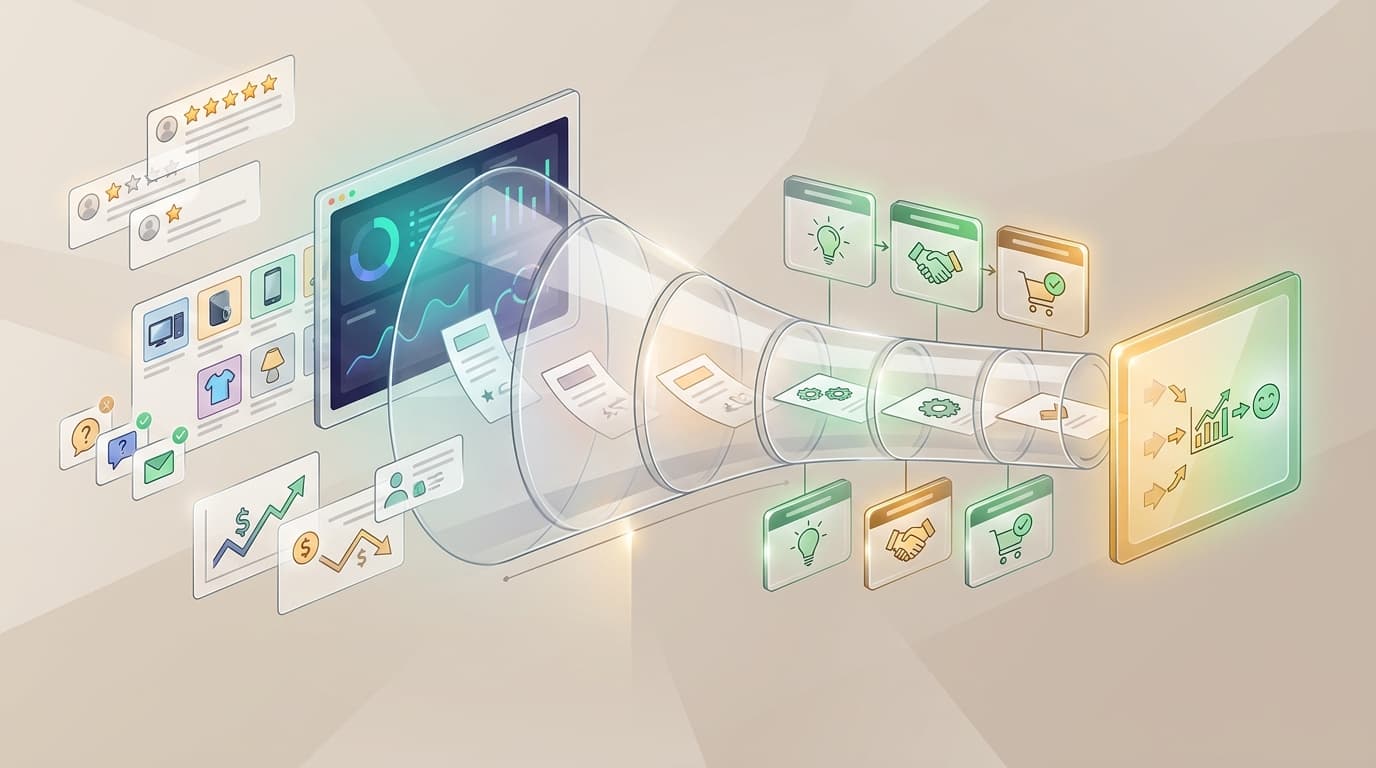
The stage-by-stage ecommerce insights map
Start with the stage. Then choose the evidence. Then choose the output. A good ecommerce insights workflow should end in a decision owner, not another chart.
| Funnel stage | Main decision | Best ecommerce evidence | Useful output | Next action |
|---|---|---|---|---|
| Awareness | Which problem language should we lead with? | Public reviews, competitor reviews, social comments, category trends, search queries | Demand map and buyer-language list | Pick content angles, category bets, or launch hypotheses |
| Consideration | Why do shoppers compare, hesitate, or distrust the offer? | Review pros and cons, comparison pages, pre-sale questions, competitor complaints | Objection matrix and proof-gap list | Rewrite positioning, comparison copy, and FAQs |
| Purchase | What blocks conversion right now? | Listing reviews, checkout feedback, shipping questions, return notes, trust signals | Purchase-friction report | Test offer, shipping message, proof block, or pricing explanation |
| Activation | What stops first success after delivery? | Setup reviews, onboarding tickets, first-use complaints, unboxing feedback, sizing notes | Expectation-gap diagnosis | Fix instructions, help content, post-purchase messaging, or packaging |
| Retention | Why do repeat buyers stay, churn, return, or complain again? | Returns, support escalations, rating trends, recurring complaints, post-purchase surveys | Retention-risk board | Prioritize QA, service recovery, monitoring rules, or roadmap fixes |
| Expansion | What new use cases, bundles, or segments are emerging? | Positive reviews, advanced usage notes, accessory requests, adjacent-category feedback | Expansion brief | Launch bundle, cross-sell, new SKU, or lifecycle campaign |
This table is the working map. The rest of the article explains how to use it without mixing stages, overreacting to weak evidence, or treating every customer comment as a product mandate.
Awareness: find the language buyers already use
Awareness-stage ecommerce insights should answer one thing: what language already exists in the market before the buyer knows your brand.
Use this stage when the team is choosing category content, paid creative angles, product launch positioning, or a new audience hypothesis. The strongest evidence usually comes from messy public sources: marketplace reviews, competitor reviews, social comments, community questions, creator comments, and category-level search behavior.
The output should be a buyer-language map:
| Field | What to capture |
|---|---|
| Pain phrase | The exact words shoppers use to describe the problem |
| Trigger | The situation that made the problem visible |
| Desired outcome | What the buyer hoped would happen instead |
| Current workaround | What the buyer does when the product or category fails |
| Source | Review, comment, competitor page, search query, or support note |
Do not use awareness-stage ecommerce insights to decide final product priority. The evidence is too broad for that. Use it to decide which problem to investigate next and which words belong in market-facing content.
Consideration: prove what makes the shortlist
Consideration-stage ecommerce insights explain why shoppers compare options and what proof they need before trusting one.
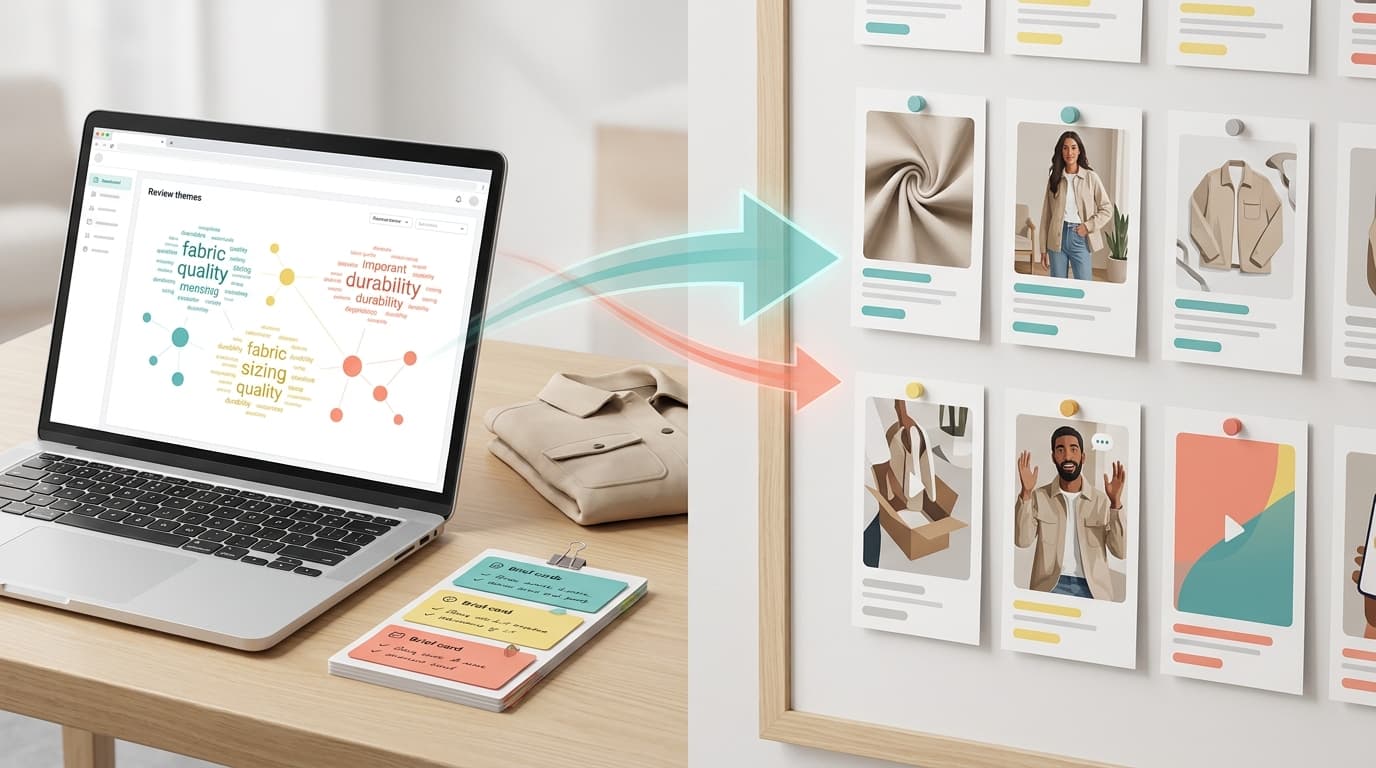
This is where reviews are especially useful. Star ratings tell you whether customers are satisfied; review language tells you which tradeoffs shoppers notice. Look for statements about durability, ease of use, size, materials, shipping, support, comparison against another brand, and "I bought this because..." language.
Turn the evidence into an objection matrix:
| Objection | Evidence source | What the buyer needs | Page or owner |
|---|---|---|---|
| "Will this fit my use case?" | Reviews, Q&A, support questions | Clear use-case examples and dimensions | Product page |
| "Is it worth the price?" | Competitor reviews, comparison comments | Outcome proof and tradeoff explanation | Product marketing |
| "Can I trust the quality?" | Low-star reviews, return notes | Defect visibility, warranty clarity, QA update | Product or operations |
| "What makes this different?" | Competitor praise and complaints | Specific differentiator with customer evidence | Positioning and ads |
Good consideration-stage ecommerce insights do not produce a generic "customers want quality" summary. They produce copy and proof blocks a shopper would recognize.
Purchase: isolate the friction closest to conversion
Purchase-stage ecommerce insights should stay close to the decision point. At this stage, broad sentiment is less useful than specific blockers.
Look for evidence around shipping promises, delivery dates, price confusion, checkout hesitation, unclear bundles, missing warranty information, product images, size charts, payment options, and trust signals. If the product is sold on a marketplace, listing reviews and Q&A often show purchase friction directly. If the product is sold through Shopify or another owned storefront, combine reviews with checkout feedback, support chats, and product analytics.
Use a purchase-friction report like this:
| Friction | Evidence | Severity | Recommended test |
|---|---|---|---|
| Shipping expectations unclear | Repeated pre-sale questions about delivery time | High if close to campaign window | Add delivery promise and cutoff details near CTA |
| Size or fit misunderstood | Review complaints mention mismatch after arrival | High if linked to returns | Add comparison image, dimensions, and FAQ copy |
| Trust gap before checkout | Shoppers ask about warranty or authenticity | Medium to high | Move warranty, guarantee, or proof block above fold |
| Bundle confusion | Reviews mention missing accessories or unclear package contents | Medium | Rewrite bundle label and product image captions |
This is one of the fastest places to apply ecommerce insights because the action is usually concrete: rewrite, move, clarify, test, or monitor.
Activation: close the promise-versus-experience gap
Activation starts after the purchase. In ecommerce, the first success moment may be unboxing, setup, sizing, first use, installation, first wash, first charge, first recipe, first trip, or first support interaction.
Activation-stage ecommerce insights should show where the promise made before purchase fails to match the experience after delivery. Reviews often reveal this gap with phrases like "I thought it would...", "the instructions did not...", "it was smaller than expected", or "worked once but..."
The output should separate three kinds of problems:
| Problem type | What it means | Owner |
|---|---|---|
| Expectation gap | The listing or ad set up the wrong expectation | Growth, product marketing, merchandising |
| Instruction gap | The product can work, but the customer cannot reach first success easily | Support, content, product |
| Product gap | The product does not reliably deliver the promised outcome | Product, operations, QA |
Do not route all activation complaints to support. If the same complaint appears in reviews and support tickets, the real owner may be product, packaging, instructions, or listing content.
Retention: separate recurring risk from isolated complaints
Retention-stage ecommerce insights should help the team decide what threatens repeat purchase, renewal, subscription continuation, or brand trust.
The common mistake is counting complaints without checking recurrence, severity, and recency. Ten old complaints about an issue already fixed should not outrank three new complaints about a defect that appeared after a supplier or packaging change.
Use a retention-risk board:
| Signal | What to check | Action threshold |
|---|---|---|
| Recurring defect language | Same issue across ratings, variants, or channels | Create QA or product investigation |
| Rising negative theme | Complaint frequency or severity increasing recently | Add monitoring rule and owner review |
| Return reason matches review theme | Customers say one thing publicly and return for the same reason | Prioritize fix over messaging |
| Support escalation repeats | Support keeps resolving the same issue manually | Create help content, macro, or product fix |
| Repeat-buyer praise | Positive reviews mention a reason to buy again | Use in retention email or bundle strategy |
Retention-stage ecommerce insights are strongest when they preserve counterevidence. If some customers complain about durability while repeat buyers praise durability in a different use case, the answer may be segmentation, not a universal defect.
Expansion: find the next use case from happy customers
Expansion-stage ecommerce insights should not come only from complaints. Positive reviews, advanced usage notes, bundle requests, and accessory questions often reveal the next use case.
Look for patterns such as:
- customers using the product in a context the listing does not mention
- buyers requesting a kit, refill, accessory, size, color, or bulk option
- reviewers comparing the product favorably against a different category
- support or sales conversations that reveal a new segment
- customers naming a job-to-be-done that could become a landing page or campaign
The output should be an expansion brief:
| Brief field | Example question |
|---|---|
| Emerging use case | What are customers doing that we did not explicitly sell? |
| Evidence count | How many sources support the pattern? |
| Segment | Which customer type or use context appears? |
| Offer idea | Bundle, cross-sell, new SKU, content page, or lifecycle campaign? |
| Risk | Is the evidence broad enough to test, or only anecdotal? |
| First test | What is the smallest market-facing experiment? |
Expansion-stage ecommerce insights are useful because they start from proven customer language instead of a blank brainstorming session.
The 30-minute funnel-stage test
When the team is unsure where to start, run this test before building a dashboard or buying another tool.
- Pick one funnel stage.
- Write one decision sentence.
- Choose one evidence cohort.
- Extract five to ten repeated themes.
- Preserve at least three source examples for each accepted theme.
- Add counterevidence where customers disagree.
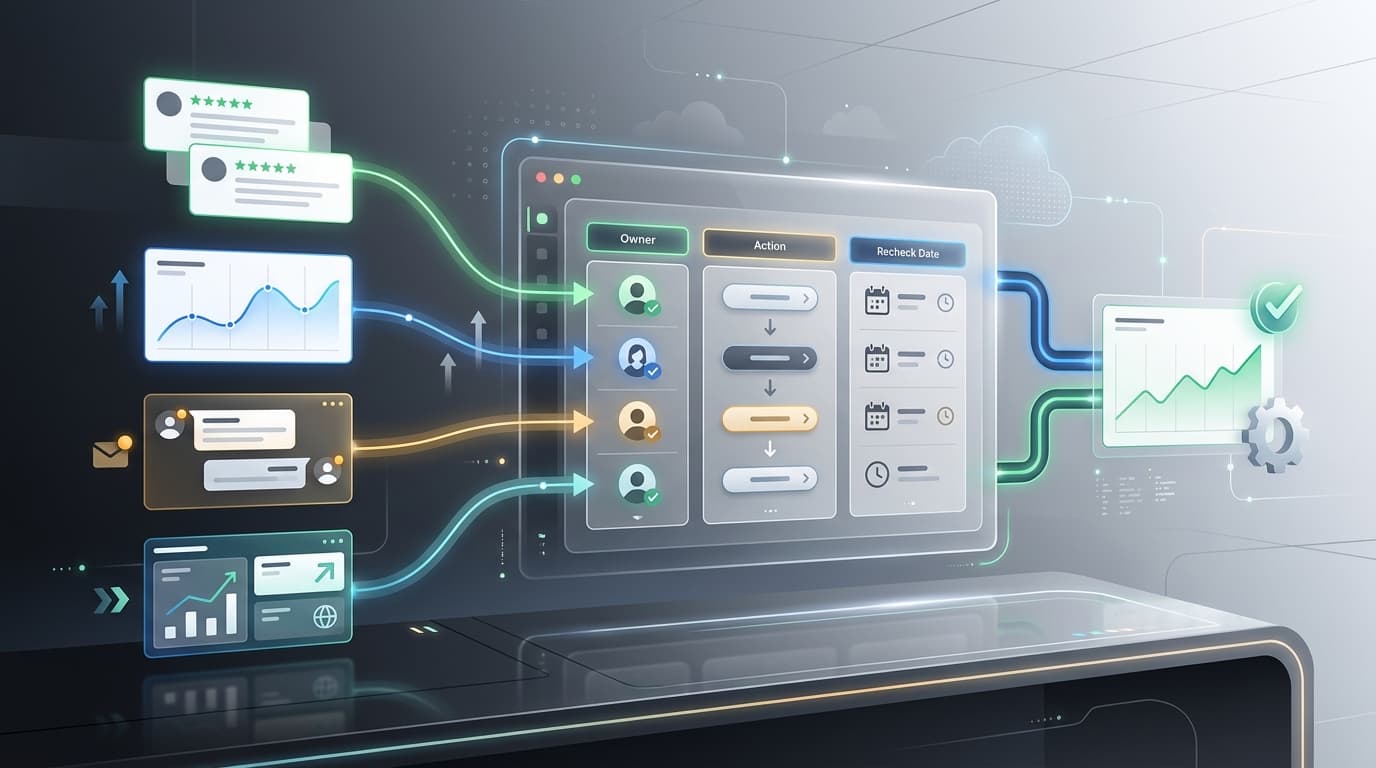
- Assign one owner and one next action.
- Set a recheck date.
Here is the template:
| Field | Fill this in |
|---|---|
| Funnel stage | Awareness, consideration, purchase, activation, retention, or expansion |
| Decision sentence | "We need to decide whether..." |
| Evidence cohort | Product, SKU, ASIN, market, channel, date range, rating range, or competitor set |
| Accepted theme | The specific pattern the team trusts |
| Source examples | Review snippets, support tickets, comments, or analytics references |
| Counterevidence | What would make the team hesitate? |
| Owner | Growth, product, CX, support, merchandising, operations, or leadership |
| Next action | Rewrite, test, fix, monitor, brief, launch, or escalate |
| Recheck date | When the team will inspect the next cohort |
This is the practical core of ecommerce insights work. If the output cannot fill this template, it is probably not ready to drive a decision.
How VOC.AI fits the workflow
VOC.AI is most useful when the team wants one workflow that moves from review and market evidence to action.
- Use Voice of Customer Analysis when the team needs review themes, buyer language, pain points, expectations, and decision-ready evidence.
- Use Market Insight when the team needs category movement, competitor context, and product opportunity discovery.
- Use Product Research when the question is what to build, launch, improve, or test next.
- Use Review Analysis API when ecommerce insights need to flow into an internal dashboard, agent, report, or recurring workflow.
If you only have one hour, start with consideration and purchase. Those two stages usually expose the clearest copy, proof, shipping, checkout, and listing fixes. Then move upstream to awareness or downstream to retention once the team has a repeatable operating rhythm.
How to avoid weak ecommerce insights
Weak ecommerce insights usually fail for one of five reasons:
| Failure mode | What it looks like | Fix |
|---|---|---|
| Mixed funnel stages | Awareness language is used to justify retention priority | Pick one stage before analysis |
| Pooled evidence | Old reviews, new reviews, variants, and markets are blended together | Lock the cohort |
| No source traceability | The team sees a summary but cannot inspect examples | Preserve review, ticket, or comment evidence |
| No counterevidence | The output hides disagreement between segments | Keep contradiction visible |
| No owner | The report ends with "monitor this" | Assign a decision owner and next action |
This is why ecommerce insights tools should be judged by workflow fit, not just dashboard polish. A useful output makes the next decision easier to make and easier to audit later.
FAQ
What are ecommerce insights?
Ecommerce insights are evidence-backed findings from customer reviews, competitor feedback, support conversations, product analytics, search behavior, and marketplace signals. They are useful when they change a specific ecommerce decision.
What are ecommerce insights use cases by funnel stage?
They are the different questions, evidence sources, outputs, and actions ecommerce teams need at awareness, consideration, purchase, activation, retention, and expansion.
Which funnel stage should ecommerce teams start with?
Start with consideration and purchase if the team needs the fastest practical wins. Those stages usually reveal clear objections, proof gaps, listing issues, shipping confusion, and checkout friction.
How are ecommerce insights different from a customer insights platform?
Ecommerce insights are the findings and workflows. A customer insights platform is one kind of system that can collect, structure, and route those findings. This page is ecommerce-specific; the broader platform article explains the cross-category operating model.
What should ecommerce insights tools show?
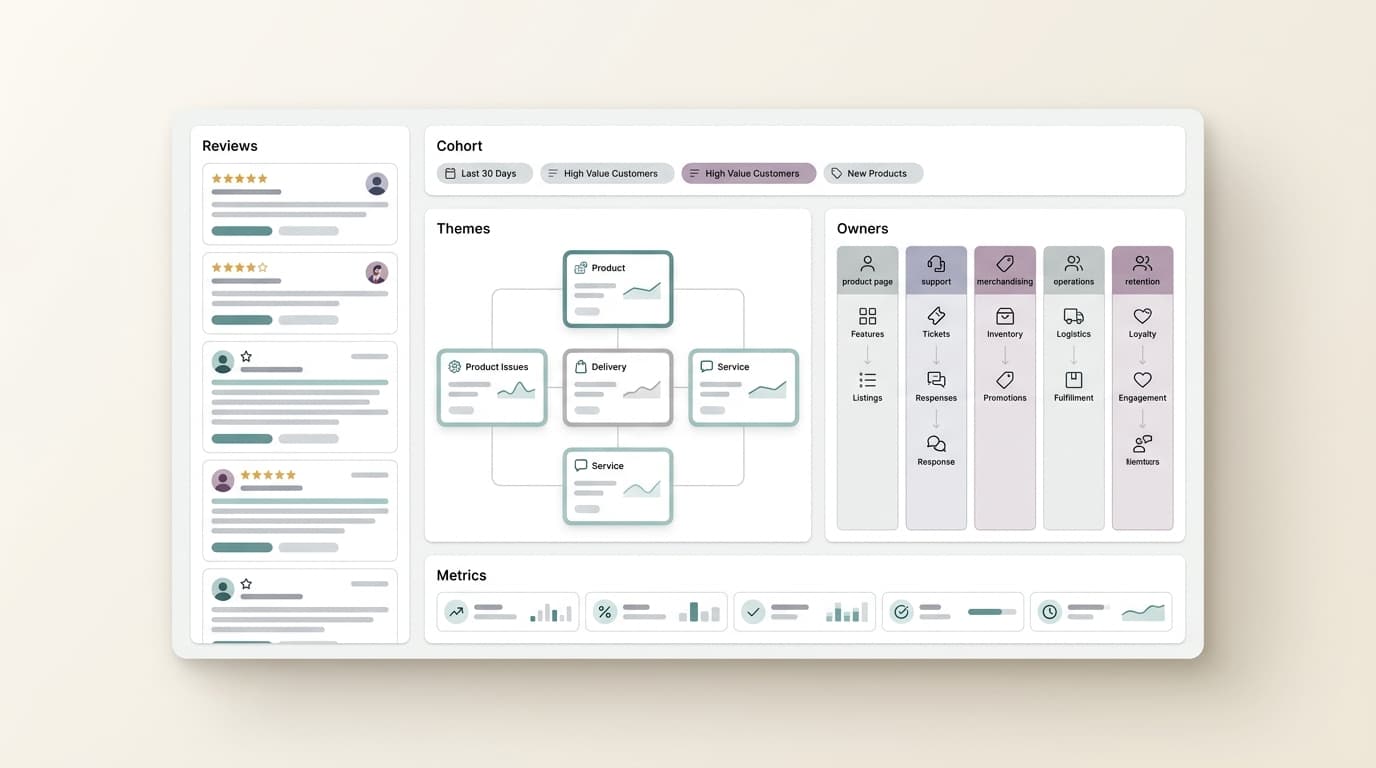
Strong ecommerce insights tools should show the cohort, source evidence, themes, counterevidence, owner, next action, and recheck date. A polished summary without traceable evidence is not enough for recurring decisions.
Closing
Ecommerce insights work best when each funnel stage has one question, one output, and one owner. That keeps the team from turning customer evidence into another dashboard.
Use the stage map first. Then connect it to Voice of Customer Analysis, Product Research, or Pricing when you are ready to move from planning to execution.