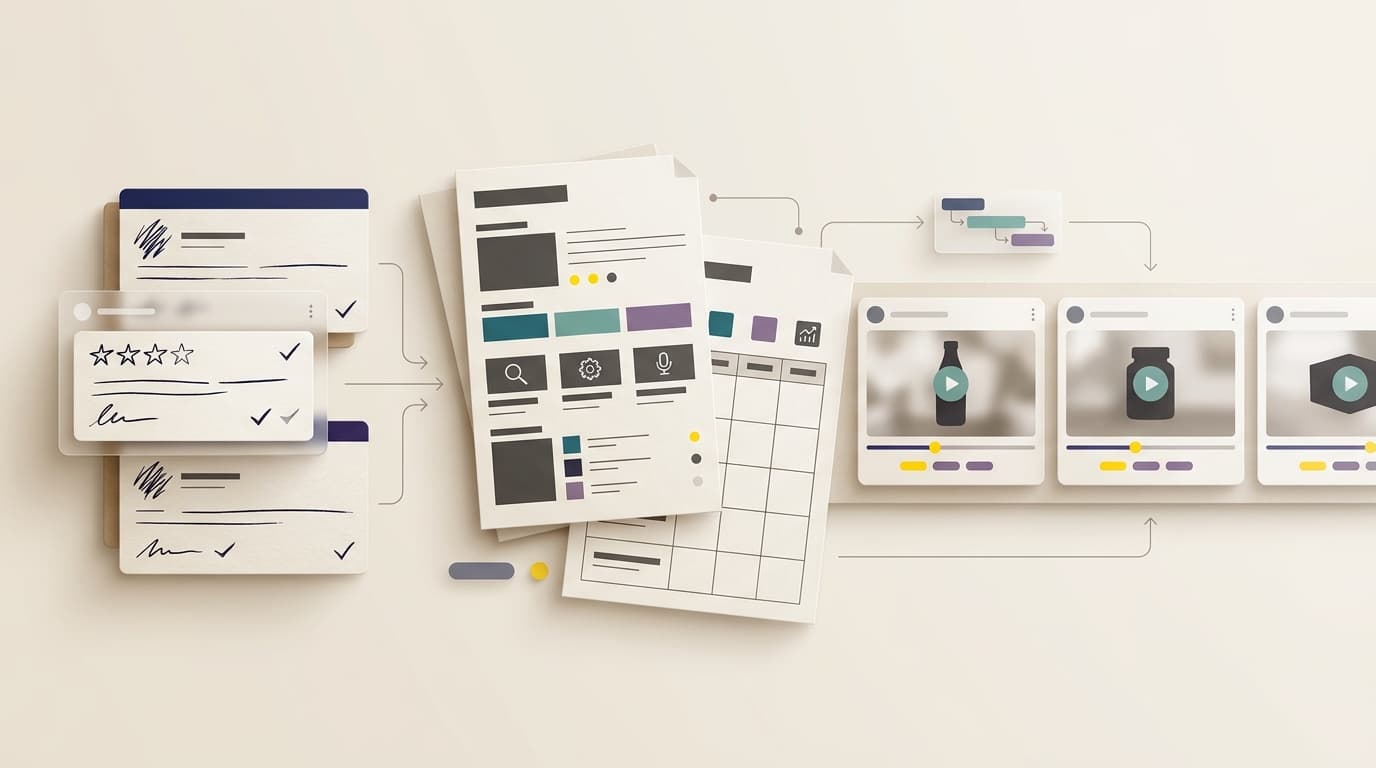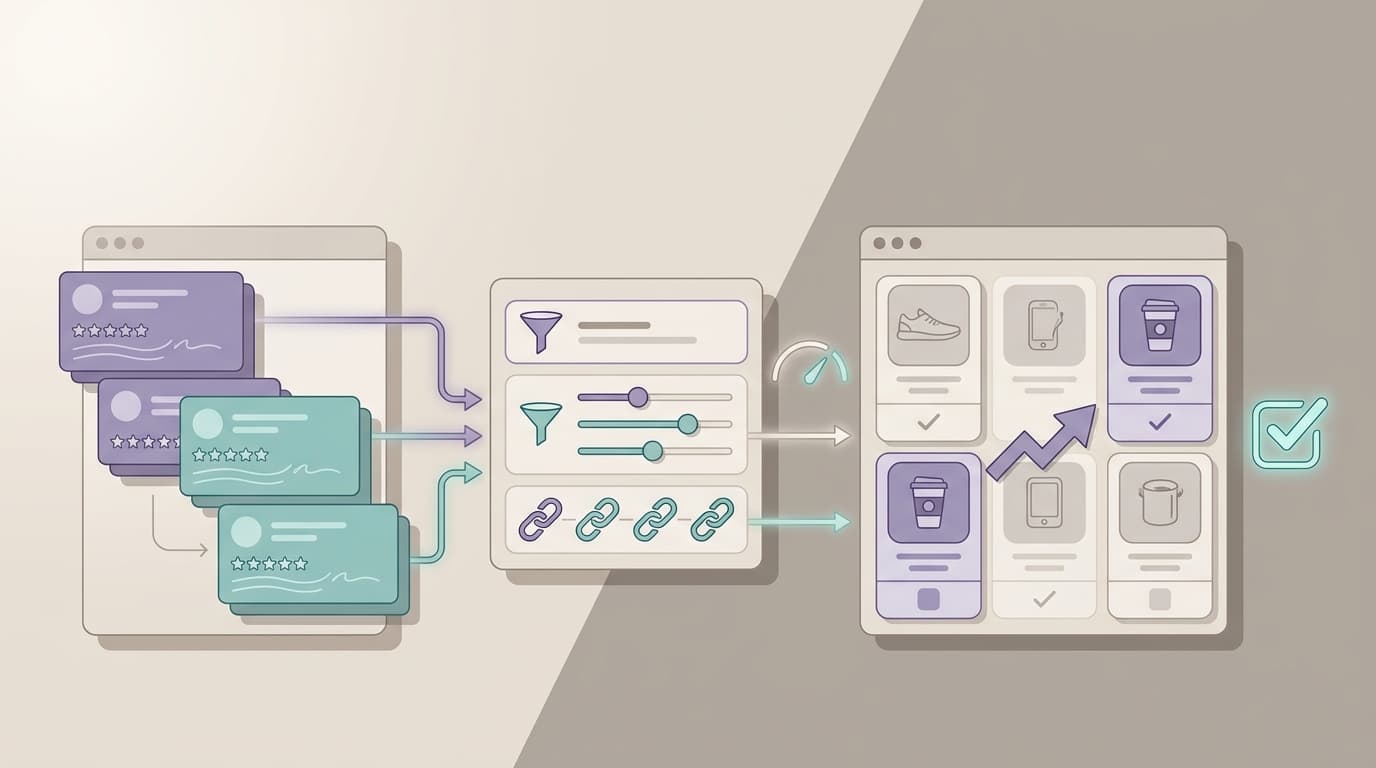
Amazon review pain point analysis is the discipline of reading buyer complaints as product evidence instead of scattered opinions. A seller is not looking for one dramatic one-star review or one clever phrase to copy into a listing. The goal is to find repeated friction: the durability problem buyers describe in different words, the sizing confusion that creates returns, the packaging issue that appears after a supplier change, or the missing feature competitors are solving better.
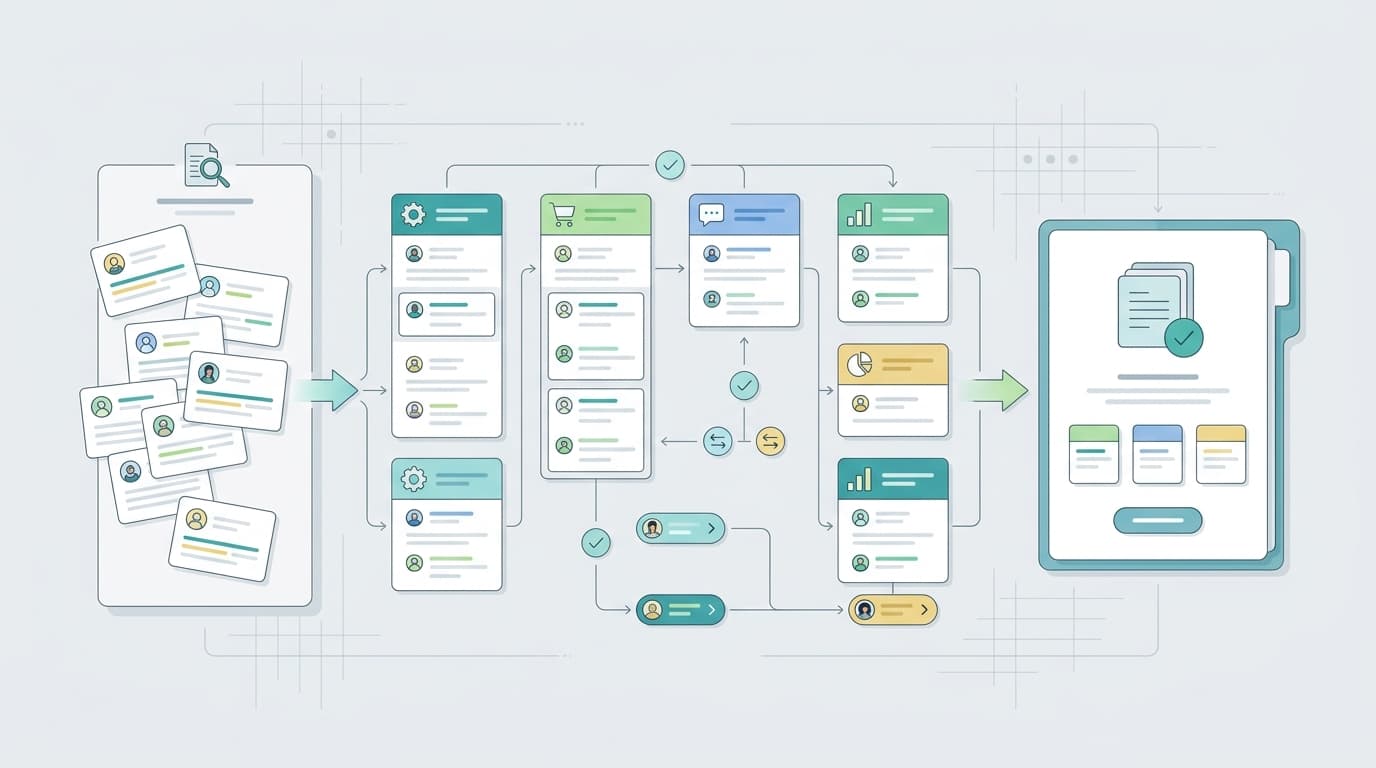
The workflow below is built for Amazon teams that already have products in market and enough review volume to make manual reading unreliable. It uses a simple operating model: collect reviews, normalize the language, cluster pain points, score each cluster, benchmark competitors, then route the finding to a decision owner. The output should be a product decision, a listing edit, a support script, a packaging fix, or a monitoring rule.
TL;DR
Question | Practical answer |
What is it? | A structured way to identify recurring buyer frustrations in Amazon reviews. |
Best review set | Start with one-star to three-star reviews, then compare with four-star “almost good” comments. |
Main output | A ranked pain point backlog with owner, evidence, severity, and next action. |
VOC AI fit | VOC AI helps cluster review themes and compare pain points across competitor ASINs at scale. |
What Counts as a Review Pain Point?
A pain point is a repeated customer frustration that affects the buying experience, product experience, or brand trust.
It is not every negative sentence.
A buyer saying “I hated it” is a signal, but it is not yet a usable pain point. A usable pain point has a theme, a cause, a scenario, and an implied decision.
For example, “bad quality” is too vague. “The zipper broke after two weeks during travel” is much more useful because it tells the product team which component, timing, and use case to inspect.
For Amazon sellers, pain points usually fall into these buckets:
- Product quality
- Durability
- Usability
- Sizing or fit
- Listing expectation mismatch
- Packaging and fulfillment
- Support or warranty friction
- Missing accessories
- Compatibility confusion
- Product safety concerns
Policy-sensitive patterns should be handled separately. If reviews look suspicious, off-topic, incentivized, or manipulated, check Amazon’s Community Guidelines before taking action. Review analysis should help sellers understand real buyers, not manipulate review visibility.
Step 1: Pick the ASIN Set Before You Read
Start by deciding which ASINs belong in the analysis.
A narrow product page audit may need one parent ASIN and its child variations. A competitor pain point study should include your own ASIN, three to five direct substitutes, one premium benchmark, and one lower-priced alternative.
If the market is fragmented, use category leaders and ad competitors rather than random products with the highest review count.
Document why each ASIN is in the set. Useful labels include:
- Category bestseller
- Price anchor
- Review-count leader
- Fast-rising challenger
- Same material
- Same use case
- Product you lose to in ads
- Premium benchmark
- Budget alternative
The label matters later. A pain point on a premium competitor does not mean the same thing as the same complaint on a budget product. Buyers judge products against expectations, not in a vacuum.
Step 2: Collect Reviews With Context
Review text without context creates bad analysis.
For each review, keep the basics:
- ASIN
- Variation
- Star rating
- Review title
- Review body
- Date
- Marketplace
- Verified-purchase visibility
- Product-page state when possible
- Review URL when available
Amazon’s Customer Reviews tool is the official baseline for eligible brands reviewing their own products. It is useful when sellers need to track and respond to certain catalog feedback.
For broader pain point work, especially across competitors or historical review sets, sellers need a way to preserve context. That context matters because a complaint from last month on one child ASIN should not be treated the same as an old complaint from a discontinued variation.
Do not sample only one-star reviews. One-star reviews reveal severe failures, but two-star and three-star reviews often contain the best product roadmap language because buyers explain what almost worked. Four-star reviews can also expose small friction that does not kill satisfaction yet still blocks a five-star experience.
Step 3: Normalize Buyer Language
Amazon buyers rarely use the same vocabulary as a product team.
One buyer says “cheap plastic.” Another says “flimsy.” Another says “cracked at the hinge.” Another says “not sturdy enough for travel.”
A keyword-only workflow treats those as separate complaints. A pain point workflow maps them to the same underlying issue: durability under a specific use case.
Normalize language in three passes.
First, preserve the raw phrase so the team can hear the buyer’s voice.
Second, create a semantic label such as durability, sizing mismatch, weak instructions, heat tolerance, odor, packaging damage, or battery life.
Third, add the scenario: travel use, daily cleaning, toddler use, outdoor weather, gift packaging, first assembly, or long-term storage.
For example:
Raw phrase: “The lid is hard to clean around the rubber seal.”
Semantic label: Cleaning difficulty
Scenario: Daily kitchen use
Likely owner: Product design or instructions
This keeps the analysis specific without losing the customer’s wording.
Step 4: Score Each Pain Point
A pain point needs a score because teams cannot fix every complaint at once.
Use a simple one-to-five scale. It is enough for most seller teams.
Score each pain point by:
- Frequency: how often the issue appears
- Severity: how strongly it affects satisfaction
- Revenue impact: whether it affects conversion, returns, repeat purchase, or ratings
- Fix feasibility: how realistic the fix is
- Strategic relevance: whether the issue affects positioning or differentiation
Keep the scoring plain. Do not pretend the data is more precise than it is.
If durability appears repeatedly in negative reviews, uses emotional language, and maps to a product component the factory can improve, it deserves high priority.
If a complaint reflects a rare color preference, it may be useful to monitor but not worth redesigning the product.
If the issue is a known tradeoff, the right action may be listing education rather than product changes. The Kano Model is useful here because it separates different kinds of customer expectations. Some features are basic requirements. Some improve satisfaction as performance improves. Some delight customers only when present.
That distinction helps sellers avoid treating every complaint as the same type of product problem.
Step 5: Separate Product Problems From Listing Problems
Many Amazon sellers misclassify listing mismatch as product failure.
If buyers complain that a storage bin is smaller than expected, the product may be fine and the size explanation may be weak.
If buyers complain that a cable does not work with a device the listing never promised, the product may need clearer compatibility language.
If buyers complain that a product tastes, smells, or feels different than expected, the issue may sit in formulation, copy, images, or customer expectation.
Tag every pain point with the likely owner:
- Product
- Listing
- Packaging
- Customer support
- Compliance
- Brand monitoring
- Operations
The owner is more important than the label.
A “hard to assemble” theme may be a product design issue if parts do not align. It may be a listing issue if buyers expected no tools. It may be a packaging issue if instructions are missing.
Good pain point analysis does not stop at “customers are frustrated.” It asks where the business can actually act.
Step 6: Compare Competitor Pain Points
Competitor reviews turn pain point analysis from a support exercise into market research.
If your product and three competitors all receive the same complaint, the issue may be a category expectation no seller has solved well.
If only your product receives the complaint, it is probably a brand-specific weakness.
If a competitor gets praised for a feature your listing barely mentions, your next move may be positioning rather than engineering.
Build a simple competitor comparison. You can use a table internally, but the important part is the implication.
For example:
Competitor signal: Competitor A receives repeated battery complaints.
Buyer language: “dies too quickly,” “charger is hard to replace,” “not reliable for travel.”
Possible implication: Buyers may accept a higher price when replacement parts or battery lifecycle are clearer.
Another example:
Competitor signal: Competitor B is praised for easy setup.
Buyer language: “ready in five minutes,” “instructions were simple,” “no tools needed.”
Possible implication: If your product has the same advantage, the listing should explain setup more clearly.
VOC AI can be useful here when teams need to compare repeated pain points across several competitor ASINs without manually reading every review set. This is a market research use case, not just a complaint summary.
Step 7: Turn Findings Into a Decision Backlog
Every validated pain point should become a decision record.
Include:
- Theme
- Raw buyer phrases
- ASINs affected
- Example review URLs
- Severity score
- Owner
- Recommended action
- Review date range
- Follow-up date
The recommendation should be specific.
Use actions like:
- Rewrite the size chart
- Test a reinforced hinge
- Add a setup video
- Change package inserts
- Monitor reviews after the next supplier batch
- Create a compatibility checklist
- Update the product FAQ
- Review support response timing
This is where many teams lose value. They create an insight deck, then the deck sits in a folder.
A better cadence is weekly triage for priority products, monthly category review, and quarterly product roadmap input. Pain point analysis should feed product development, listing optimization, customer service, and launch retrospectives.
ISO’s ISO 10002 complaint-handling guideline is not Amazon-specific, but the principle applies: complaints should be handled through a structured process that helps improve products and services. Review pain points are not just noise. They are repeat complaints waiting to be routed.
How VOC AI Helps With Pain Point Analysis
VOC AI fits best when pain point analysis becomes too large or too frequent for manual review reading.
For a small ASIN, a spreadsheet may be enough. For a seller managing multiple products, competitor sets, variations, and time windows, the work becomes harder to repeat consistently.
VOC AI can help teams work from review intelligence instead of scattered comments. In this article’s workflow, that matters in a few different places:
- During collection, it helps keep review data easier to organize across ASINs.
- During clustering, it reduces the manual effort of grouping similar buyer complaints.
- During competitor review, it helps compare pain points across product sets.
- During follow-up, it helps teams revisit whether a pain point changed after a listing, product, or packaging update.
VOC AI should not replace judgment. A product manager, listing owner, support lead, or operations team still needs to decide what the finding means. The value is making the evidence easier to find and easier to revisit.
For teams that want to connect pain points with broader customer behavior, VOC AI’s customer analytics tools are a relevant next step. For sellers building custom workflows, the Review Analysis API can help connect review data and analysis outputs to internal systems.
Common Mistakes to Avoid
Treating Frequency as Truth
A frequent complaint in a small or old review set may not represent the current product.
Always note the date range, variation, and operational context. A complaint that appears 20 times in old reviews may matter less than a complaint that appears five times after a recent supplier change.
Overreacting to One Vivid Review
Emotional language matters, but repeated evidence matters more.
A vivid one-star review can be useful as a clue. It should not drive a redesign unless other reviews support the pattern.
Writing Fake Precision
If the dataset is incomplete, do not claim exact percentages.
Use ranges, counts, or qualitative language unless the tool can verify the denominator. “Several recent reviews mention cracked packaging” is safer than “12.7% of customers dislike the packaging” when the review universe is incomplete.
Ignoring Positive Review Language
Pain points tell you what to fix. Positive themes tell you what buyers already value.
Do not accidentally remove a loved feature while solving a complaint. If five-star reviews repeatedly praise compact size, do not increase size to solve a rare storage complaint without checking tradeoffs.
Mixing Policy Issues With Product Issues
A review that appears suspicious, off-topic, or abusive is not the same as a product pain point.
The FTC final rule on fake reviews and testimonials also raises the stakes around fake or misleading reviews. Keep policy questions separate from product improvement work.
FAQ
What is Amazon review pain point analysis?
Amazon review pain point analysis is the process of grouping review complaints into recurring customer problems, scoring those problems by severity and business impact, and turning them into product, listing, support, or positioning decisions.
Which reviews should I analyze first?
Start with one-star, two-star, and three-star reviews, then compare those themes with four-star reviews that contain phrases such as “but,” “wish,” “hard to,” or “too small.”
How many reviews are enough?
A few dozen reviews can reveal early themes, but mature Amazon products usually need hundreds or thousands of reviews across several ASINs before a seller can trust frequency and trend comparisons.
Can ChatGPT analyze Amazon review pain points?
ChatGPT can help cluster pasted samples, but it cannot collect Amazon reviews by itself, maintain historical context, or verify frequency counts unless the seller supplies clean source data.
What should I do after finding a pain point?
Assign the pain point to a decision owner such as product, listing, packaging, support, compliance, or brand monitoring. A pain point that no one owns is just a report, not an operating signal.
How can VOC AI help with review pain point analysis?
VOC AI can help sellers organize review evidence, cluster repeated complaints, compare competitor pain points, and revisit whether issues change after product, listing, packaging, or support updates.
Should launch teams use pain point analysis?
Yes. Before launch, competitor reviews reveal what buyers already dislike in the category. After launch, early reviews show whether the product solved those issues or created new friction.