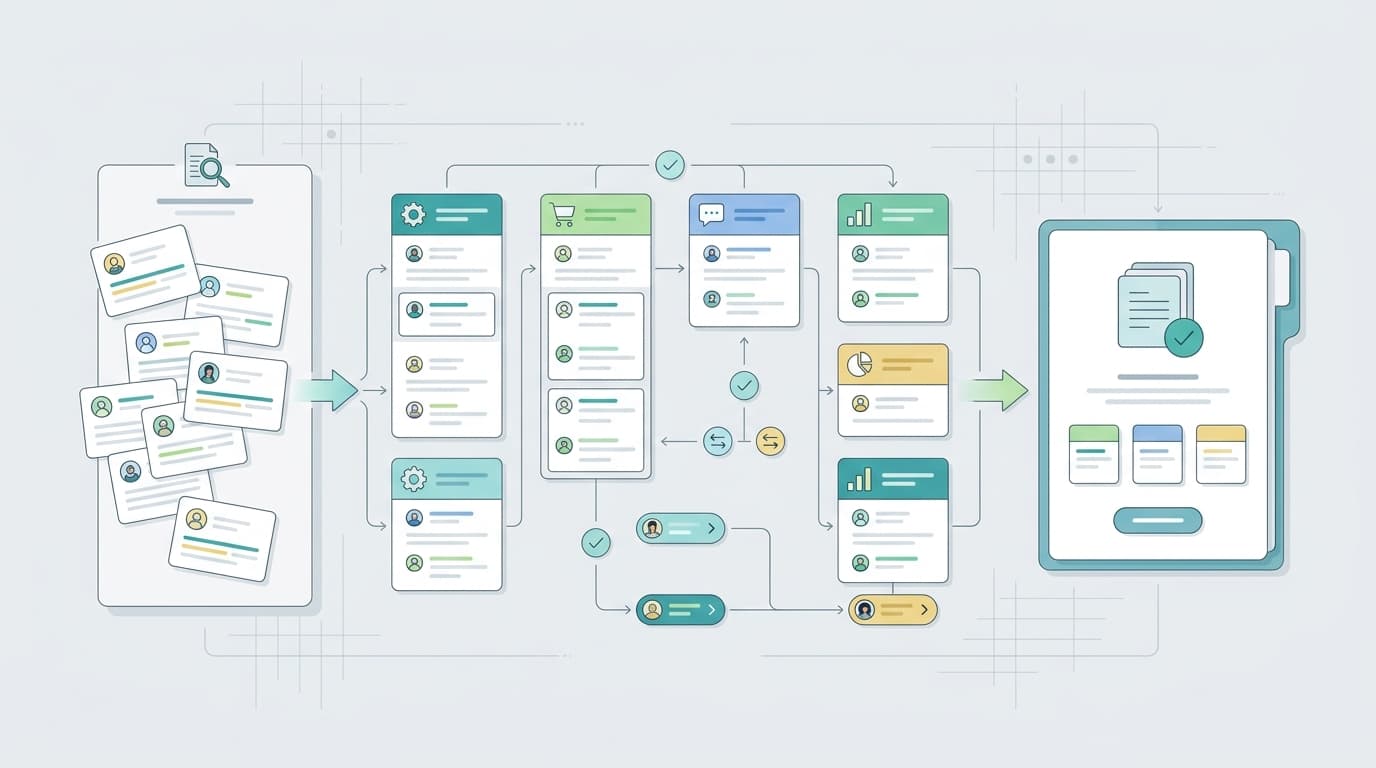
Many sellers search for an Amazon review API because they are tired of reading reviews manually. They want to pull ratings, review text, themes, sentiment, competitor complaints, and product issues into a dashboard. The problem is that Amazon review data is not a simple open pipe. Access depends on the use case, the account, the marketplace, Amazon's developer rules, and whether the data is first-party, aggregated, public, or provided by a compliant vendor.
The safest way to approach an Amazon review API project is to start with the decision you need to make. A seller who wants to respond to customer reviews has a different need from a developer building an internal dashboard. A product team comparing competitor complaints has a different need again. This guide explains the practical options and how to build a review insight workflow without treating scraping as the default plan.
TL;DR - Amazon Review API Options
Option | Best for | What to verify | Who it fits |
Official seller review workflows | Eligibility, Brand Registry, marketplace support | Brand owners working inside Seller Central | |
Approved developer workflows around customer feedback | Developer profile, roles, scope, and current API limits | Technical teams with approved Amazon API access | |
Review intelligence platform | Theme clustering, sentiment, competitor analysis, and reporting | Data source, compliance posture, export rules | Sellers that need insights, not only raw data |
Manual export or research | Small one-time analysis | Time cost and sampling bias | Teams validating a question before automation |
If you only need to know what buyers complain about, you may not need to build an API integration at all. A review intelligence workflow can be faster. If you need an internal system that updates regularly, then an API or approved provider becomes more important.
The key point is not which endpoint is fashionable. The key point is whether your source is legitimate, durable, and fit for the action you want to take.
What Sellers Usually Mean by Amazon Review API
The phrase Amazon review API can mean several different things. Some sellers mean an official Amazon endpoint. Some mean a third-party structured data API that returns Amazon review pages. Some mean a review analytics product with exports. Some simply mean a way to stop copying reviews into a spreadsheet.
Those options are not interchangeable. Official Amazon APIs usually require registration, authorization, and a specific use case. Third-party data APIs may be easy to call but can raise questions about terms, reliability, missing data, and long-term maintainability. Review intelligence platforms usually abstract the data pipeline and focus on analysis, but you should still understand how the provider handles data access.
- Use Amazon-native tools when the action must happen inside Seller Central.
- Use SP-API resources when you have an approved developer use case and the endpoint supports your need.
- Use review intelligence software when the goal is theme analysis, competitor comparison, or reporting.
- Avoid building a brittle scraper for a workflow that your team will rely on every week.
Step 1: Define the Review Insight Use Case
Start by writing one sentence: We need review data so that we can do X. That sentence prevents scope creep. If X is respond to reviews, the answer is likely Amazon-native workflow. If X is find product defects, the answer is theme analysis. If X is compare competitors, the answer may require a broader review intelligence dataset.
A useful review API brief should include marketplace, ASIN scope, refresh frequency, fields required, owner of the next action, retention period, and compliance review owner. Without those details, a developer may build a technically successful integration that does not help the business make decisions.
Step 2: Check Amazon-Native Options First
Amazon's Customer Reviews tool is the official place to start for eligible brand owners who need customer review workflows. Amazon also publishes policy guidance for product reviews, seller feedback, and customer communications, and those rules should shape any review workflow a seller creates.
For developer work, read the current Selling Partner API Customer Feedback API documentation. Do not assume that an old blog post, GitHub project, or scraper package reflects the current official API surface. Amazon changes access requirements and endpoints over time, and your production system should be based on current documentation.
If your team cannot clearly map a desired field to an approved source, do not build around it yet. First determine whether the field is truly needed or whether an aggregate theme, rating trend, or qualitative summary would answer the business question with less risk.
Step 3: Avoid Treating Scraping as the Default
Scraping Amazon reviews may look simple in a prototype, but it is a fragile foundation for a seller workflow. Page structure changes can break the pipeline. Coverage can be inconsistent. Duplicates and localization can distort analysis. More importantly, policy and legal questions can turn a convenient shortcut into an operational risk.
That does not mean sellers should ignore public review language. It means the source and permission basis matter. If a vendor provides review intelligence, ask how the data is collected, how often it is refreshed, what markets are covered, how exports work, and what limitations exist. A trustworthy provider will be able to explain constraints without pretending review data is unlimited.
Step 4: Normalize Review Signals Before Analysis
Once you have a legitimate source, the next problem is consistency. Raw reviews are a messy pile of text—to make them actionable, you need to normalize them into a structured schema (ASIN, marketplace, theme, sentiment, and issue type).
This taxonomy is where the VOC AI Review Analysis API fits naturally. Instead of forcing your team to read thousands of single comments, the API acts as a structured analysis layer that automatically tags and groups repeated buyer language into clean data points, without positioning itself as Amazon’s official review API.
Field | Why it matters | Example action |
Theme | Groups repeated language into a pattern | Create a packaging issue ticket |
Sentiment | Separates praise, neutral feedback, and complaints | Prioritize negative themes first |
Competitor | Shows whether a complaint is category-wide or brand-specific | Turn competitor weakness into listing copy |
Owner | Prevents insight from dying in a report | Assign to product, listing, support, or brand |
Step 5: Turn Review API Data Into Decisions
Raw review data is only useful if it changes a decision. For review analysis workflows, VOC AI can help sellers move from raw comments to structured themes, competitor comparisons, and product or listing priorities. If you want the non-API version of that workflow, read how to analyze Amazon reviews at scale.
A strong operating cadence is simple: review the newest negative themes weekly, compare competitor themes monthly, route urgent issues immediately, and update listing copy when reviews reveal a repeated expectation gap. The API or vendor feed supplies the signal. The business process turns the signal into value.
Common Mistakes When Building an Amazon Review API Workflow
- Starting with the endpoint instead of the business decision.
- Assuming public review pages equal unrestricted reusable data.
- Mixing first-party and competitor data without labeling the source.
- Collecting full text when an aggregate theme would be enough.
- Building dashboards with no owner for each action.
- Ignoring review policy when the workflow touches customer communication.
The best review data system is usually boring. It has approved sources, clear fields, limited retention, predictable refreshes, and owners who act on the output. That is more valuable than a clever scraper that fails quietly or creates compliance questions.
Practical Seller Checklist
Before choosing software or building a data workflow, write the operating checklist your team will actually follow. Review analysis fails when the tool is purchased before the decision process is clear. A seller does not need another dashboard if nobody owns the product, listing, support, or brand-protection action that comes out of the dashboard.
- Define the decision first: product fix, listing update, competitor brief, review request workflow, support playbook, or brand-risk escalation.
- Define the ASIN scope. Separate your own ASINs, direct competitors, category leaders, and products used only for early niche research.
- Define the review signal. Rating movement, repeated complaint themes, positive language, sentiment shift, competitor weakness, and policy-sensitive concerns should not be mixed together.
- Define the owner. A theme without a named owner is only a report line, not an operating signal.
- Define the review cadence. Weekly review monitoring and monthly competitor analysis are easier to maintain than irregular deep dives.
This checklist also helps sellers avoid buying overlapping tools. A review request product may be excellent at operational outreach but weak at competitor theme analysis. A review intelligence platform may be excellent at insight but not intended to send review requests. A marketplace suite may be useful because it connects reviews to keywords, PPC, and listing work, even if its review analysis is not the deepest feature.
The best review workflow is usually a combination of official Amazon tools, a clear internal process, and one analytics layer that matches the team's decision rhythm. Keep the source of every signal visible, keep Amazon policy in view, and measure whether review insights actually change product quality, listing clarity, or customer support outcomes.
For each theme, write one short action note: what happened, where it appeared, why it matters, who owns it, and when the team will check again. This small habit turns review software from a research toy into an operating system. It also makes future audits easier because the team can see which claims came from Amazon reviews, which came from competitor analysis, and which came from social or support inputs.
When a developer is involved, add three technical checks to the same note. First, record whether the source is official Amazon tooling, an approved API, a vendor export, or manual research. Second, record the refresh rule so stale review themes do not stay in dashboards forever. Third, record the field limits so the team does not ask for data the source cannot legitimately provide. These details sound administrative, but they prevent most broken review data projects.
When a marketer is involved, add a messaging check. Review themes should not be copied straight into listing claims without verification. Use them to identify buyer language, then confirm the claim is accurate, compliant, and supported by the product experience. That is especially important for health, safety, durability, and performance language where a casual review phrase can become an unsupported marketing claim if handled carelessly.
Finally, keep one rejection rule: if the data source cannot be explained to a compliance reviewer in plain English, do not build a recurring workflow on top of it. Reliable review operations depend on sources the business can defend, not only sources that are convenient to query.
FAQ
Is there an official Amazon review API?
Amazon offers official developer APIs and seller tools for eligible use cases, including Selling Partner API resources and Customer Reviews tools, but sellers should not assume there is an unrestricted public API for downloading every review from any Amazon listing.
Can I scrape Amazon reviews instead?
Scraping can create legal, policy, reliability, and data-quality risk. A safer workflow is to use official Amazon tools where available, approved APIs, first-party seller data, or review intelligence providers that can explain their data source and compliance posture.
What is the Amazon Customer Feedback API?
The Customer Feedback API is part of Amazon's Selling Partner API documentation and is designed for eligible developer use cases around customer feedback signals. Teams should read the current Amazon documentation and access requirements before building against it.
Can an Amazon review API provide competitor review insights?
Official seller APIs may be limited by account, marketplace, authorization, and use case. Competitor review analysis often requires a review intelligence platform or a compliant data provider rather than assuming direct Amazon API access.
What fields should an Amazon review data pipeline store?
Store only the fields you are allowed to use, such as ASIN, marketplace, review date, rating, topic, sentiment, source, and the action owner. Avoid collecting unnecessary personal data and keep a record of the source and permission basis for every dataset.