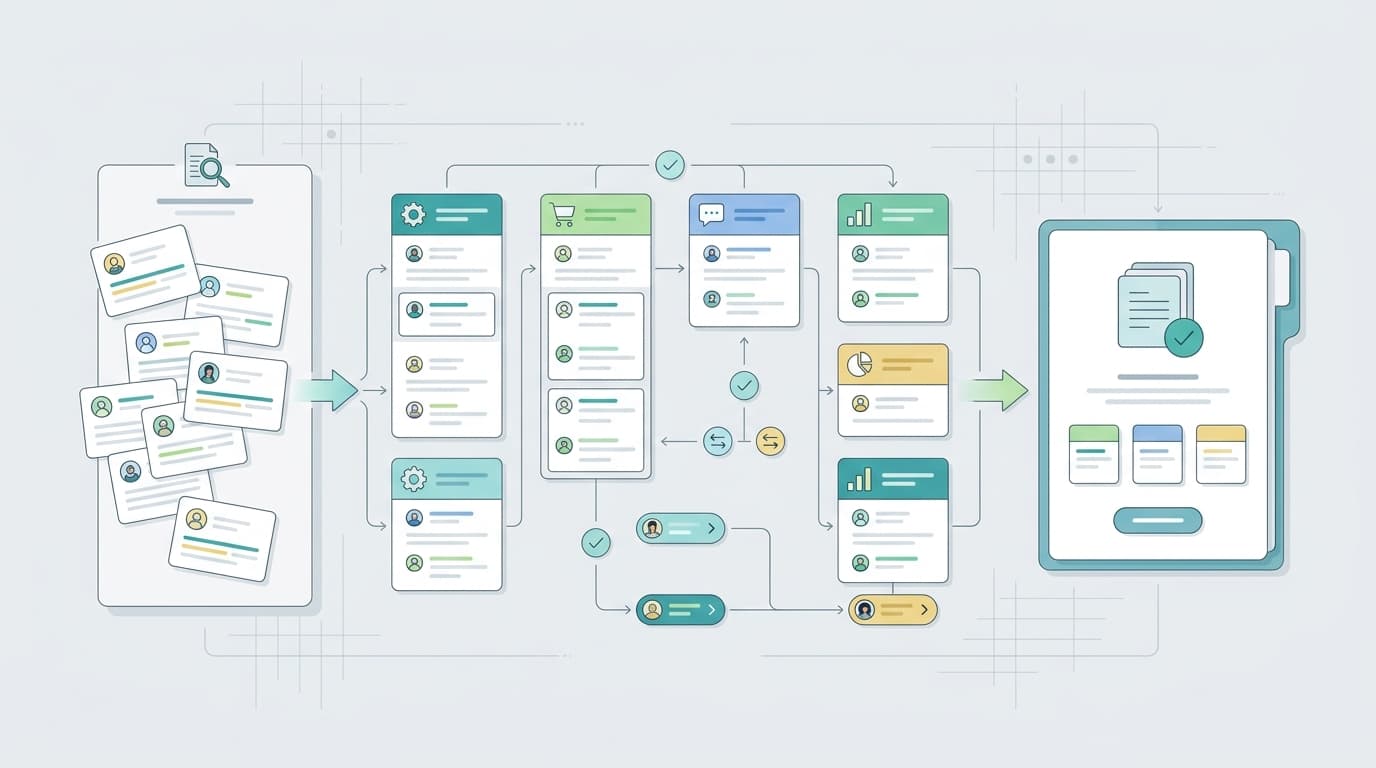
An Amazon seller review tracking tool helps a team notice new reviews, group repeated issues, compare ASINs, and turn buyer feedback into action. The best tool depends on what the seller needs most: fast alerts, deeper VOC analysis, competitor learning, review request workflows, or executive reporting.
This list focuses on review tracking and review intelligence for Amazon sellers. Pricing pages change often, so the article links to official pricing or product pages instead of repeating numbers that can go stale. Use those pages to confirm plan limits, marketplace coverage, and current packaging before buying.
Quick Comparison
Area | What to watch | Seller output |
VOC AI | Review intelligence and competitor review analysis | Teams that want themes, gaps, and decision support |
Amazon Customer Reviews tool | Official review monitoring baseline | Eligible Brand Registry sellers |
FeedbackWhiz | Alerts and review management workflows | Private-label sellers that want operational notifications |
Sellerise | Amazon operations suite with review-related workflows | Sellers that want broader seller operations in one place |
Helium 10 | Marketplace toolkit with review and listing context | Teams already using a broader Amazon seller suite |
Jungle Scout | Research and seller workflow platform | Teams connecting product research with market feedback |
DataHawk | Marketplace analytics and reporting | Teams that need reporting across ASINs and channels |
What Counts as a Review Tracking Tool?
A review tracking tool does more than show an average star rating. At minimum, it should help sellers monitor new reviews and understand which products need attention.
Depending on the tool, review tracking may include:
- New review alerts
- Low-star review monitoring
- Seller feedback monitoring
- Review request workflows
- Review theme analysis
- Sentiment analysis
- Competitor review tracking
- ASIN or variation-level reporting
- Exports for product, listing, or support teams
Amazon’s official Customer Reviews tool is the baseline for eligible brand owners. Amazon also explains that customer reviews and star ratings help shoppers understand product experience, which makes review tracking useful for sellers too when it is handled carefully and within Amazon’s rules.
How to Choose a Review Tracking Tool
Start with the review workflow, not the software category.
If the team only needs to know when a new low-star review appears, an alert-focused tool may be enough. If the team needs to understand why negative reviews are increasing, look for theme analysis and sentiment. If competitor feedback matters, make sure the tool can compare ASINs in a way the team can actually use. If leadership needs recurring reports, export quality and dashboard clarity matter more.
A good review tracking tool should help sellers answer a few practical questions:
- Which ASINs changed recently?
- Which new reviews need attention?
- Which themes repeat across reviews?
- Which issues belong to product, listing, support, or operations?
- Which competitor complaints reveal category gaps?
- Can the team export or assign the insight?
- Does the workflow respect Amazon’s review and communication rules?
Amazon has published guidance on maintaining a trustworthy review experience, including its work against fake or manipulated reviews. Sellers should keep that principle in mind when using any review tool: tracking and analysis are useful; pressure, incentives, or review manipulation are not.
7 Amazon Seller Review Tracking Tools
VOC AI

VOC AI is a strong fit when sellers want to understand what buyers are saying across their own products and competing ASINs.
It is less about simple notification and more about review intelligence. Sellers can use it to group review themes, identify sentiment patterns, compare competitor complaints, find product gaps, and turn buyer language into listing or product decisions.
This makes VOC AI useful for:
- Amazon brands with many reviews to analyze
- Agencies preparing review insight reports
- Product teams looking for recurring pain points
- Sellers comparing their ASINs with competitor ASINs
- Teams that want buyer phrases for listing and creative work
VOC AI’s guide on how to analyze Amazon reviews is a useful companion if the goal is to move from raw review text to themes and actions. Sellers who care about emotional tone can also look at review sentiment analysis, while teams studying category gaps may use VOC AI competitor analysis.
Choose VOC AI when the review question is not just “What review arrived?” but “What pattern does this review belong to?”
Amazon Customer Reviews Tool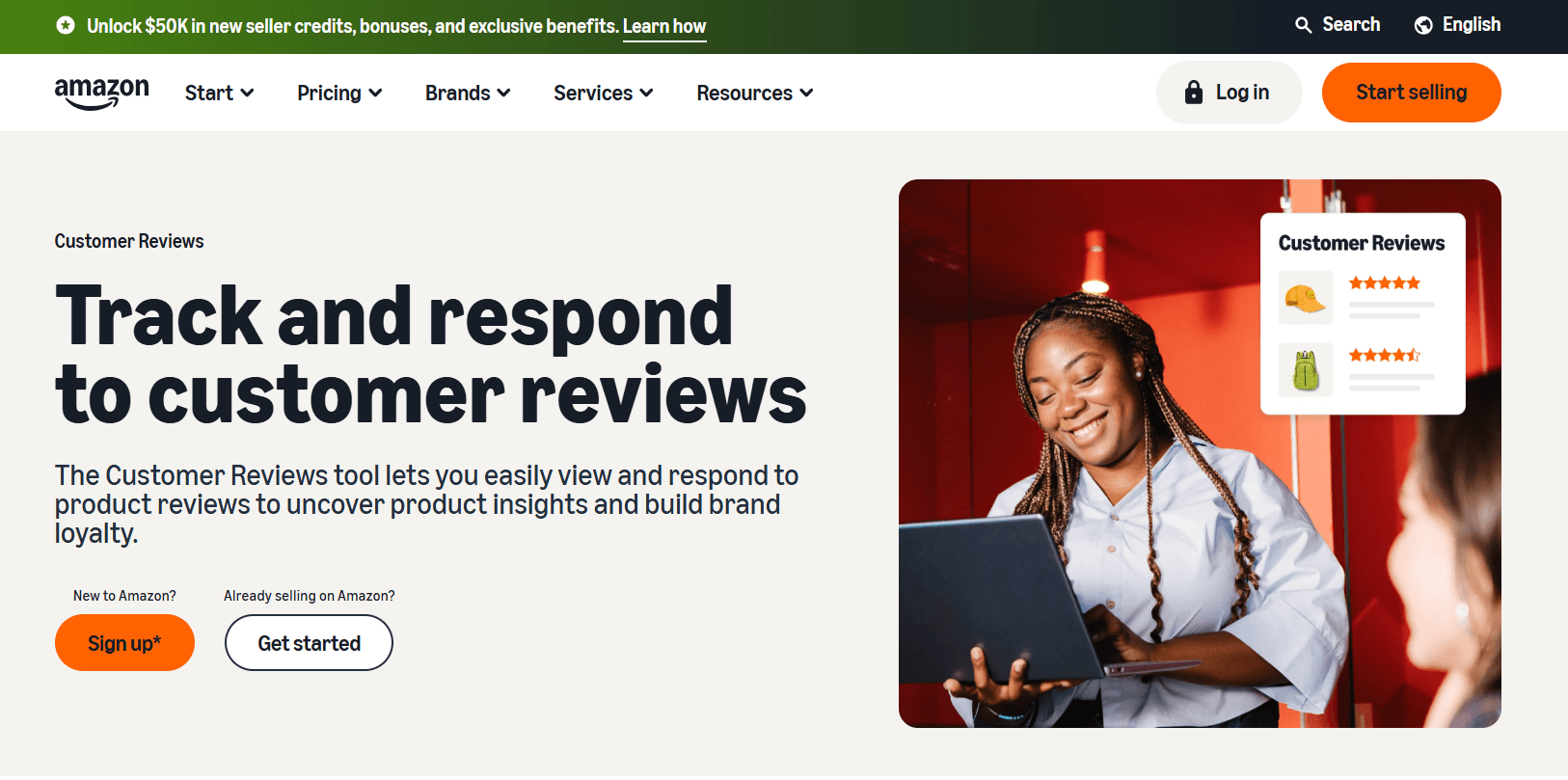
Amazon’s Customer Reviews tool is the official place to start for eligible brand owners.
It helps sellers view customer reviews and respond to critical concerns through Amazon-approved workflows. Because it is Amazon-native, it should be understood before adding third-party tools to the process.
Its main value is trust and compliance. Sellers can see review activity inside Amazon’s ecosystem and avoid building a review workflow only around outside dashboards.
The limitation is depth. Amazon’s official tool is not designed as a full competitor review intelligence platform or multi-source analytics system. Sellers who need deeper theme analysis, exports, competitor comparisons, or agency reporting may still need another layer.
Choose Amazon Customer Reviews when the priority is official review visibility and Amazon-native handling.
FeedbackWhiz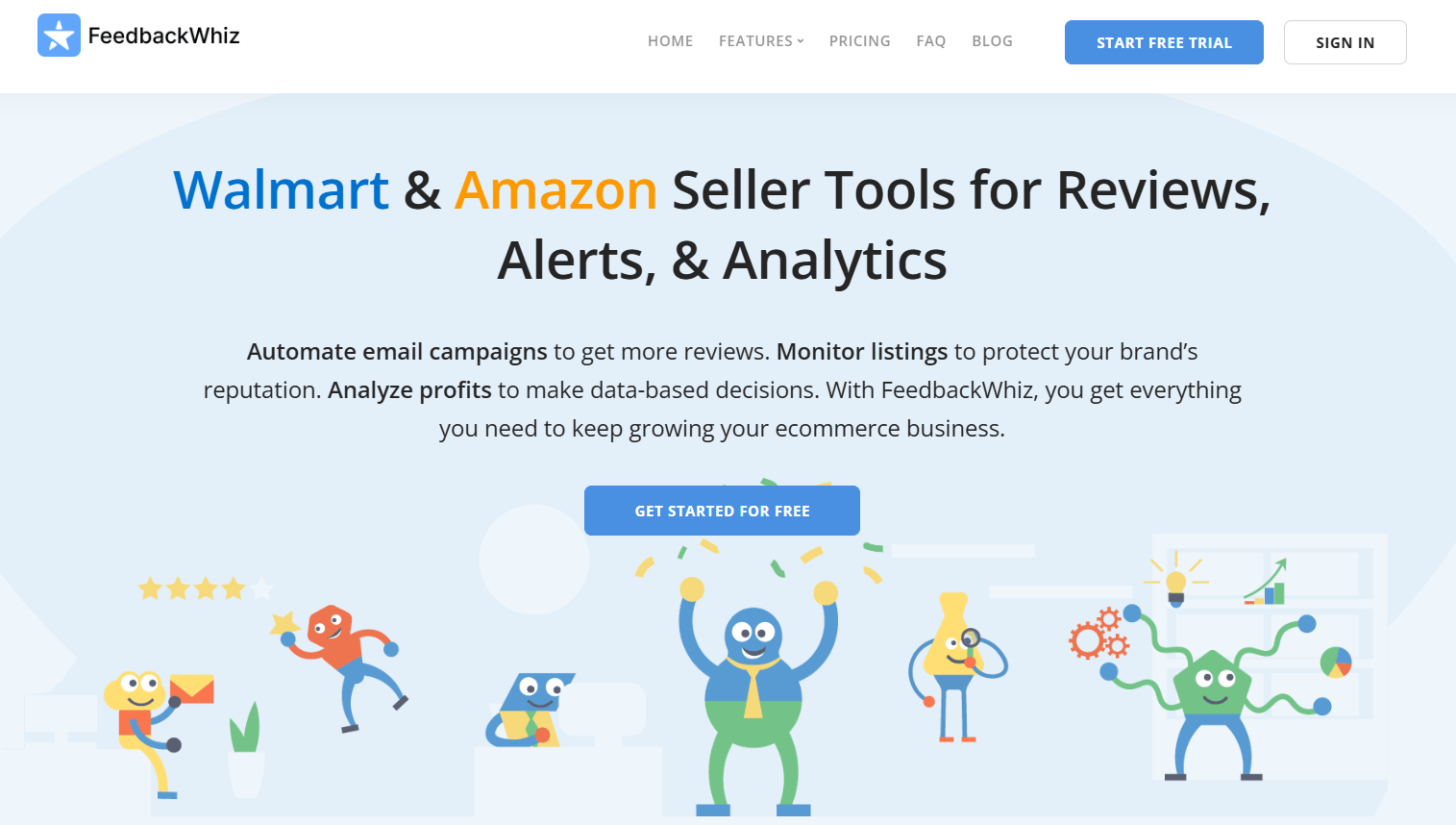
FeedbackWhiz is commonly used by Amazon and Walmart sellers who want review, feedback, and notification workflows in one operational stack.
It can help sellers monitor product reviews, seller feedback, order events, and store reputation signals. This makes it useful for private-label sellers who want alerts and follow-up visibility without building a custom workflow.
FeedbackWhiz is a better fit for operational monitoring than deep semantic review analysis. If the team mainly needs notifications, review management, and seller feedback visibility, it may be enough. If the team needs competitor theme analysis or product-development insight, compare it with a review intelligence platform.
Choose FeedbackWhiz when the team wants review and feedback alerts tied to day-to-day seller operations.
Sellerise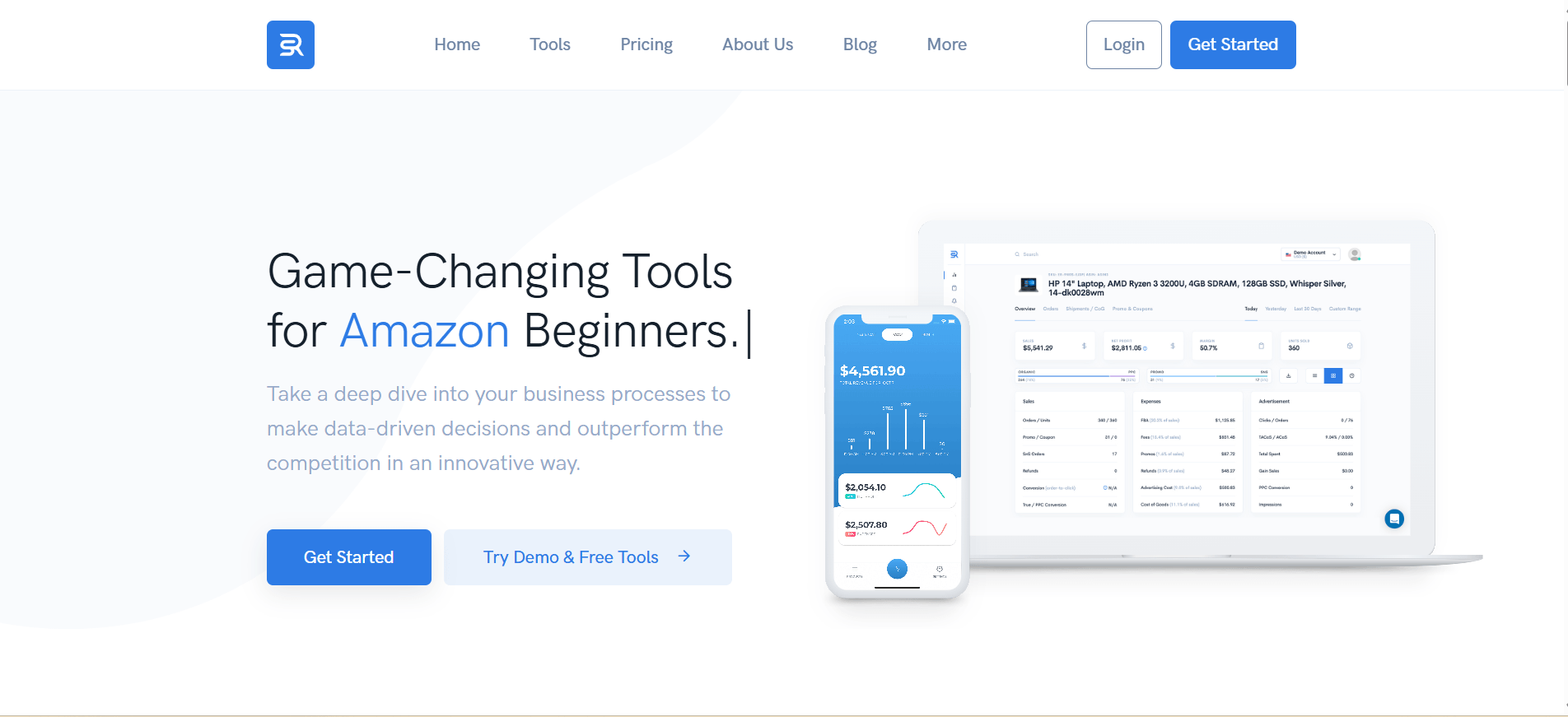
Sellerise is a broader Amazon seller toolkit, so review-related work sits alongside other operational features.
Sellerise may appeal to sellers who prefer fewer separate subscriptions and want review functions near tools for profit, inventory, listing work, alerts, and account operations. Its Review Requester is also relevant for sellers looking at review request workflows.
The main question is whether your team wants a focused review tracking product or a wider Amazon operations suite. A broader suite can reduce tool sprawl, but review analysis may not be as deep as a dedicated VOC or review intelligence workflow.
Choose Sellerise when review tracking is one part of a larger seller operations system.
Helium 10
Helium 10 is best known as a broad Amazon seller platform covering product research, keyword research, listing work, alerts, analytics, and operations.
Its Alerts feature is relevant for sellers who want monitoring around listing changes, review activity, inventory threats, hijacking risk, and other marketplace events. Sellers already using Helium 10 may prefer to keep review-related visibility near their existing Amazon data.
Helium 10 is not only a review tracking tool, so sellers should evaluate whether the review layer is detailed enough for their needs. It may work well for teams already using Helium 10 as their main seller suite, while teams focused mainly on review themes and competitor complaints may want a more specialized layer.
Choose Helium 10 when review visibility should sit inside a broader Amazon seller toolkit.
Jungle Scout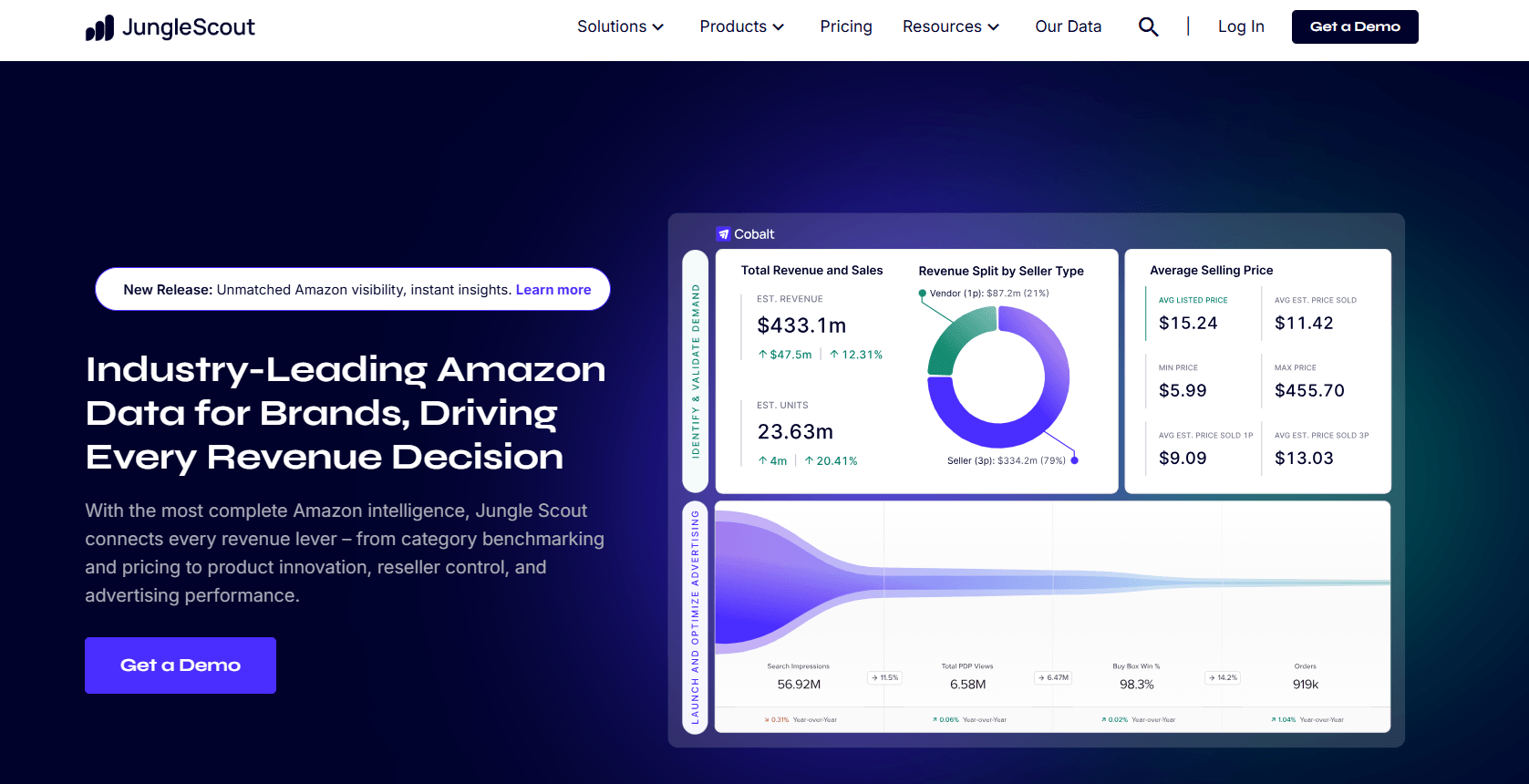
Jungle Scout is often considered by sellers who connect product research, market validation, and Amazon operations.
Its Review Automation workflow is relevant for sellers who want to automate eligible review requests through Amazon’s available process after connecting their Amazon account. This is different from review intelligence: the goal is not mainly to analyze buyer language, but to support review request operations.
Jungle Scout can make sense when reviews are part of a broader product research and seller workflow. A team using Jungle Scout for niche research may want review request visibility in the same environment.
Choose Jungle Scout when review activity is tied to product research, launch tracking, and order-based review request workflows.
DataHawk
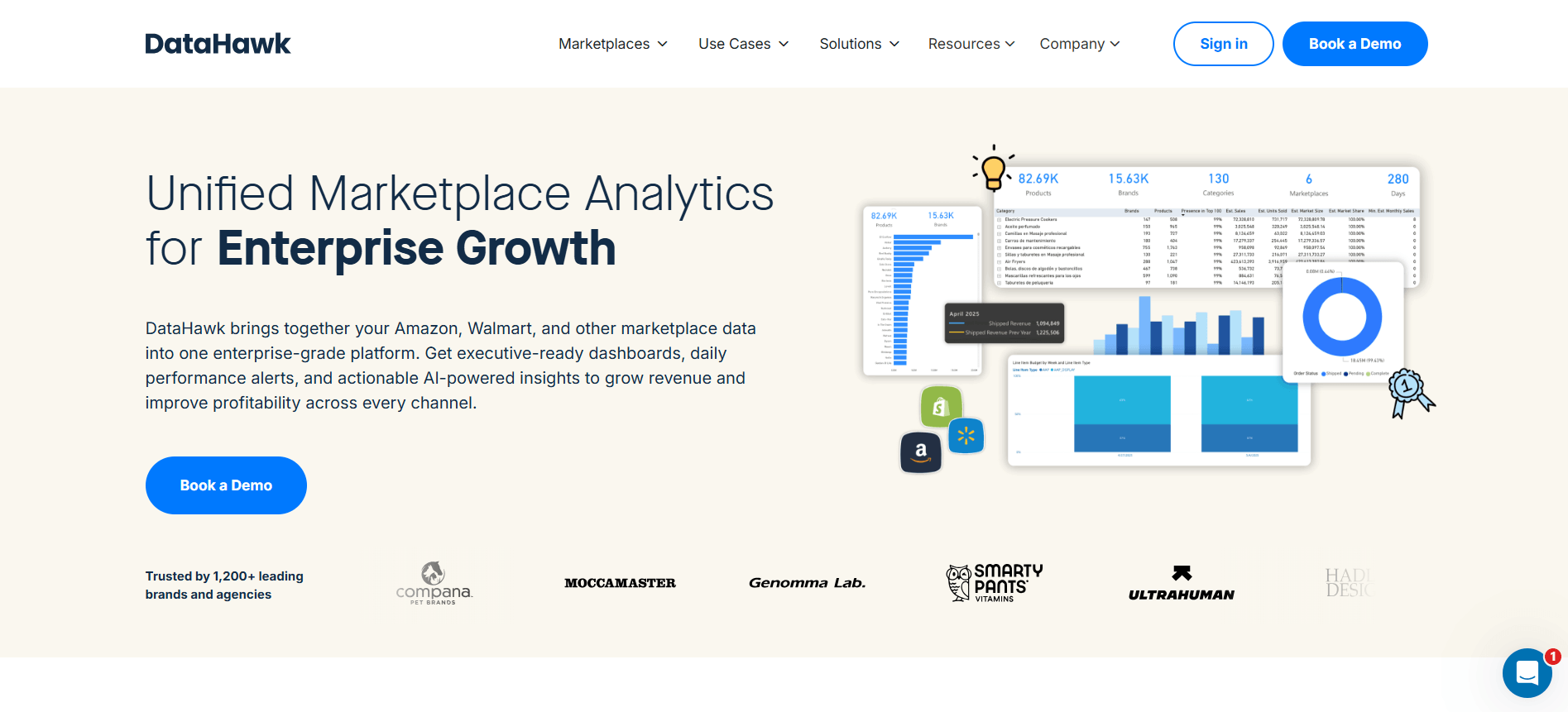 DataHawk is a marketplace analytics platform for teams that need dashboards, reporting, and multi-channel marketplace visibility.
It can be useful when review tracking is part of a wider analytics program across Amazon, Walmart, Shopify, and other commerce channels. DataHawk is especially relevant for agencies, enterprise sellers, and teams that need reporting across many products or accounts.
The key question is whether review data becomes actionable enough for product, listing, support, or brand teams. Dashboards are helpful only when they show what changed and who should act.
Choose DataHawk when the team needs review signals inside a larger marketplace analytics and reporting system.
When Review Tracking Becomes Review Intelligence
Review tracking tells sellers what happened. Review intelligence explains what it means.
A tracking workflow might say a product received three new low-star reviews. A review intelligence workflow should show whether those reviews point to packaging damage, missing parts, unclear instructions, wrong sizing expectations, or a competitor advantage.
That distinction matters for teams that want to improve the business rather than only monitor reputation.
A seller might use:
- Amazon Customer Reviews for official review visibility
- FeedbackWhiz or Sellerise for operational alerts
- Helium 10 or Jungle Scout for wider seller workflows
- DataHawk for reporting
- VOC AI for deeper review themes, sentiment, and competitor review analysis
The best stack is usually not the one with the most features. It is the one your team will actually use to change product, listing, support, or positioning decisions.
FAQ
What is an Amazon seller review tracking tool?
An Amazon seller review tracking tool helps sellers monitor new reviews, track rating movement, identify repeated feedback themes, and prioritize follow-up actions.
Do sellers need a third-party review tracking tool?
Eligible brand owners should start with Amazon’s official Customer Reviews tool. Third-party tools may be useful when sellers need faster alerts, review request workflows, competitor analysis, theme extraction, exports, or reporting.
What should sellers compare before choosing a tool?
Compare marketplace coverage, ASIN limits, alerting, review request features, theme analysis, competitor tracking, integrations, exports, and how easily the team can assign actions.
Are review tracking tools allowed on Amazon?
Review tracking and analysis tools can be used in compliant ways, but sellers remain responsible for following Amazon’s review and communication policies. Tools should not be used for pressure, incentives, review gating, or review manipulation.
Which tool is best for review intelligence?
VOC AI is a strong fit when the main need is review intelligence: theme analysis, sentiment, buyer language, competitor review comparison, and seller decision support. Sellers who mainly need alerts or review request workflows may prefer a different tool.
What is the difference between review tracking and review requests?
Review tracking monitors what buyers have already said. Review requests help sellers ask eligible buyers for reviews through approved workflows. Some tools support both, but they are different jobs.