Updated August 14, 2026: this article focuses on VOC analysis examples you can actually run, not the beginner-level definition of Voice of Customer analysis. If you need the general method first, start with the VOC analysis beginner guide. If you already know the basics, this piece shows how the workflow changes by decision.
VOC analysis examples are useful only when they help a team decide what to do next. That is the gap most search results miss. They explain what VOC analysis is, but they stop short of showing how the workflow changes when the question is onboarding friction, feature demand, support overload, review language, or churn risk.
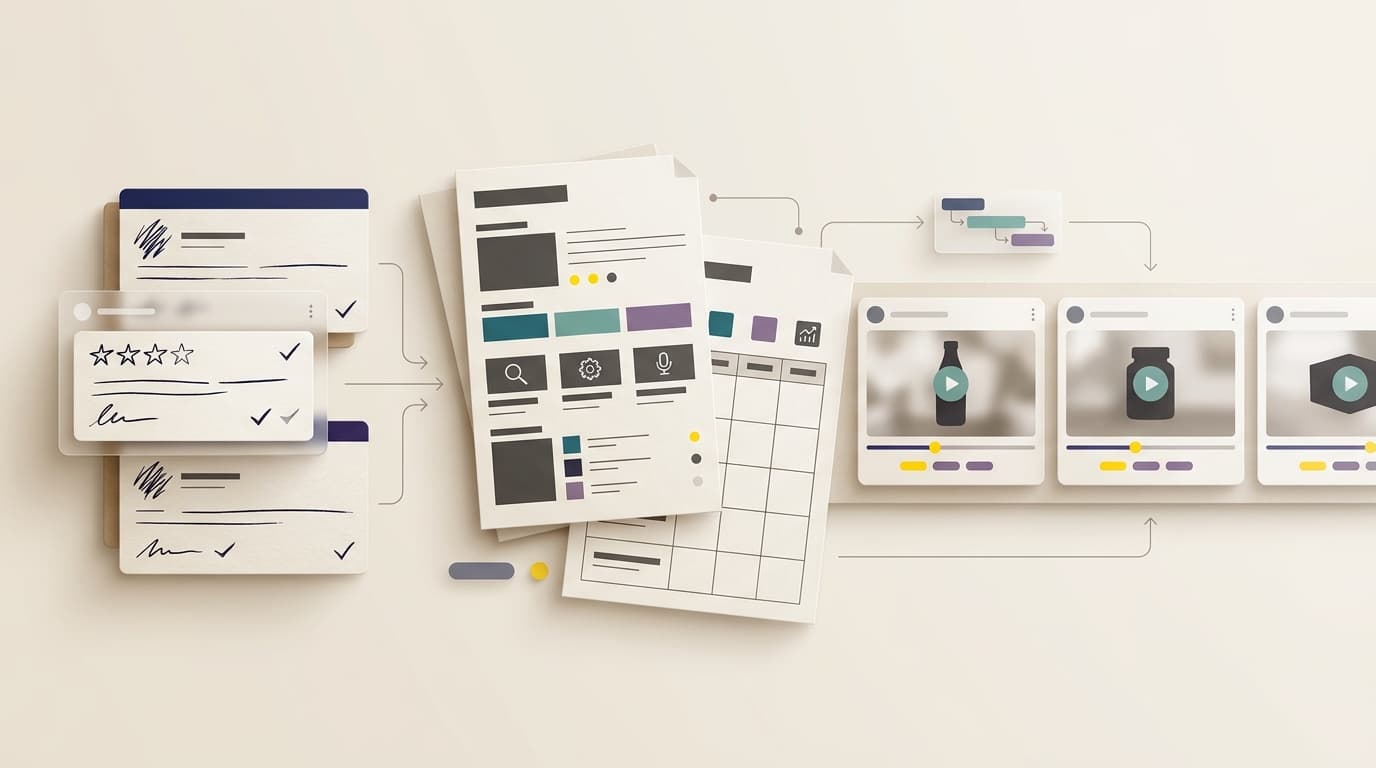
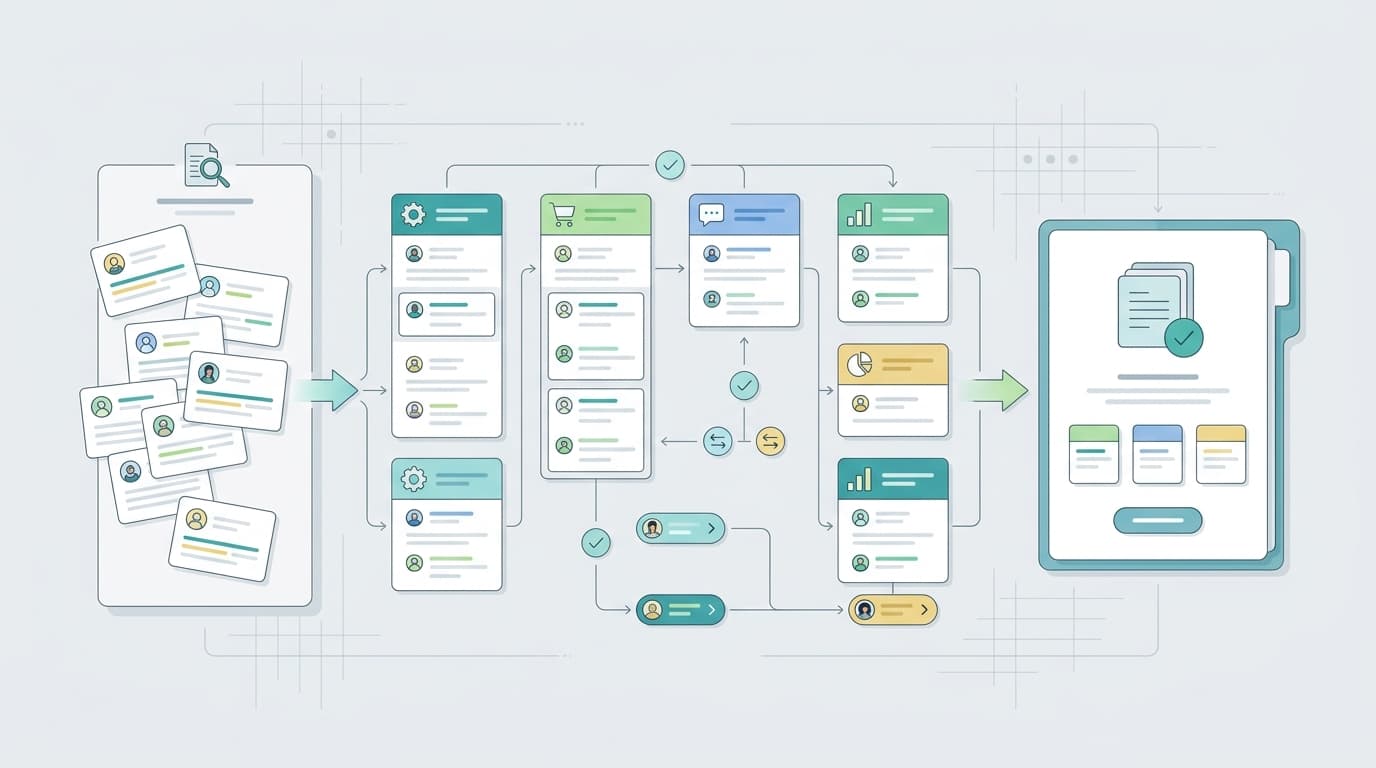
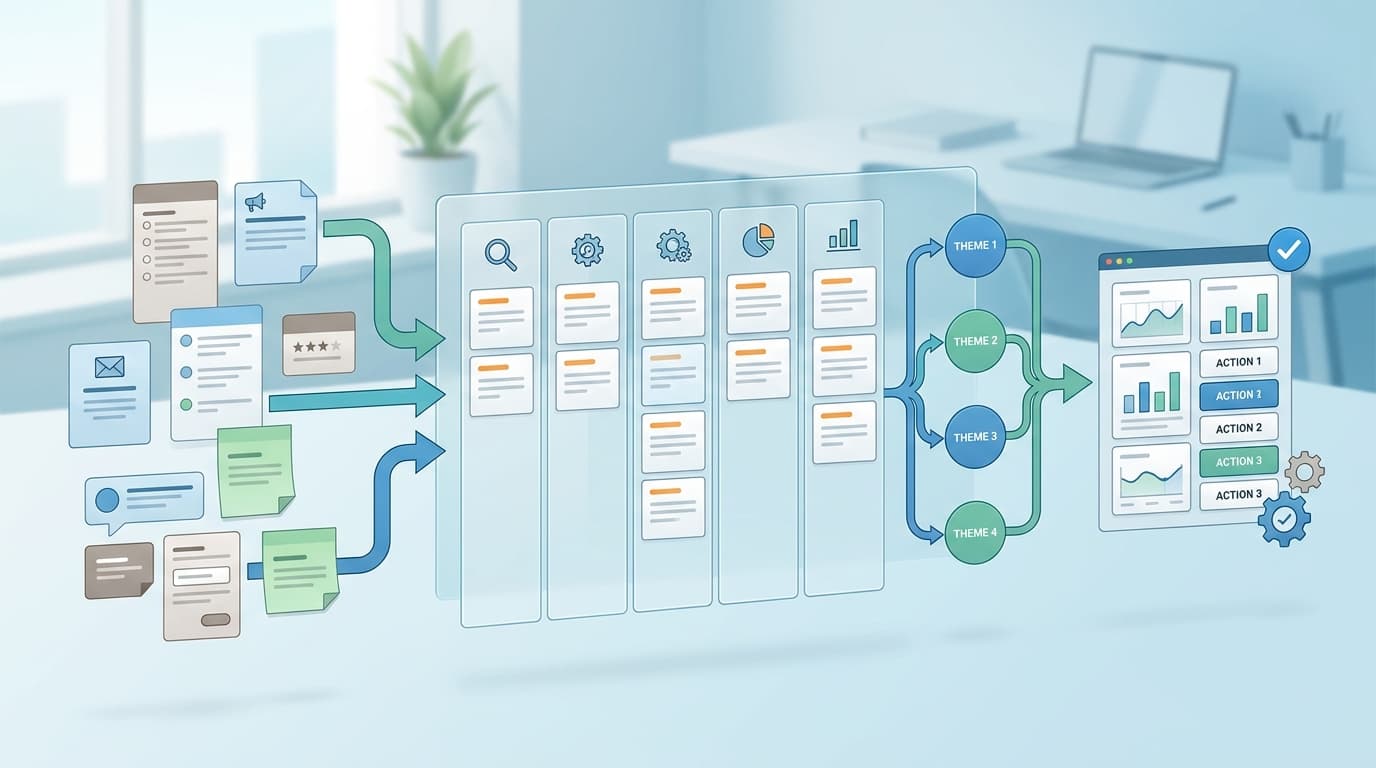
The practical version of VOC analysis has the same core shape every time: define one decision, gather the right evidence, code by situation instead of product area, compare supporting and contradictory signals, then hand the result to an owner. The difference is the input set and the output you want.
This guide gives you five VOC analysis workflows and examples you can reuse:
- onboarding friction
- feature request validation
- support-to-product routing
- review mining for messaging and product gaps
- churn or downgrade investigation
If you want the shortest summary: good VOC analysis examples do not just summarize feedback. They preserve context, expose contradictions, and end in a decision.
What good VOC analysis workflows have in common
Every strong VOC analysis workflow should answer five questions before you start coding anything:
- What decision will this analysis inform?
- Which customer situation is in scope?
- Which sources count as evidence?
- What would weaken the expected theme?
- Who owns the next action?
That is why a spreadsheet can be enough for one narrow VOC analysis example, while a larger recurring program may need a repository or platform. The workflow is the same; the operating controls change.
The VOC analysis quality checklist is useful once you already have a candidate theme and want to check whether it is strong enough to use. For choosing a system, the VOC analysis software evaluation guide is the better companion.
VOC analysis examples at a glance
| Workflow | Best for | Primary evidence | Typical output |
|---|---|---|---|
| Onboarding friction | Product and UX teams | Setup tickets, activation surveys, onboarding calls | One friction theme and a next-step experiment |
| Feature request validation | Product and growth teams | Feedback requests, sales notes, interviews | One job statement and a priority hypothesis |
| Support-to-product routing | Support, CX, and documentation teams | Support tickets, help searches, escalation notes | One issue brief, article fix, or product bug |
| Review mining | Marketing, product, and category teams | Reviews, ratings, competitor comments | One messaging or product-gap theme |
| Churn investigation | Customer success and retention teams | Cancellation notes, tickets, CSM records | One retention-risk theme with an owner |
1. Onboarding friction workflow
Use this VOC analysis workflow when new users get stuck before their first successful outcome.
Example inputs
- activation survey comments
- setup tickets
- onboarding call notes
- trial-abandonment reasons
Example workflow
- Pick one onboarding stage, such as account creation, team setup, or first publish.
- Group comments by the step that blocked progress.
- Separate clean setup problems from migration problems.
- Compare newer users with established teams.
- Write one theme card for the most repeated friction point.
Example output
| Evidence | Theme | Decision |
|---|---|---|
| “I can create an account, but the workspace settings still feel unclear.” | Setup dependency confusion | Test a guided setup path |
| “The tutorial shows the ideal flow, not the way our team already works.” | Migration mismatch | Add an existing-workflow onboarding path |
| “I do not know what changes will affect my teammates.” | Shared-state uncertainty | Add a dependency warning before configuration changes |
This is one of the clearest VOC analysis examples because the outcome is easy to name. Either the workflow removes friction or it does not.
2. Feature request validation workflow
Use this workflow when customers keep asking for a feature and you need to know whether the request reflects a real recurring job.
Example inputs
- feature-request comments
- sales call notes
- product interviews
- usage or workflow context
Example workflow
- Restate the request as a job, not a feature name.
- Ask what outcome the customer is trying to achieve.
- Group requests that solve the same underlying problem.
- Look for counterexamples from users who solved the job another way.
- Decide whether the request deserves discovery, a workaround, or a decline.
Example output
| Request | Underlying job | Better decision |
|---|---|---|
| “Export to CSV” | Share evidence outside the product | Test reporting export and formatting needs |
| “Add more filters” | Narrow the dataset before action | Validate the most-used filter combinations |
| “Show team usage by role” | Prove ownership and adoption | Check whether role-based reporting is a real decision need |
The point of this VOC analysis example is not to accept every request. It is to find the job that sits behind the request.
3. Support-to-product routing workflow
Use this workflow when support gets the same complaint over and over and the team wants to know whether the fix belongs in the product, help docs, or workflow design.
Example inputs
- support tickets
- help-center search terms
- escalation tags
- chatbot transcripts
Example workflow
- Cluster tickets by the action that failed.
- Separate knowledge gaps from product defects.
- Look for repeated workaround language.
- Match the issue to the team that can actually change it.
- Create a support or product action, not just a summary.
Example output
| Signal | Interpretation | Next action |
|---|---|---|
| “How do I invite my teammate?” repeated across tickets | Help-content gap | Update the support article and entry flow |
| “The filter disappears after refresh” repeated across tickets | Product defect | Open a bug or UX fix |
| “I thought the plan included this feature” repeated in sales and support | Expectation gap | Adjust copy, pricing explanation, or onboarding |
This is one of the most operational VOC analysis examples because the result should reduce repeat work as well as customer friction.
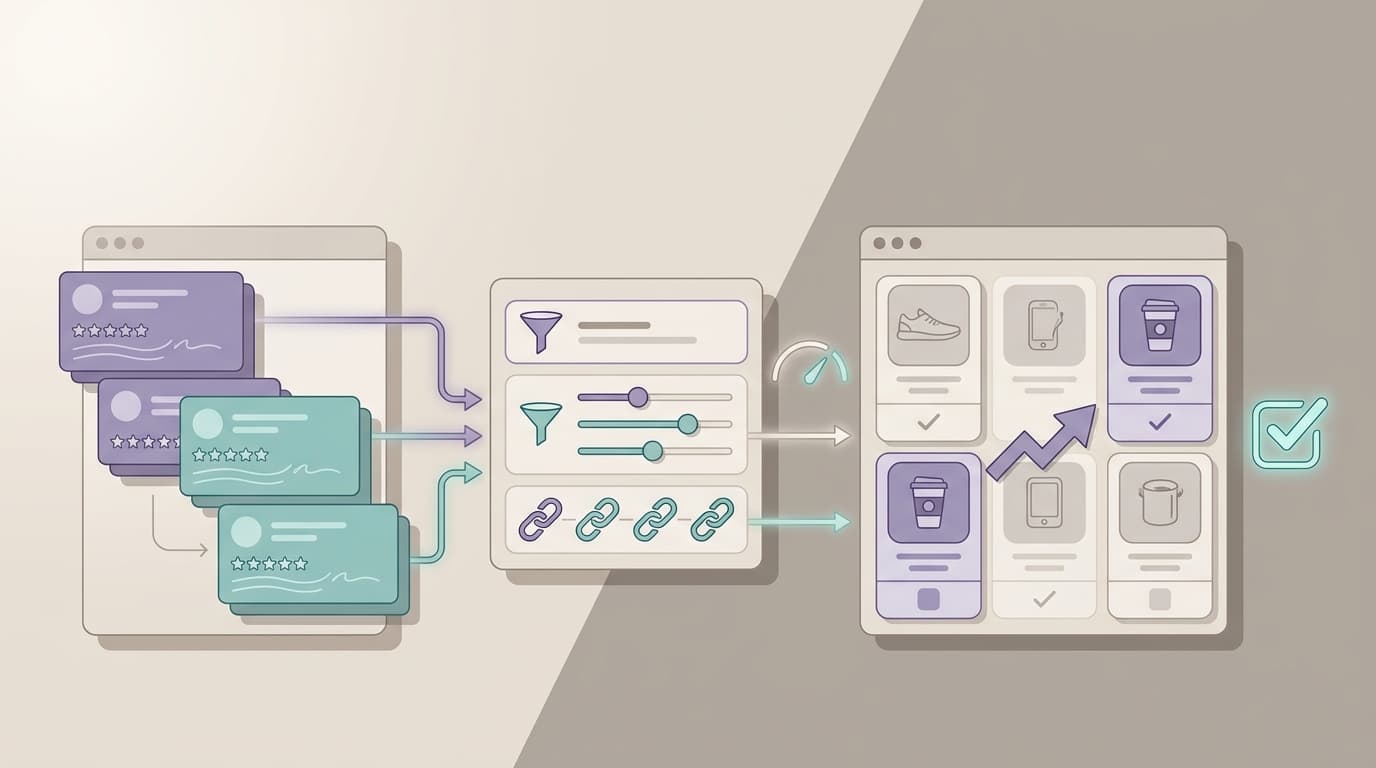
4. Review mining workflow
Use this workflow when you need to learn from public reviews or competitive feedback and translate it into product or messaging decisions.
Example inputs
- product reviews
- app-store or marketplace reviews
- competitor complaints
- praise and objections in comment threads
Example workflow
- Pull comments into themes by pain point, expectation, or feature mention.
- Separate complaints from praise.
- Look for language customers use before they buy.
- Compare repeated expectations against what the current page promises.
- Turn the strongest pattern into a message, roadmap, or positioning hypothesis.
Example output
| Review pattern | Meaning | Possible decision |
|---|---|---|
| Customers praise speed but complain about setup | Speed is not the full story | Show the setup path more clearly |
| Reviews mention missing exports | Reporting is part of the buying decision | Add export clarity to product pages |
| Competitor reviews complain about confusing workflow | Simplicity is a positioning advantage | Test a simpler workflow message |
VOC AI’s Voice of Customer Analysis page positions the product around clustering feedback by pain point, expectation, and feature mention, with the same dataset usable across dashboards, the agent, and the API. That is exactly the kind of operating model review mining benefits from.
5. Churn or downgrade investigation workflow
Use this workflow when you want to know why customers leave, reduce usage, or downgrade.
Example inputs
- cancellation notes
- customer-success calls
- support history
- downgrade reasons
Example workflow
- Identify the last meaningful customer friction before the drop-off.
- Group reasons by outcome, not sentiment.
- Compare churned accounts with retained accounts from the same segment.
- Look for a repeated trigger, not just a complaint.
- Decide whether the next step is retention work, product work, or research.
Example output
| Trigger | Likely meaning | Example action |
|---|---|---|
| “We never got the team aligned on the workflow” | Adoption failure | Add a guided rollout or enablement flow |
| “The value is there, but the setup is too heavy” | Time-to-value problem | Simplify onboarding or reduce manual steps |
| “We only needed it for one project” | Temporary-use pattern | Reframe plan or lifecycle messaging |
This VOC analysis example is strongest when you can pair it with retained accounts that faced the same setup but did not churn. That comparison often changes the conclusion.
Which workflow should you start with?
| Team goal | Start here | Why |
|---|---|---|
| Reduce new-user drop-off | Onboarding friction | The problem is early, visible, and actionable |
| Decide whether to build a feature | Feature request validation | It separates requests from real jobs |
| Lower repeat support volume | Support-to-product routing | It gives support a clear action path |
| Improve product messaging | Review mining | It shows how customers describe value in their own words |
| Reduce churn | Churn investigation | It ties feedback to revenue loss and retention risk |
If you are still choosing the right scope, start with the VOC analysis beginner worksheet. If you need the general method that sits behind all of these VOC analysis examples, go back to the VOC analysis beginner guide.
When software becomes worth it
A spreadsheet is enough for one narrow VOC analysis example. Software becomes useful when the same workflow has to run repeatedly, at larger volume, or across multiple teams.
The right tool should preserve the original source, keep the evidence searchable, let humans review contradictions, and connect themes to owners. VOC AI’s pricing page currently shows a free trial and paid plans for people who want to test that workflow before committing to a larger rollout. See pricing for the current plan structure.
If you are comparing tools, the customer feedback analysis software guide is the better commercial companion to this article. It helps you compare evidence quality, routing, and decision support instead of just summary output.
FAQ
What is the difference between VOC analysis and VOC examples?
VOC analysis is the process. VOC analysis examples are specific workflows that show how the process changes by decision, source, and output.
Do I need a large dataset?
No. A strong VOC analysis example can start with a small, bounded evidence set if the decision is clear and the source context is preserved.
Can AI help with VOC analysis?
Yes, especially for clustering, retrieval, and first-pass labeling. Human review still matters for scope, contradictions, and the final decision.
What makes a VOC analysis example useful?
It should show the input sources, the workflow, the theme, the contradiction check, and the decision the team can make next.
Sources and related reading
- VOC analysis beginner guide
- VOC analysis beginner worksheet
- VOC analysis quality checklist
- VOC analysis software evaluation guide
- How to Prioritize Customer Feedback
- VOC AI Voice of Customer Analysis
- VOC AI Pricing
Start with one decision, one evidence set, and one workflow. That is usually enough to turn a VOC analysis example from a summary into a decision.