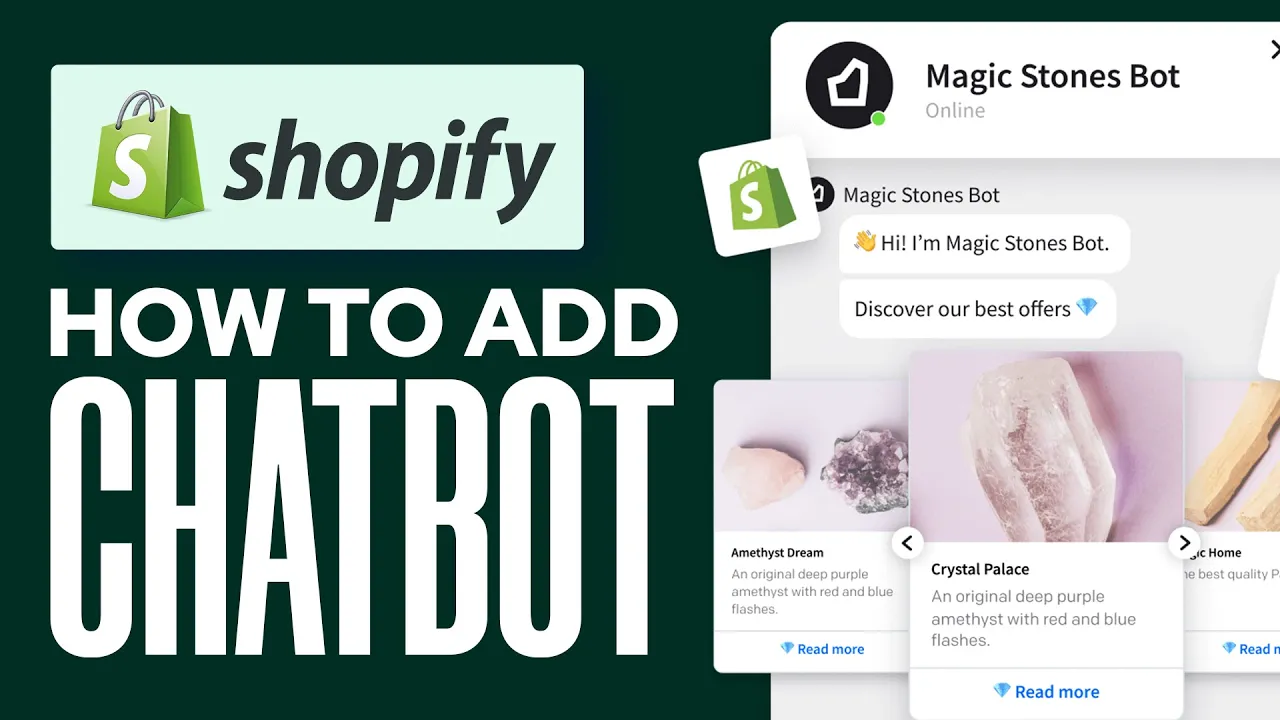
🤖 Cómo crear un chatbot para tu sitio web de Shopify
¿Estás buscando agregar un chatbot a tu sitio web de Shopify? Los chatbots son una excelente manera de brindar soporte al cliente y interactuar con tus clientes. En este artículo, te mostraremos cómo crear un chatbot para tu sitio web de Shopify paso a paso.
Tabla de contenidos
- 🤖 Introducción
- 🛍️ Agregar un chatbot a tu tienda de Shopify
- 📱 Instalar la aplicación TDO Chatbot
- 🎨 Configurar tu chatbot
- 🤝 Interactuar con tus clientes
- 🎉 Configurar tu primer chatbot
- 🌟 Agregar el widget del chatbot a tu sitio web
- 💬 Simular una conversación
- 🤔 Contratar personas para ayudarte
- 🙋♀️ Conclusión
🛍️ Agregar un chatbot a tu tienda de Shopify
Agregar un chatbot a tu tienda de Shopify puede ayudarte a brindar un mejor soporte al cliente y aumentar la interacción con tus clientes. Hay muchas aplicaciones de chatbot disponibles en la Tienda de aplicaciones de Shopify, pero recomendamos usar la aplicación TDO Chatbot.
📱 Instalar la aplicación TDO Chatbot
Para instalar la aplicación TDO Chatbot, ve a la sección de Shopify, luego ve a Aplicaciones y después ve a Aplicaciones recomendadas. Desplázate hacia abajo hasta encontrar la Tienda de aplicaciones de Shopify y busca "chatbot". Selecciona la aplicación TDO Chatbot e instálala.
🎨 Configurar tu chatbot
Después de instalar la aplicación TDO Chatbot, debes configurar tu chatbot. Elige un nombre, esquema de color y avatar para tu chatbot. Establece el idioma del chat en inglés y selecciona las áreas de soporte que utilizarás. Especifica tu industria y la cantidad de clientes que tuviste el último mes.
🤝 Interactuar con tus clientes
Cuando los clientes ingresen a tu sitio, puedes interactuar con ellos enviándoles un código de descuento o saludándolos cordialmente. Recomendamos saludarlos cordialmente al principio.
🎉 Configurar tu primer chatbot
Después de configurar tu chatbot, configura tu primer chatbot. Elige cómo quieres interactuar con tu negocio cuando los clientes ingresen a tu sitio. Puedes enviarles un código de descuento o saludarlos cordialmente.
🌟 Agregar el widget del chatbot a tu sitio web
Para agregar el widget del chatbot a tu sitio web, ve al editor de temas de Shopify y habilita el Widget de chat TDO. Guarda los cambios y vuelve al panel de TDO. Inicia una conversación gratuita para probar tu chatbot.
💬 Simular una conversación
Simula una conversación con tu chatbot para probarlo. Ingresa tu correo electrónico y solicita ayuda. Tu chatbot debería responder y brindar asistencia.
🤔 Contratar personas para ayudarte
Si necesitas ayuda para resolver problemas, puedes contratar personas para ayudarte. Dales acceso a tu panel de chatbot y permíteles asistir a tus clientes.
🙋♀️ Conclusión
Agregar un chatbot a tu sitio web de Shopify puede ayudarte a brindar un mejor soporte al cliente y aumentar la interacción con tus clientes. Esperamos que este artículo haya sido útil para mostrarte cómo crear un chatbot para tu sitio web de Shopify.
Pros y contras
Pros:
- Brinda un mejor soporte al cliente
- Aumenta la interacción con los clientes
- Puede ahorrar tiempo y reducir la carga de trabajo en el servicio al cliente
Contras:
- Puede no ser adecuado para todos los negocios
- Requiere tiempo y esfuerzo para configurar
Aspectos destacados
- Agregar un chatbot a tu sitio web de Shopify puede ayudarte a brindar un mejor soporte al cliente y aumentar la interacción con tus clientes.
- La aplicación TDO Chatbot es una excelente opción para agregar un chatbot a tu sitio web de Shopify.
- Configurar tu chatbot implica elegir un nombre, esquema de color y avatar, establecer el idioma del chat y seleccionar las áreas de soporte que utilizarás.
- Simular una conversación con tu chatbot puede ayudarte a probarlo y asegurarte de que funcione correctamente.
Preguntas frecuentes
P: ¿Qué es un chatbot?
R: Un chatbot es un programa de computadora diseñado para simular conversaciones con usuarios humanos, especialmente a través de internet.
P: ¿Por qué debería agregar un chatbot a mi sitio web de Shopify?
R: Agregar un chatbot a tu sitio web de Shopify puede ayudarte a brindar un mejor soporte al cliente y aumentar la interacción con tus clientes.
P: ¿Qué es la aplicación TDO Chatbot?
R: La aplicación TDO Chatbot es una aplicación de chatbot disponible en la Tienda de aplicaciones de Shopify que se puede utilizar para agregar un chatbot a tu sitio web de Shopify.
P: ¿Cómo configuro mi chatbot?
R: Para configurar tu chatbot, elige un nombre, esquema de color y avatar, establece el idioma del chat y selecciona las áreas de soporte que utilizarás.
P: ¿Cómo simulo una conversación con mi chatbot?
R: Para simular una conversación con tu chatbot, ingresa tu correo electrónico y solicita ayuda. Tu chatbot debería responder y brindar asistencia.
Recursos:
- Aplicación TDO Chatbot: https://apps.shopify.com/tdo-chatbot
- VOC AI Chatbot: https://www.voc.ai/product/ai-chatbot


